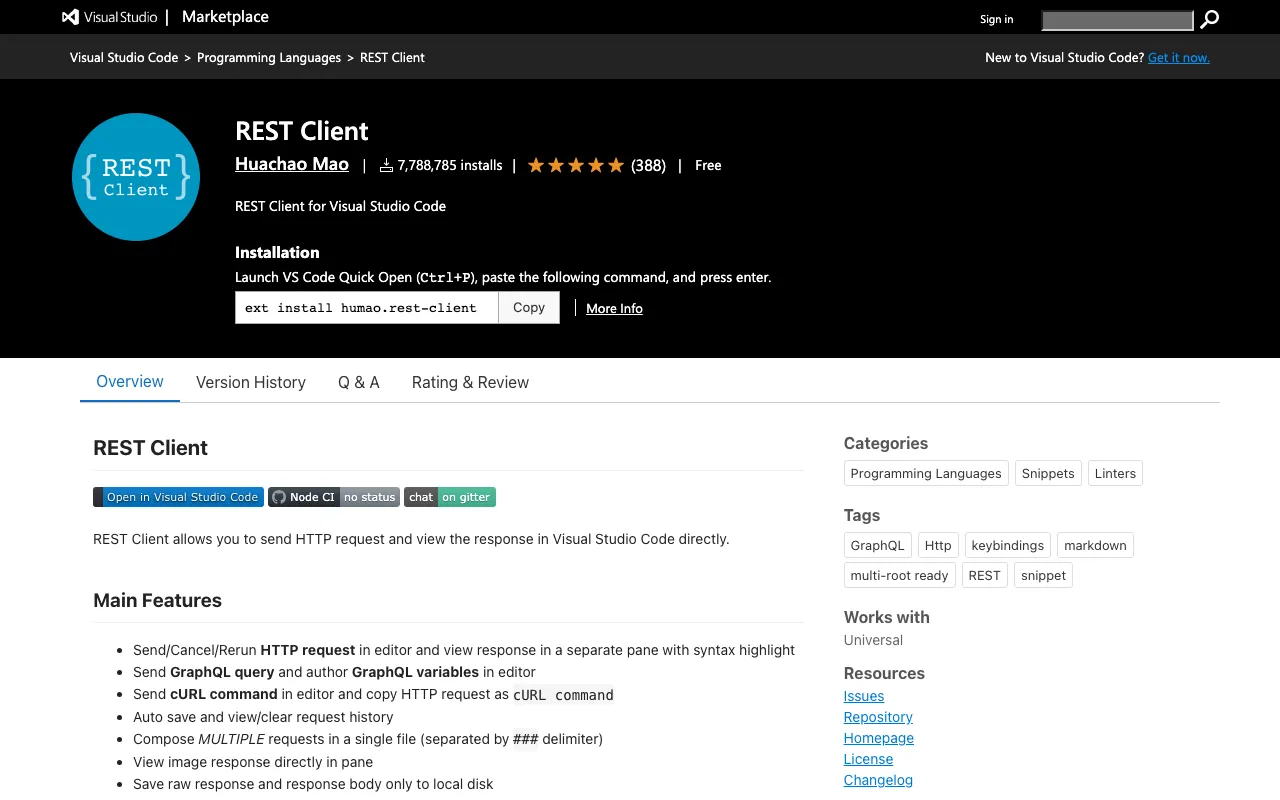
REST Client sends HTTP, GraphQL, and cURL requests from editor files and shows highlighted responses, variables, auth, and history in VS Code.
Overview
REST Client is a Visual Studio Code extension for sending HTTP requests and reading responses inside the editor. It targets developers who want to exercise REST or GraphQL APIs without a separate desktop client, using .http or .rest files or plaintext HTTP snippets.
You compose requests with a request line, headers, and body; separate multiple requests with ### delimiters; and send via editor links or shortcuts. Responses open in a dedicated pane with syntax highlighting, optional untitled-document preview, timing and size details in the status bar, image preview, fold controls, and save-to-disk actions for full responses or bodies only.
The extension supports GraphQL queries and variables, running or copying cURL, request history, cancel and rerun commands, environment and custom variables with autocomplete, and code snippet generation for languages such as Python and JavaScript. Authentication options include Basic and Digest auth, SSL client certificates, Azure AD tokens, Microsoft identity platform, AWS Signature v4, and AWS Cognito.
HTTP language mode adds highlighting, completion, comments, CodeLens send links, and markdown fenced http blocks. Variables can come from environment files, prompts, files, and built-in dynamic helpers such as GUID, timestamp, and process environment lookups.
Key features
- Send HTTP requests from .http files
- GraphQL query and variables support
- cURL import and copy as cURL
- Multiple requests per file
- Environment and custom variables
- Several authentication schemes
- Request history and rerun
- Generate code snippets from requests
Use cases
- Test REST APIs while coding
- Share request collections in git
- Call GraphQL endpoints from the editor
- Prototype authenticated API calls


 Postman