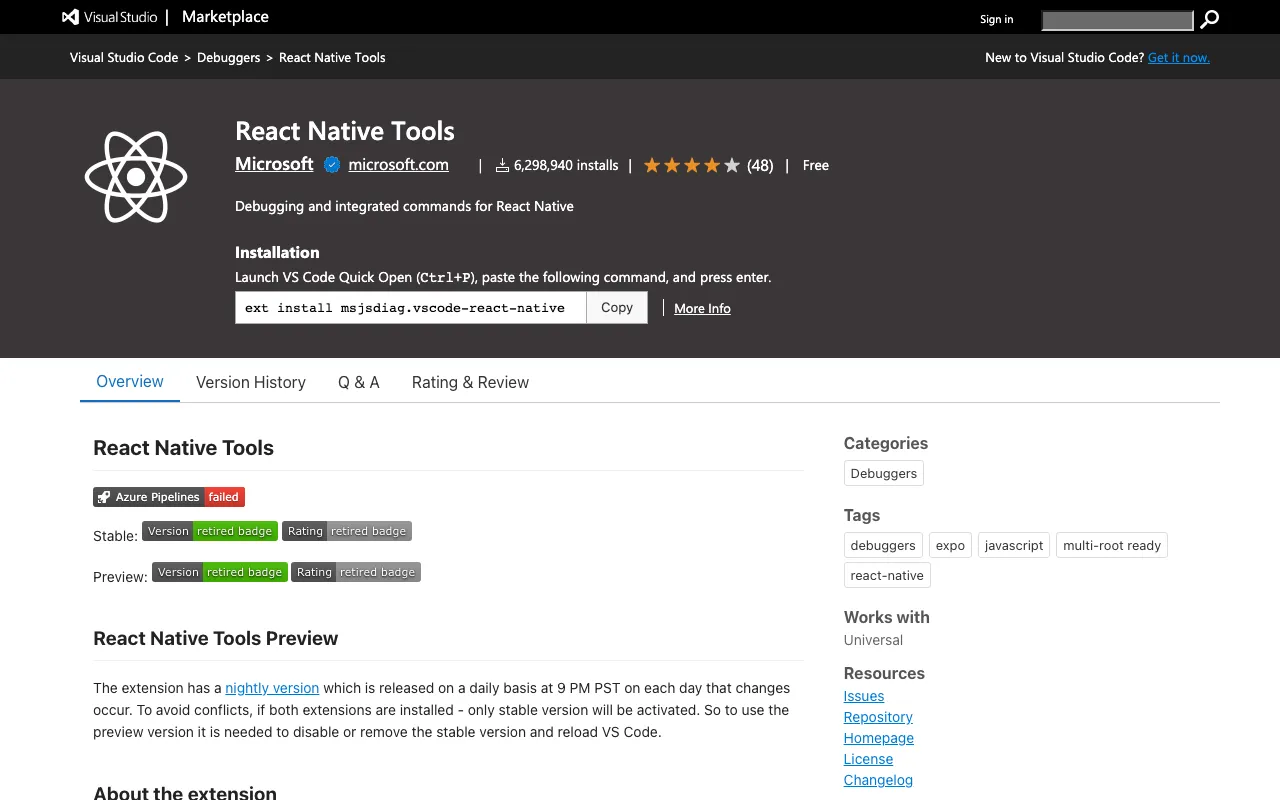
React Native Tools adds debugging, Metro packager controls, and palette commands to run React Native, Expo, and platform-specific targets from VS Code.
Overview
React Native Tools is a Visual Studio Code extension that provides a development environment for React Native and Expo projects. It lets you debug applications and launch common react-native and expo workflows from the command palette instead of only from a terminal.
Debugging supports multiple devices and configurations via launch.json or dynamic debug entries, including Hermes-focused flows for Android, iOS, Windows, and macOS targets, Expo Go, expo-dev-client, Expo Web, and scenarios outside the default project root. The extension stores interim debug artifacts under .vscode/.react at the project root.
Command palette actions cover launching emulators, running on simulators or physical devices, starting and restarting Metro, LogCat monitoring on Android, a network inspector, environment checks via doctor commands, Expo prebuild, EAS-related helpers, Hermes toggles, and CocoaPods install for iOS. Tasks can invoke extension commands through VS Code tasks.json.
A nightly preview build is published separately; if both stable and preview are installed, only the stable extension activates until the stable copy is disabled. Documentation notes Docker-based development and optional element inspection features described on the marketplace overview.
Key features
- React Native and Expo debugging
- Hermes attach and direct debugging
- Metro packager start and restart
- Run on Android and iOS targets
- Expo Go and dev client support
- Windows and macOS RN targets
- Android LogCat monitor
- Network inspector commands
Use cases
- Debug React Native apps in VS Code
- Launch Expo projects from the editor
- Control Metro without a separate terminal
- Run on emulators and physical devices