
Scrcpy
Android screen mirror and control from desktop
scrcpy shows Android device video and audio over USB or TCP/IP and forwards keyboard and mouse input. It needs no root or on-device app and runs on Linux, Windows, and macOS.
Cross-platform Android screen mirror and control
QtScrcpy displays and controls Android devices over USB or Wi‑Fi without root. It targets low latency mirroring with keyboard, mouse, recording, and multi-device options on Linux, Windows, and macOS.
QtScrcpy streams an Android device screen to a desktop and forwards keyboard and mouse input in real time. Connections work over USB after enabling ADB debugging or over the local network once wireless adb is started from an initial USB session.
The client emphasizes a lightweight viewer, configurable resolution and bitrate, optional background recording, clipboard sync, drag-and-drop APK install, and file transfer into the device sandbox. Custom keymap scripts map PC keys to touch events for games and apps, with defaults provided for some titles.
Multiple devices can connect concurrently, and group control can send the same input to every linked phone. Screen capture saves PNG screenshots or video according to user settings. The implementation reuses scrcpy’s server model while using Qt and OpenGL for rendering and an asynchronous C++ design.
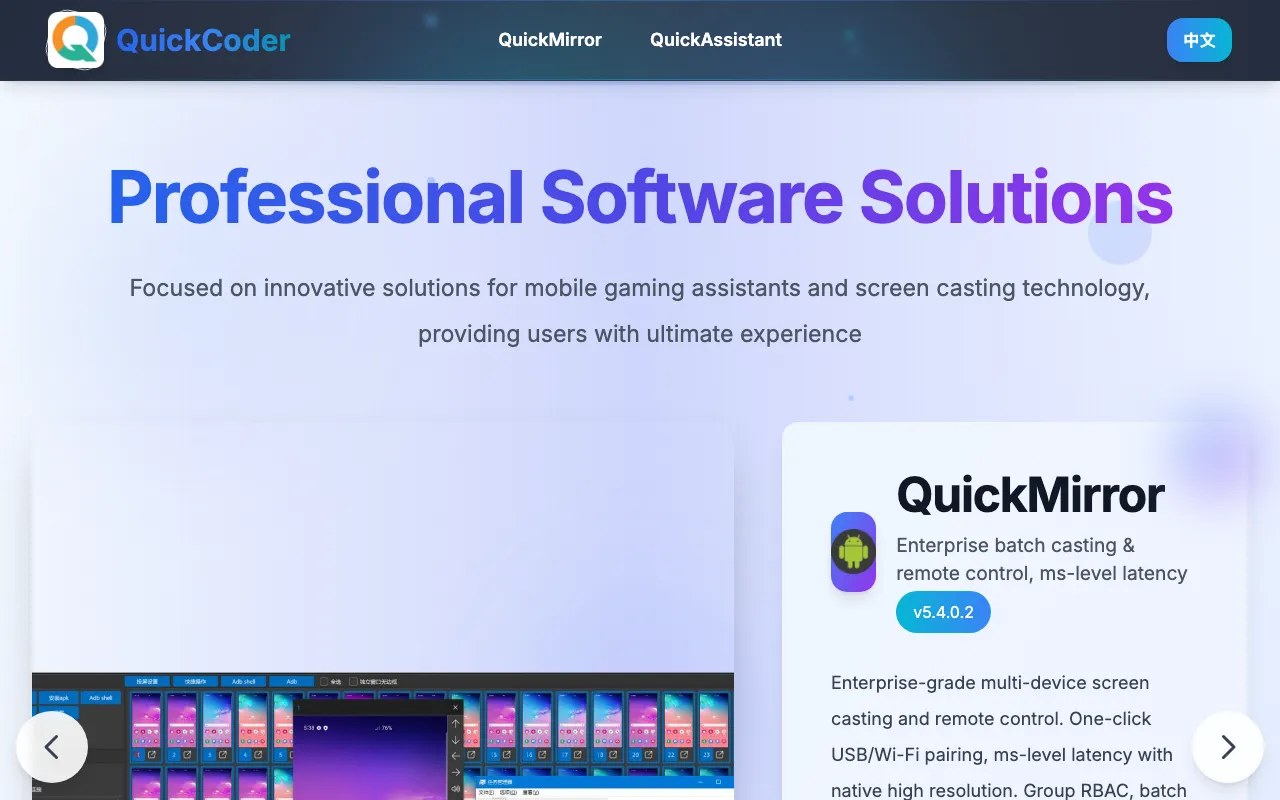
Prebuilt release archives bundle dependencies including ADB on Windows, macOS, and Linux. Android 5.0 or newer is required on the phone side. The author also offers separate commercial QuickMirror and QuickAssistant products with batch casting features beyond this open client.
Android screen mirror and control from desktop
scrcpy shows Android device video and audio over USB or TCP/IP and forwards keyboard and mouse input. It needs no root or on-device app and runs on Linux, Windows, and macOS.

Open-source remote desktop with optional self-hosted servers
RustDesk is remote desktop software for Windows, macOS, Linux, and Android that can connect through project relay servers or infrastructure you run yourself.
Self-deployed reverse proxy for NAT and firewall bypass
frp pairs a public-facing frps server with frpc clients to expose TCP, UDP, HTTP, and HTTPS services behind NAT or firewalls, including P2P connect mode.

Self-hosted Moonlight game streaming host with hardware encoding
Sunshine runs on your machine as a self-hosted streaming host for Moonlight clients, capturing the desktop and encoding video with GPU or software paths.

WireGuard-based mesh VPN with identity-aware device connectivity
Tailscale builds private WireGuard networks so your devices can reach each other securely. It targets easier setup than traditional VPNs for individuals, teams, and infrastructure access.

QEMU-based virtual machines for Mac, iPhone, and iPad
UTM emulates and virtualizes guest operating systems on Apple devices, including Windows and Linux on Mac, with a separate slower edition for iOS without jailbreak.