qmetrics.net

Pretty Ts Errors

Readable TypeScript error formatting for VS Code

IDEs & Code EditorsDesktop/CLI app
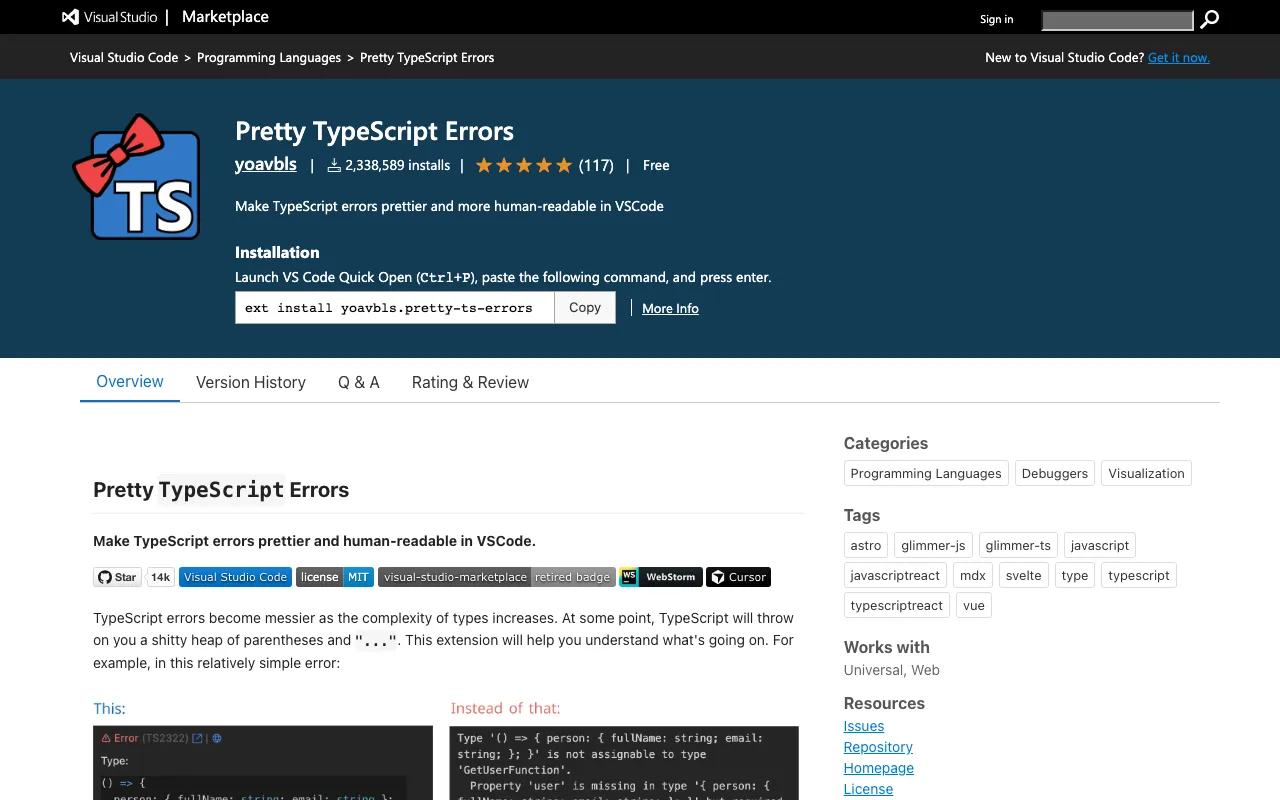
Pretty Ts Errors screenshot

Pretty TypeScript Errors is a Visual Studio Code extension that reformats TypeScript diagnostics into clearer, syntax-highlighted messages. It targets complex type errors that are hard to read in the default UI.

Overview

The extension improves how TypeScript errors appear inside VS Code when types grow large or heavily nested. It applies theme-aware syntax highlighting to type fragments in messages and can add navigation affordances next to types in the output.

Supported contexts include Node and Deno TypeScript reporting in .ts files, JSDoc type errors in JavaScript, framework errors in TSX and MDX, and Astro, Svelte, and Vue when TypeScript is enabled. Ember and Glimmer diagnostics from Glint in template-related files are also covered.

Install from the VS Code marketplace by searching for pretty-ts-errors or via the documented install command. Optional setup steps describe how to hide original errors or adjust copy behavior around VS Code markdown limitations.

The author notes custom TextMate grammar work and styling workarounds because error payloads include non-valid TypeScript type fragments and because VS Code restricts some markdown styling choices.

Key features

  • Syntax-highlighted types in errors
  • Light and dark theme support
  • Jump to type declarations
  • Links to external error explainers
  • Multi-framework TypeScript support
  • JSDoc error highlighting
  • Glint template error support
  • VS Code marketplace distribution

Use cases

  • Debugging complex TypeScript types
  • Reading React or Vue TS errors
  • Working with Deno TypeScript projects
  • Understanding JSDoc type failures
  • Teaching TypeScript error messages

Tags

Similar software

Visual Studio Code

Extensible editor for edit-build-debug workflows

Visual Studio Code combines a lightweight code editor with navigation, debugging, and an extension model. Builds are available for Windows, macOS, and Linux, with a browser-based option.

★ 195.8k⟳ todayMIT
AI Assisted CodingDesktop/CLI app
Open Source Alternative to:Windsurf

Orca

Agent development environment for parallel coding agents

Orca is a cross-platform agent IDE where you run CLI coding agents in chat or terminal, split work across isolated git worktrees, and coordinate bots from Slack, Linear or GitHub

★ 142.2k⟳ todayMIT
AI Assisted CodingDesktop/CLI app
Open Source Alternative to:CodiumateWindsurf

Neovim

Extensible Vim-based terminal text editor

Neovim refactors Vim for easier maintenance, stronger extensibility, and modern UIs. It keeps Vim's editing model while adding Lua config, LSP, and a language-agnostic RPC API.

★ 104k⟳ todayApache-2.0 · open core
IDEs & Code EditorsDesktop/CLI app

Zed

Multiplayer open-source code editor with optional AI

Zed is a multiplayer code editor for macOS, Linux, and Windows. It comes from the creators of Atom and Tree-sitter.

★ 95.8k⟳ todayApache-2.0
AI Assisted CodingDesktop/CLI app

MarkText

Real-time preview Markdown editor for desktop

MarkText is a desktop Markdown editor with live WYSIWYG preview, themes, and export. It runs on Linux, macOS, and Windows.

★ 64.4k⟳ 5 days agoMIT
IDEs & Code EditorsDesktop/CLI app
Open Source Alternative to:Typora

ImHex

Feature-rich hex editor for reverse engineering and binary analysis

ImHex is a desktop hex editor aimed at reverse engineers and developers. It combines editing, pattern-based parsing, visualization, and disassembly in one interface.

★ 56.1k⟳ yesterdayGPL-2.0