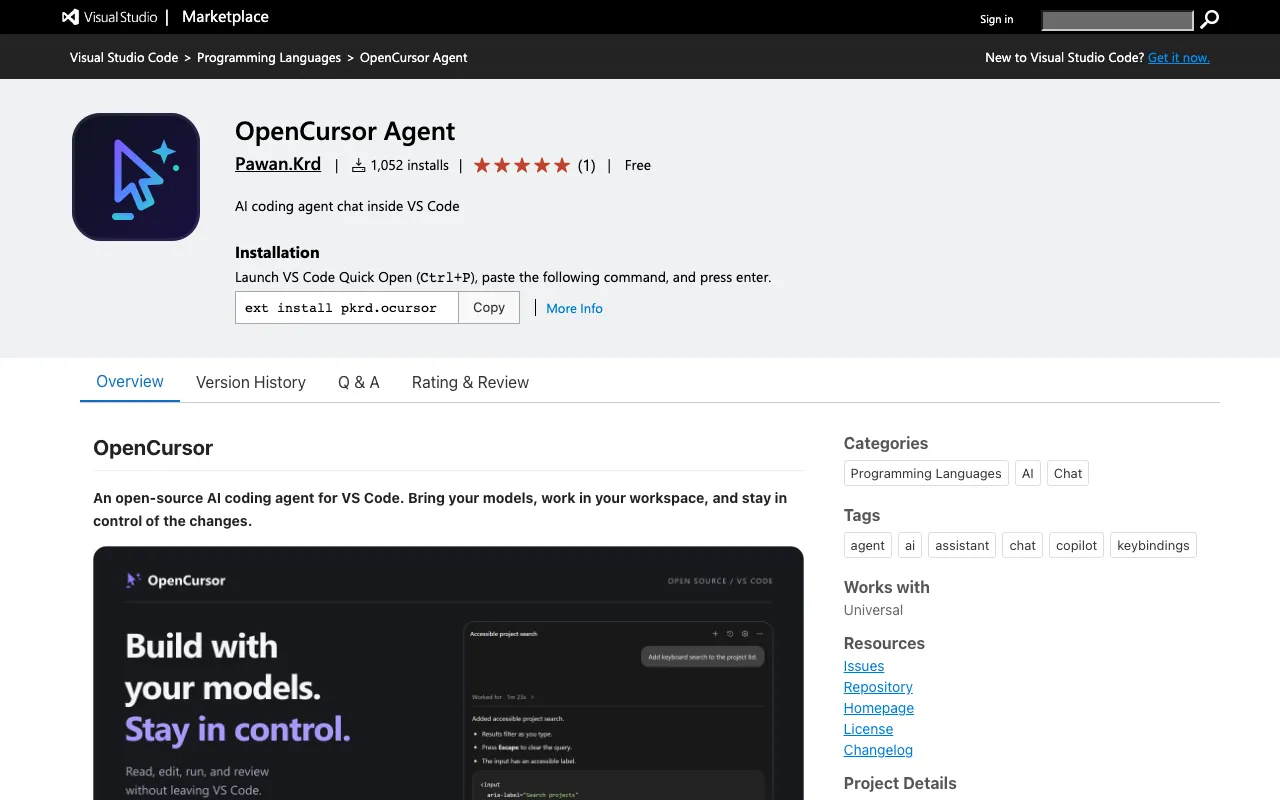
OpenCursor is a VS Code extension that adds agent chat, file edits, terminal tools, and change review, with many cloud accounts, API providers, or local Ollama and llama.cpp models.
Overview
OpenCursor is an open-source AI coding agent that runs inside Visual Studio Code. It combines conversation, code exploration, file edits, terminal commands, and diff review in the editor so you can pick models and permission rules for each task.
Workspace-aware chat can reference files, folders, selections, docs, terminal output, and Git context across tabbed conversations. Modes include read-only Ask, planning without edits, and Agent for applying changes under configurable approvals. Tools cover file read/write, search, symbols, terminal runs, and browser checks, with hunk-level keep or undo review.
Providers include subscription accounts, API keys for major model vendors, custom OpenAI- or Anthropic-compatible endpoints, and local Ollama or managed llama.cpp GGUF models. Semantic code search uses embeddings with optional hosted endpoints, and documentation can be indexed for @Docs references. MCP servers, hooks, subagents, Git worktrees, and optional Docker execution extend the workflow. Conversation data and keys stay local via VS Code SecretStorage.
Key features
- VS Code sidebar agent chat
- Agent, Ask, Plan, and Multitask modes
- Multi-provider and local model support
- File edits with hunk review
- Terminal and browser agent tools
- Semantic and lexical code search
- MCP and custom workspace skills
- Ollama and llama.cpp local inference
Use cases
- Implementing features from natural language prompts
- Exploring unfamiliar codebases in VS Code
- Offline coding with local LLMs and embeddings
- Controlled agent edits with permission gates
- Connecting custom OpenAI-compatible gateways
Does the same job as
OpenCursor doesn't name these products itself, but its own description shows it does the same job.

 Cursor