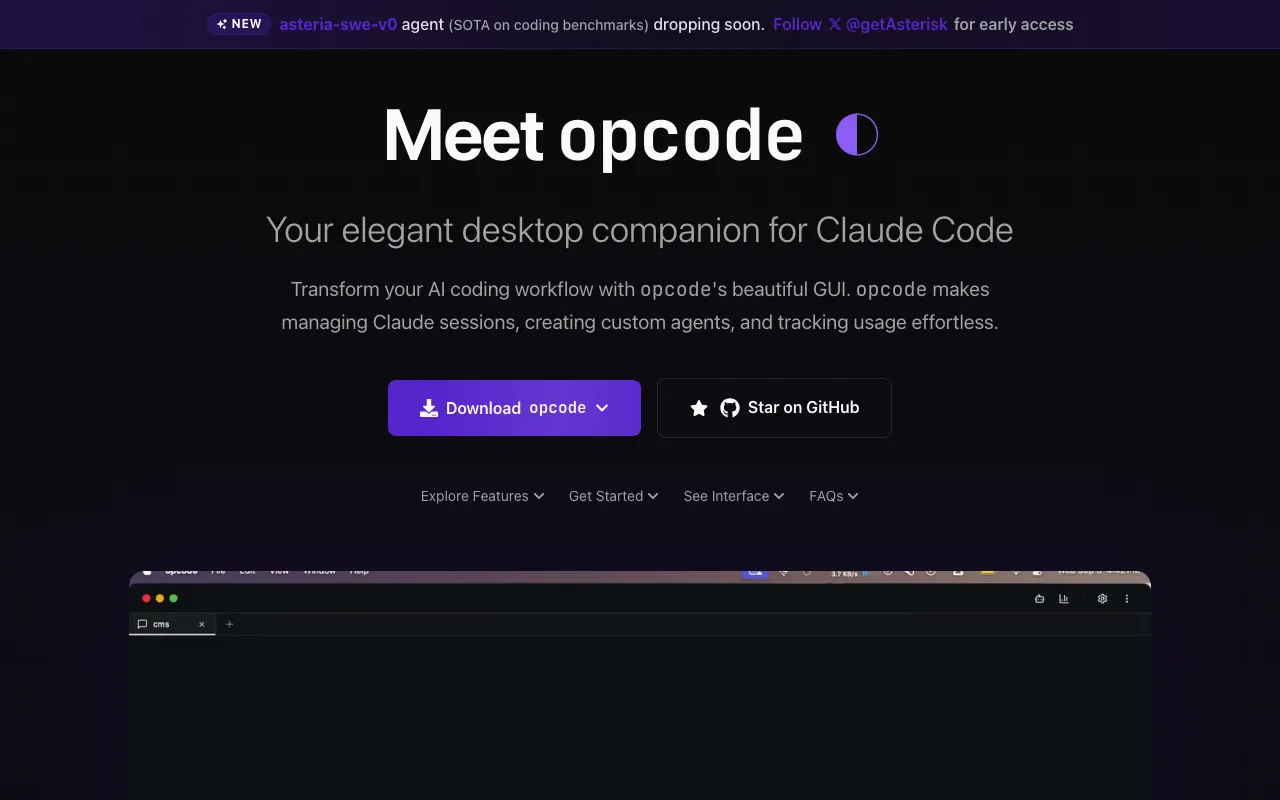
opcode is a Tauri desktop client that wraps Claude Code with a visual project browser, custom agents, usage charts, and MCP settings. It expects the Claude Code CLI and keeps session data on your machine
Overview
opcode gives Claude Code users a graphical command center instead of relying only on terminal workflows. After launch it reads projects under the standard Claude configuration directory and lets you browse sessions, resume prior work, and start new conversations from one interface.
The app supports custom agents with their own prompts, model choices, and permission limits, including background execution with logs and run history. A usage dashboard charts token consumption and estimated API costs by model, project, and time range, with export for offline analysis.
Session checkpoints provide a branching timeline so you can restore earlier states, fork work, or compare diffs between saves. Built-in editing and preview help maintain CLAUDE.md instruction files across projects, and an MCP registry lets you add, test, and import Model Context Protocol servers, including configurations from Claude Desktop.
opcode runs locally on Windows, macOS, and Linux and stores data on disk without described cloud sync or telemetry. Native downloads are offered for macOS and Linux, with Windows builds described as forthcoming. Claude Code CLI with API access remains a prerequisite for AI features.
Key features
- Visual Claude Code project browser
- Session resume and search
- Custom agent builder and library
- Background agent execution
- API usage and cost dashboard
- MCP server configuration UI
- Session checkpoints and timeline
- In-app CLAUDE.md editor
Use cases
- Managing many Claude Code projects
- Reusable task-specific coding agents
- Monitoring Claude API spending
- Versioning long coding conversations
- Central MCP server administration