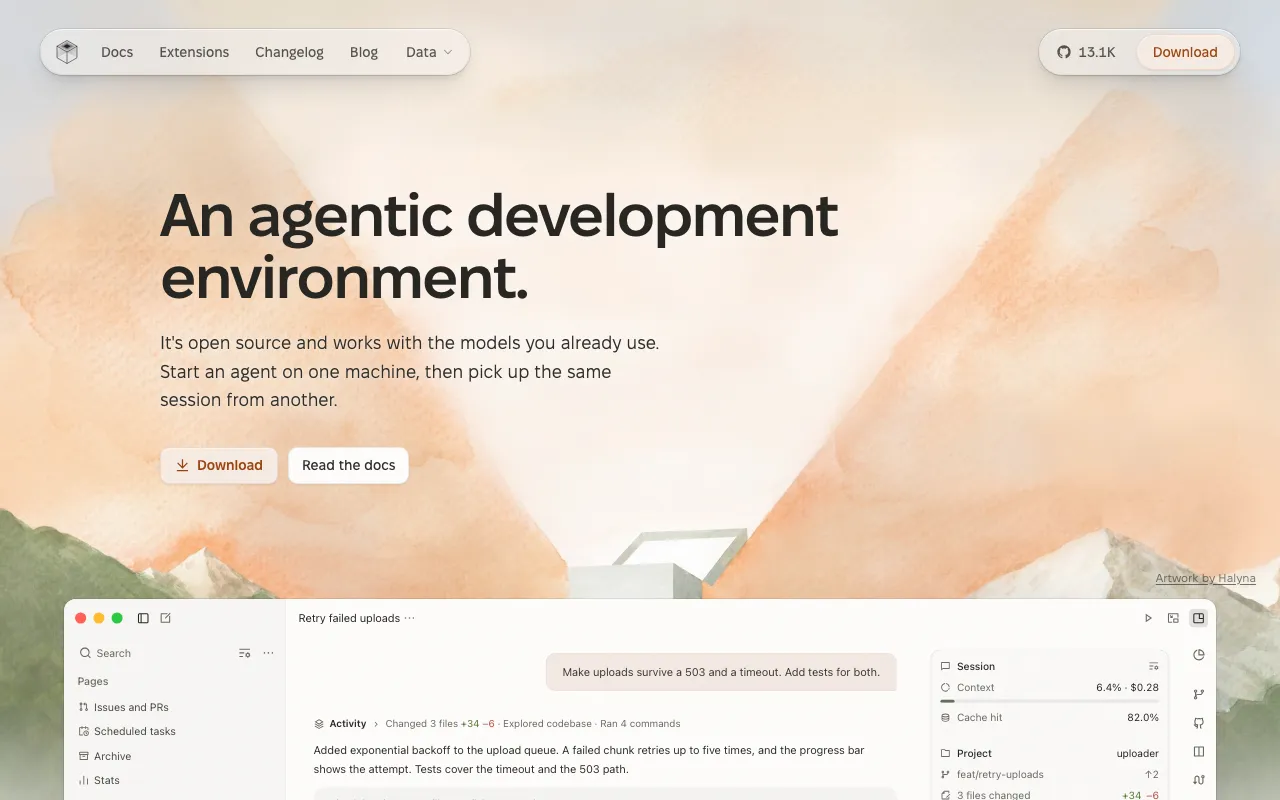
OpenChamber runs and reviews AI coding agents on desktop, browser, VS Code, and mobile, with session goals, multi-run comparisons, and cross-device continuity.
Overview
OpenChamber is a workspace built around OpenCode for executing coding agents while you monitor diffs, approve changes, and move work toward release. Sessions, projects, and terminals stay available when you switch between Desktop, Web or PWA, VS Code, iOS, and Android clients.
Session Goals define a finish line; after each agent turn the app checks progress and can keep working toward the goal after you close the client. Multi-run sends the same task to several models in parallel sessions or worktrees so you can compare outputs or merge results with Fusion. Changes Walkthrough guides you through large diffs step by step.
Preview opens your running app beside the chat so you can point at UI elements and send screenshots, styles, and browser errors to the agent. GitHub integration can start sessions from issues or pull requests and feed check failures or review comments back to the agent.
Private Relay pairs devices with a QR code for encrypted remote access without public ports; LAN, VPN, tunnels, and SSH are also supported. Scheduled prompts can run on cron with goals. CLI and Docker images publish for server or workstation hosting with optional UI password protection.
Key features
- Session Goals with continued execution
- Multi-run and Fusion across models
- Changes Walkthrough for large diffs
- In-editor Preview with element capture
- GitHub issue and pull request workflows
- Cross-device session continuity
- Private Relay encrypted remote access
- Cron-scheduled agent tasks
Use cases
- Supervised AI coding on a feature branch
- Comparing model outputs on one task
- Reviewing agent pull requests from mobile
- Running agents on a remote workstation
Does the same job as
OpenChamber doesn't name these products itself, but its own description shows it does the same job.

 Cursor