
Scrcpy
Android screen mirror and control from desktop
scrcpy shows Android device video and audio over USB or TCP/IP and forwards keyboard and mouse input. It needs no root or on-device app and runs on Linux, Windows, and macOS.
HTML5 VNC client library and browser app
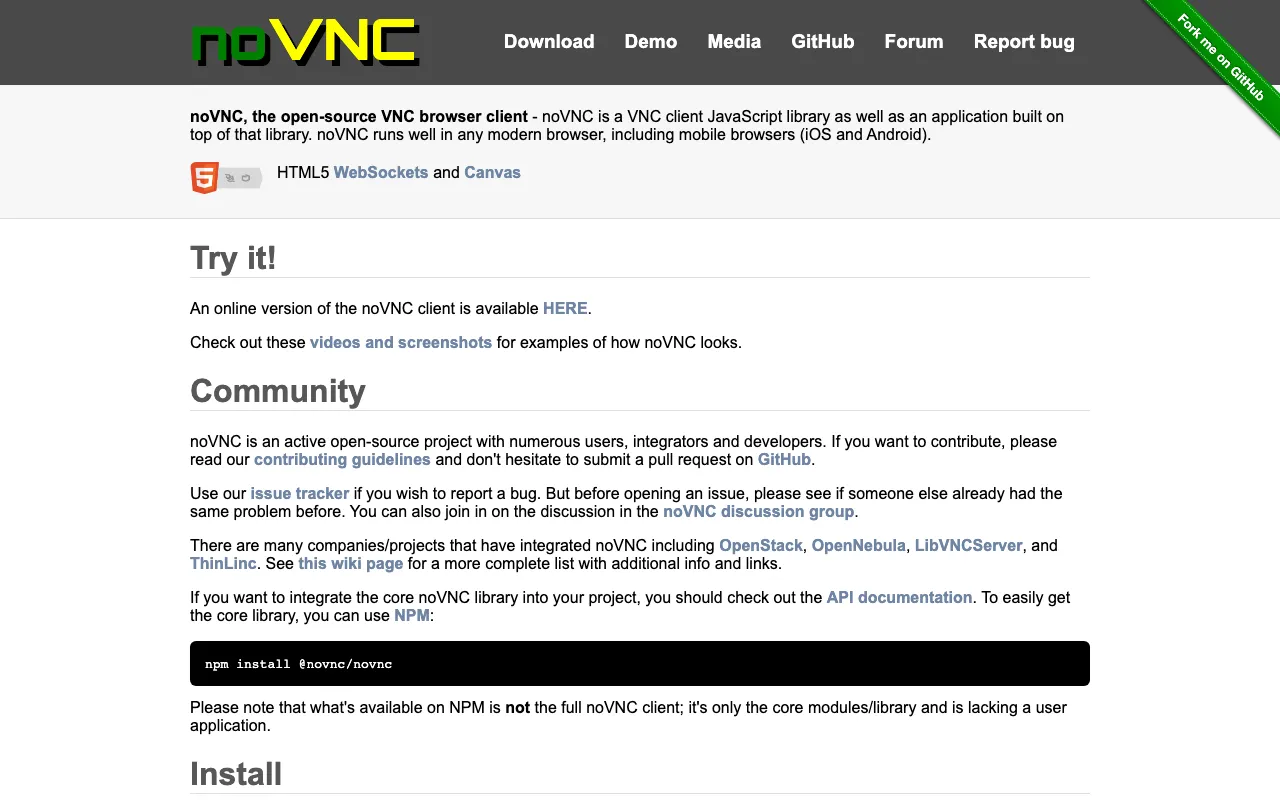
noVNC is a JavaScript VNC client plus a browser application built on it. It runs in modern desktop and mobile browsers when a WebSocket path to a VNC server exists.
noVNC delivers remote desktop viewing in the browser as both a reusable JavaScript library and a ready-made client application. It speaks the standard VNC protocol over WebSockets, which many servers expose directly or through a TCP proxy such as the related websockify project.
Supported authentication modes listed in the documentation include none, classic VNC, RSA-AES, Tight, VeNCrypt Plain, XVP, Apple Diffie-Hellman, and UltraVNC MSLogonII. Encoding support covers raw, copyrect, RRE, hextile, tight, ZRLE, JPEG, Zlib, H.264, and related options, along with scaling, clipping, local cursor rendering, Unicode clipboard, translations, and touch gestures.
Operators can start a bundled novncproxy script that launches a mini web server and WebSocket proxy, install via snap as a command or multi-port service, or embed only the core modules through NPM as @novnc/novnc for custom integrations. OpenStack, OpenNebula, LibVNCServer, and ThinLinc are among named integrators.
Browser support targets recent Chrome, Firefox, Safari, Opera, and Edge releases; Internet Explorer is explicitly unsupported. Server-side requirements are any VNC server reachable once WebSockets or a proxy bridge is in place.
Android screen mirror and control from desktop
scrcpy shows Android device video and audio over USB or TCP/IP and forwards keyboard and mouse input. It needs no root or on-device app and runs on Linux, Windows, and macOS.

Open-source remote desktop with optional self-hosted servers
RustDesk is remote desktop software for Windows, macOS, Linux, and Android that can connect through project relay servers or infrastructure you run yourself.
Self-deployed reverse proxy for NAT and firewall bypass
frp pairs a public-facing frps server with frpc clients to expose TCP, UDP, HTTP, and HTTPS services behind NAT or firewalls, including P2P connect mode.

Self-hosted Moonlight game streaming host with hardware encoding
Sunshine runs on your machine as a self-hosted streaming host for Moonlight clients, capturing the desktop and encoding video with GPU or software paths.

WireGuard-based mesh VPN with identity-aware device connectivity
Tailscale builds private WireGuard networks so your devices can reach each other securely. It targets easier setup than traditional VPNs for individuals, teams, and infrastructure access.

QEMU-based virtual machines for Mac, iPhone, and iPad
UTM emulates and virtualizes guest operating systems on Apple devices, including Windows and Linux on Mac, with a separate slower edition for iOS without jailbreak.