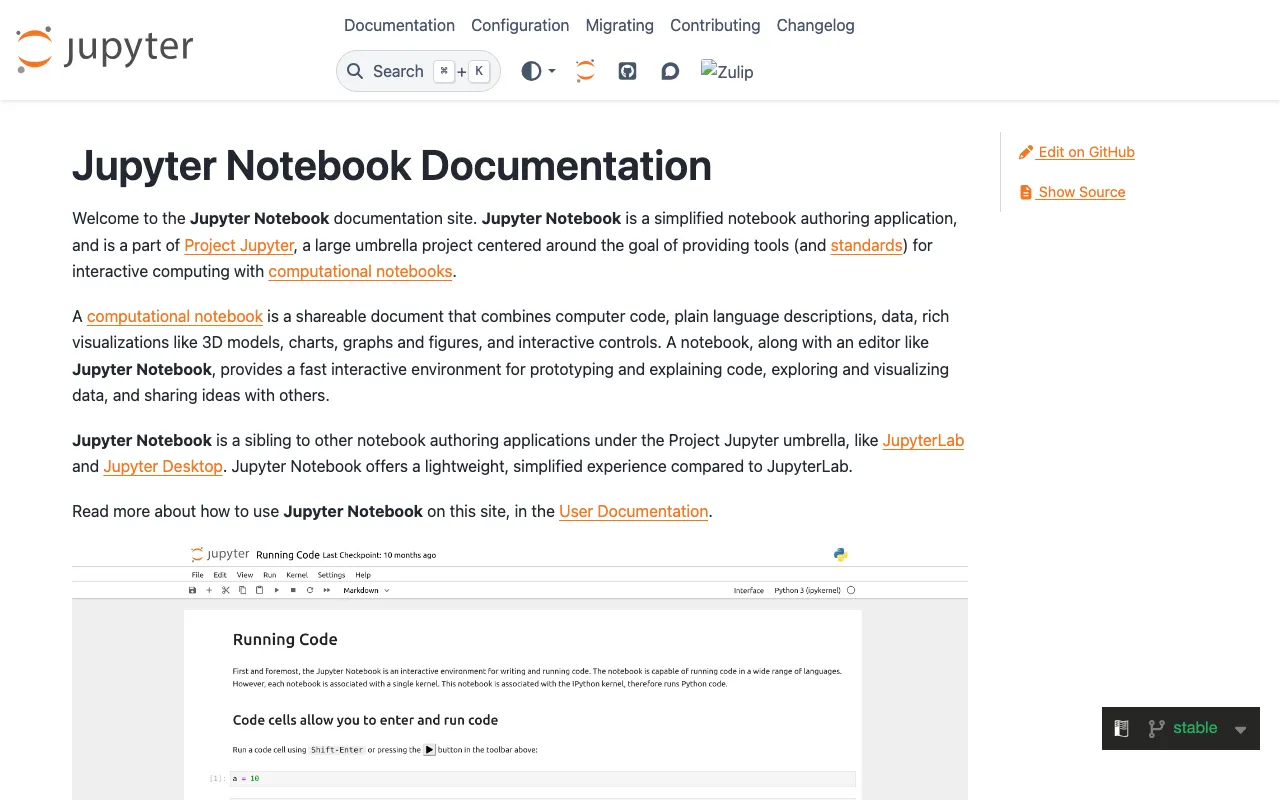
A simplified notebook authoring app for interactive computing: shareable documents that combine code, prose, data, charts, and controls in the browser.
Overview
Jupyter Notebook is part of Project Jupyter and provides a web-based environment for interactive computing with computational notebooks. A notebook is a shareable document that mixes executable code, plain-language explanation, data, rich visualizations, and interactive controls, suited to prototyping code, exploring data, and communicating results.
Compared with sibling tools under the same umbrella, Jupyter Notebook aims at a lighter, more streamlined experience than JupyterLab. The current major line builds on JupyterLab frontend pieces and Jupyter Server for the Python backend, while an older classic line remains maintained mainly for security fixes.
Notebooks are language-agnostic at the application level; language-specific execution relies on separate kernels maintained in other projects. Users install the platform locally with standard Python packaging tools, then launch the notebook interface from the command line for a local session, or configure a notebook server for remote access.
Documentation on the project site covers installation, the user interface, configuration, security, extensions, customization, and migration between major notebook versions.
Key features
- Web-based interactive notebook editing
- Computational documents with code and narrative
- Charts, figures, and rich visualizations
- Interactive controls in notebooks
- Jupyter Server backend in current releases
- Extension and plugin management
- Interface customization and custom CSS
- Lightweight alternative to JupyterLab
Use cases
- Prototype and explain code interactively
- Explore and visualize datasets
- Share computational stories with collaborators
- Teach or demonstrate multi-language workflows
- Run notebooks on a local or remote server