qmetrics.net

NormCap

OCR screen capture that copies text not images

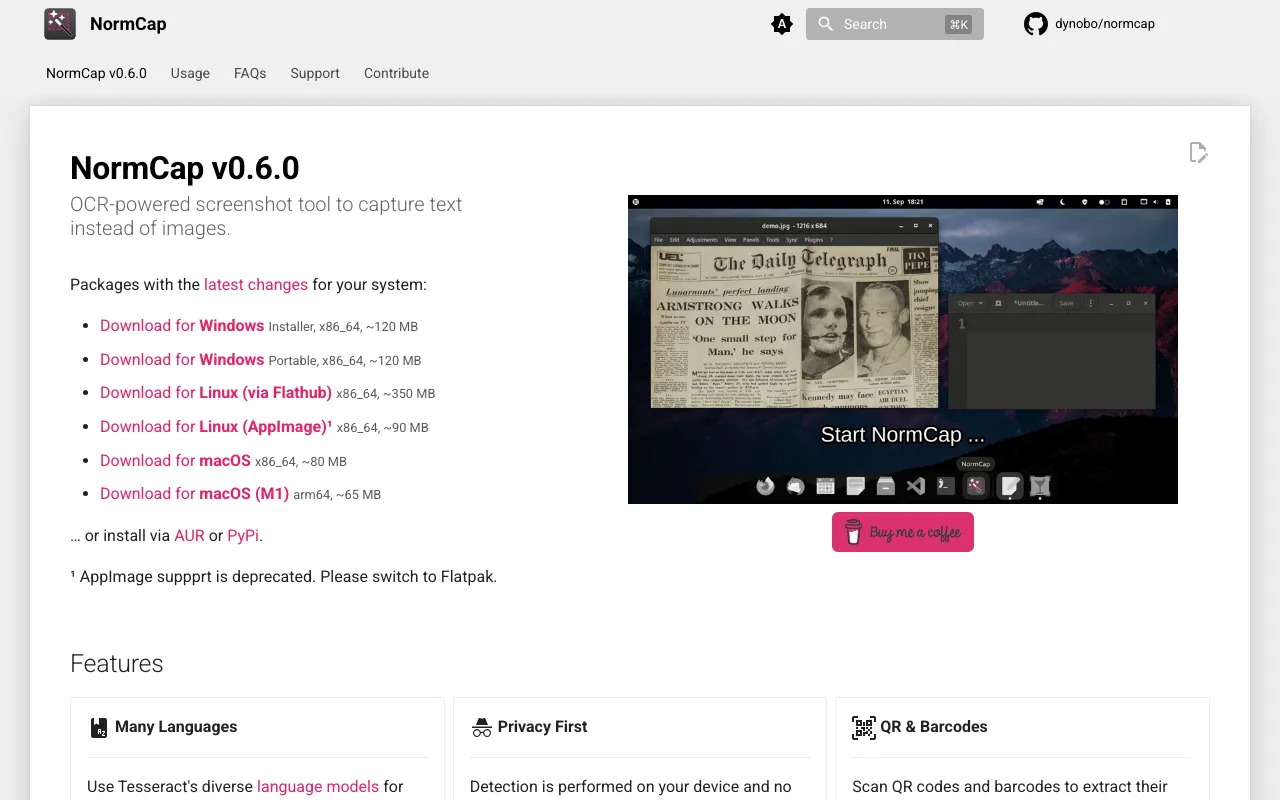
NormCap screenshot

NormCap captures a screen region and returns recognized text using Tesseract OCR. It runs on Linux, macOS, and Windows with on-device processing.

Overview

NormCap is a desktop utility for grabbing text from the screen instead of saving screenshots. You select an area and the tool runs optical character recognition locally so the result lands on the clipboard as plain text.

It relies on Tesseract for detection and supports many language models. Prebuilt installers are offered for Windows, Linux via Flathub, and macOS for both x86 and Apple Silicon. A Python package install path exists but needs separate Tesseract setup on each operating system.

Beyond raw OCR, NormCap can read QR codes and barcodes, apply heuristics for emails and URLs, and handle multiple monitors with different scaling. Detection runs on your device without collecting telemetry.

Similar open-source OCR capture tools exist for users who need different workflows. The name references an XKCD comic about normalized capture conventions.

Key features

  • Region capture with Tesseract OCR
  • On-device recognition without telemetry
  • Multi-language Tesseract models
  • QR and barcode scanning
  • Email and URL heuristic parsing
  • Multi-monitor and scaling support
  • Cross-platform desktop builds
  • Optional PyPI package install

Use cases

  • Copy text from images or PDFs on screen
  • Grab serial numbers from UI dialogs
  • Extract links or emails from screenshots
  • Work across several displays

Tags

Similar software

VoiceStudio

Local AI voice cloning, dubbing and transcription

VoiceStudio runs on your hardware to clone voices, design new ones, dub video, dictate, transcribe, and build audiobooks across many languages without requiring an account.

★ 119.3k⟳ todayAGPL-3.0
Open Source Alternative to:ElevenLabs

OBS Studio

Open-source live streaming and video recording

OBS Studio captures, mixes, encodes, and streams or records video and audio on Windows, macOS, and Linux for platforms such as Twitch and YouTube.

★ 80.2k⟳ 2 days agoGPL-2.0
Media & StreamingDesktop/CLI app

Voicebox

Local AI voice studio for speech and dictation

Voicebox clones voices, synthesizes speech with multiple TTS engines, dictates into other apps, and speaks through MCP-connected agents—all on your hardware.

★ 61.4k⟳ todayMIT
Open Source Alternative to:ElevenLabsWispr Flow

whisper.cpp

Portable C/C++ inference for Whisper speech recognition

Whisper.cpp runs OpenAI Whisper ASR with a dependency-light C/C++ core and CLI tools. It targets CPUs and many GPU and NPU accelerators across common operating systems.

★ 55.6k⟳ 2 days agoMIT

ShareX

Windows screen capture, recording, and file sharing utility

ShareX captures or records any screen region from hotkeys, edits screenshots, and uploads files to many destinations. It is a free desktop app for Windows with OCR and workflow automation.

★ 41.4k⟳ todayGPL-3.0

Handy

Offline cross-platform desktop speech-to-text tool

Handy is a desktop speech-to-text application that runs fully offline on your computer. Press a shortcut, speak, and transcribed text is pasted into the active text field.

★ 40.5k⟳ yesterdayMIT
Input & DictationDesktop/CLI app
Open Source Alternative to:Aqua VoiceDragon NaturallySpeaking+1