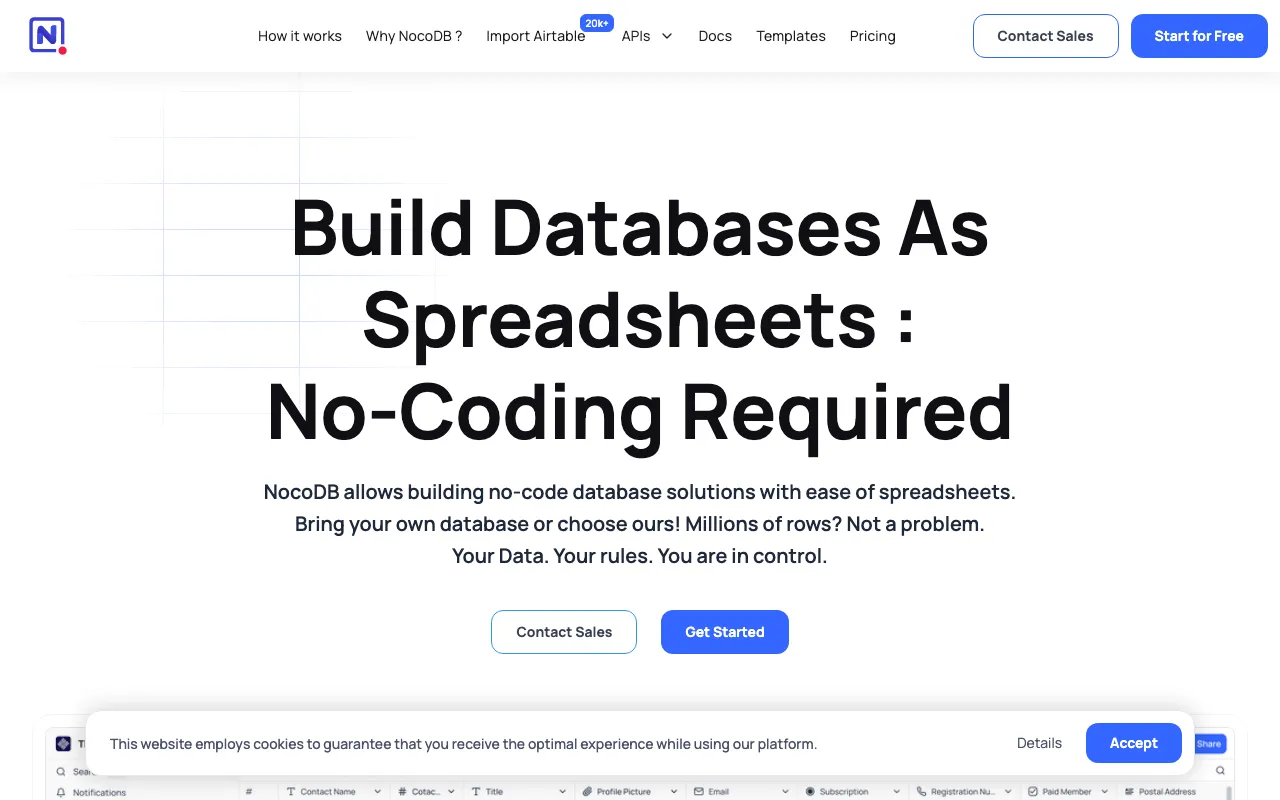
NocoDB turns Postgres, MySQL, SQLite, or a hosted database into editable tables with grid, kanban, form, gallery, and calendar views. Teams collaborate with roles, sharing, REST APIs, and workflow integrations.
Overview
NocoDB is a no-code platform for building and working with online databases through a spreadsheet-style interface. You can start from scratch, connect existing Postgres or MySQL databases, or use Docker-based setups with SQLite or PostgreSQL. The product targets businesses that today juggle spreadsheets and databases and want shared access without giving up control of their data.
Day-to-day work happens in rich table views with create, read, update, and delete operations on tables, columns, and rows. Users can sort, filter, group, and hide columns; switch among grid, gallery, form, kanban, and calendar views; and set view permissions as collaborative or locked. Bases and views can be shared publicly or privately, including password-protected links. Cell types cover links, lookups, rollups, attachments, formulas, users, and more, with role-based access control at several levels.
An app store section adds workflow automations across chat, email, and storage providers such as Slack, Discord, SMTP, AWS SES, S3, Google Cloud Storage, and Minio. Programmatic access is available through REST APIs and an SDK, using JWT or social auth tokens. The website also describes importing from Airtable, CSV, and Excel, ERD schema visualization, webhooks, and team invites.
For deployment, documentation describes Docker with SQLite or PostgreSQL, an auto-upstall script that installs Docker, Compose, Redis, and Traefik on a server with optional SSL, plus further Docker Compose, Kubernetes, and Helm options in the docs. A cloud offering is advertised separately, while local access is described by visiting the running instance in the browser.
Compared with spreadsheet-only tools, NocoDB emphasizes database power, API throughput, and connecting or hosting your own database backend, including scaling to very large row counts without enterprise-only limits described on the marketing site.
Key features
- Spreadsheet-style grid and alternate views
- Connect Postgres, MySQL, or SQLite
- Role-based access and locked views
- Public and password-protected sharing
- REST APIs and SDK access
- Workflow integrations app store
- Docker and auto-upstall server setup
- Import from Airtable, CSV, and Excel
Use cases
- CRM-style customer interaction tracking
- Project and task coordination
- Operations and inventory tracking
- Collaborative data entry via forms
- API-driven automation and integrations
Does the same job as
NocoDB doesn't name these products itself, but its own description shows it does the same job.
 Airtable

 ChatGPT




 Firebase