qmetrics.net

n.eko

Self-hosted collaborative virtual browser over WebRTC

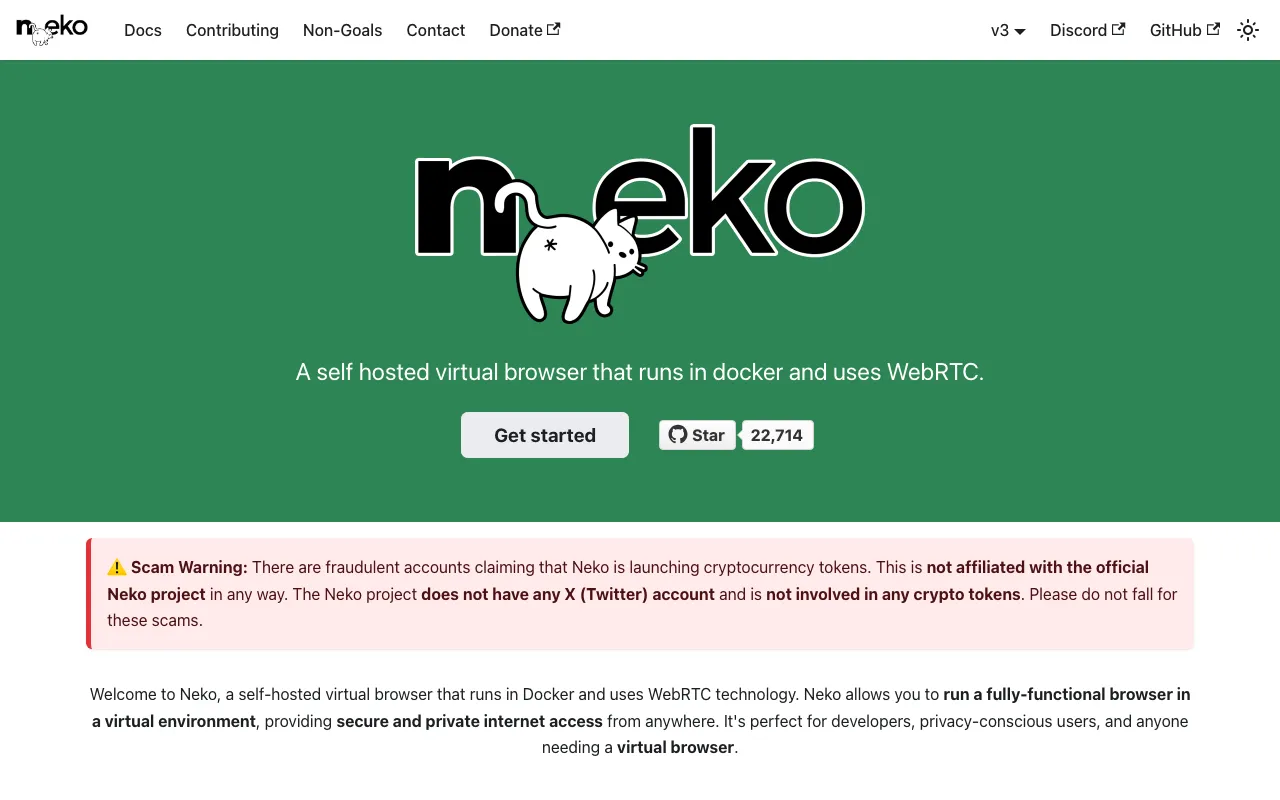
n.eko screenshot

Neko is a self-hosted virtual browser that runs in Docker and streams over WebRTC. Multiple people can view and control the same session in real time.

Overview

Neko is a self-hosted virtual browser that runs in Docker and uses WebRTC technology. It runs a functional browser inside an isolated environment so users can browse, run applications, and complete tasks while limiting what remains on the host after a session ends.

Although browser sharing is the common case, the same setup can run other Linux programs such as VLC or a full desktop environment. It can also be installed on a host and connected to an X server to control a wider virtual machine, and optional room management is available via separate neko-rooms software.

Multiple participants can connect at once with synchronized audio and video. Use cases include shared presentations where others control the screen, collaborative browsing or debugging, guided support in a controlled environment, watch parties, disposable browsing for sensitive shopping, tutorial recording with a clean desktop, and RTMP session broadcasting.

Compared with clientless remote desktop gateways, Neko uses WebRTC rather than image streams over WebSockets, includes built-in audio, and supports multi-participant control. Installation and configuration guides cover setup for operators deploying the stack.

Key features

  • Docker-based virtual browser
  • WebRTC screen streaming
  • Multi-user shared control
  • Built-in audio sharing
  • Linux apps beyond browsers
  • Optional full desktop environments
  • RTMP session broadcasting
  • Isolated throwaway sessions

Use cases

  • Collaborative cobrowsing sessions
  • Remote watch parties
  • Interactive team presentations
  • Isolated disposable browsing
  • Tutorial recording without local clutter

Tags

Similar software

Hopp

Open-source remote pair programming and screen sharing app for developers

Desktop app for remote pair programming with low-latency screen sharing, shared remote control and rooms of up to 10 people. Use the managed cloud or self-host the backend.

★ 748⟳ 18 days agoAGPL-3.0
Open Source Alternative to:CoScreenTuple

Scrcpy

Android screen mirror and control from desktop

scrcpy shows Android device video and audio over USB or TCP/IP and forwards keyboard and mouse input. It needs no root or on-device app and runs on Linux, Windows, and macOS.

★ 155.9k⟳ 9 days agoApache-2.0

Excalidraw

Open-source collaborative whiteboard for hand-drawn style diagrams

Excalidraw is a virtual whiteboard for sketching diagrams and wireframes in a hand-drawn style. It offers an infinite canvas, real-time collaboration with end-to-end encryption, and is also published as an npm package for embedding.

★ 136.4k⟳ todayMIT
Open Source Alternative to:Miro

RustDesk

Open-source remote desktop with optional self-hosted servers

RustDesk is remote desktop software for Windows, macOS, Linux, and Android that can connect through project relay servers or infrastructure you run yourself.

★ 131.8k⟳ todayAGPL-3.0
Open Source Alternative to:AnyDeskScreenConnect+2

frp

Self-deployed reverse proxy for NAT and firewall bypass

frp pairs a public-facing frps server with frpc clients to expose TCP, UDP, HTTP, and HTTPS services behind NAT or firewalls, including P2P connect mode.

★ 110.8k⟳ 18 days agoApache-2.0

Rocket.Chat

Open-source secure team communications platform for government and defense

Open-source communications platform for messaging, voice, video and governed AI. It can be self-hosted, run in a secure cloud or deployed air-gapped, and federates natively with Matrix and XMPP.

★ 46.6k⟳ todayMIT · open core
Open Source Alternative to:DiscordSkype for Business+1