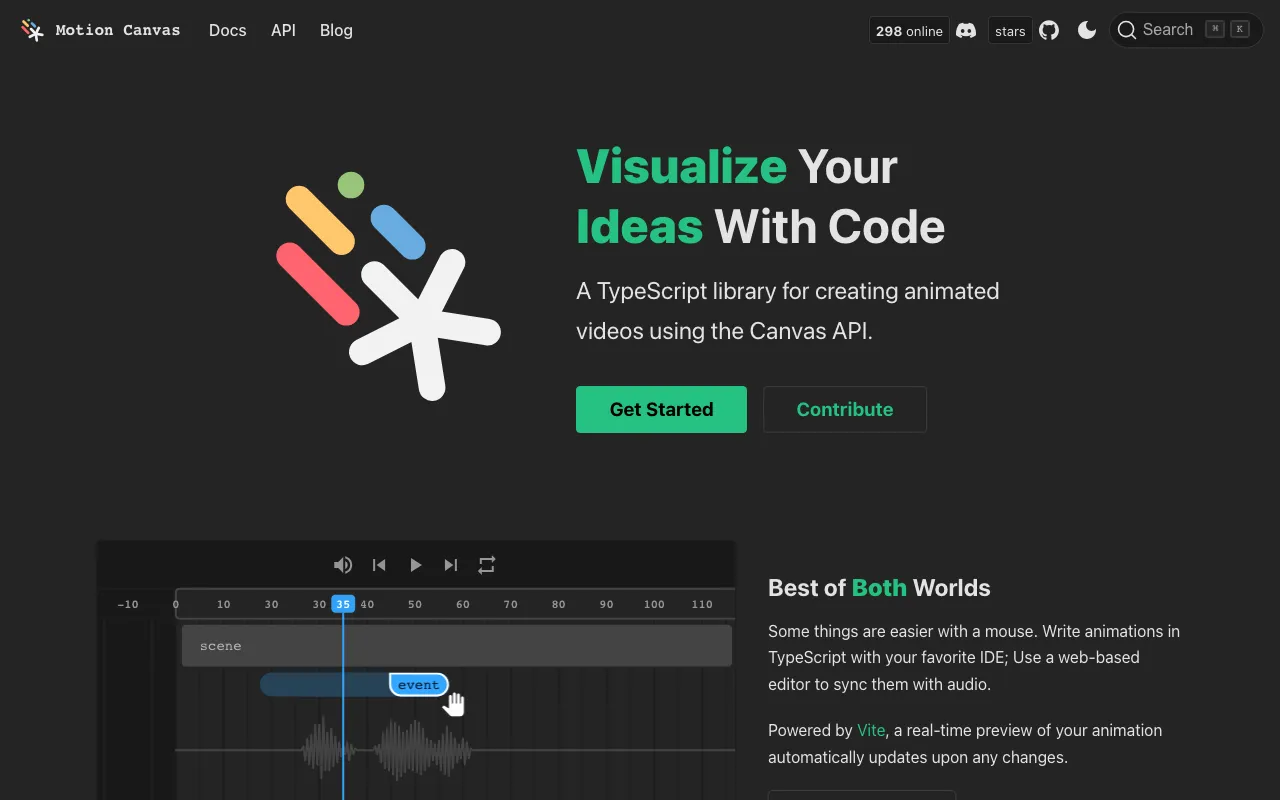
Motion Canvas pairs a TypeScript animation library with a browser editor for live previews. It targets informative vector animations timed to voice-overs.
Overview
Motion Canvas helps you build animated explanations by combining code-driven motion with editorial control. A TypeScript library uses generator functions to describe animations step by step, focusing on timing, speed, and easing rather than hand-authored keyframes alone.
A companion web editor shows a live preview while you work and supports lining animation up with audio. You write scenes in an IDE; the editor handles tasks that are awkward to adjust purely in code.
The stack uses the Canvas API for rendering and Vite so previews refresh when sources change. A player component can display finished animations in the browser.
The tooling is aimed at procedural 2D motion graphics and synchronized narration, including workflows where production-quality video output is the goal.
Key features
- Generator-based animation API
- Real-time preview in editor
- Voice-over synchronization
- 2D vector motion graphics
- Vite-powered live reload
- In-editor timeline adjustments
- Browser animation player element
- TypeScript scene authoring
Use cases
- Explainer videos with narration
- Code-defined motion graphics
- Iterative animation previews
- Canvas-based animated presentations
- Step-by-step procedural animation


 CapCut