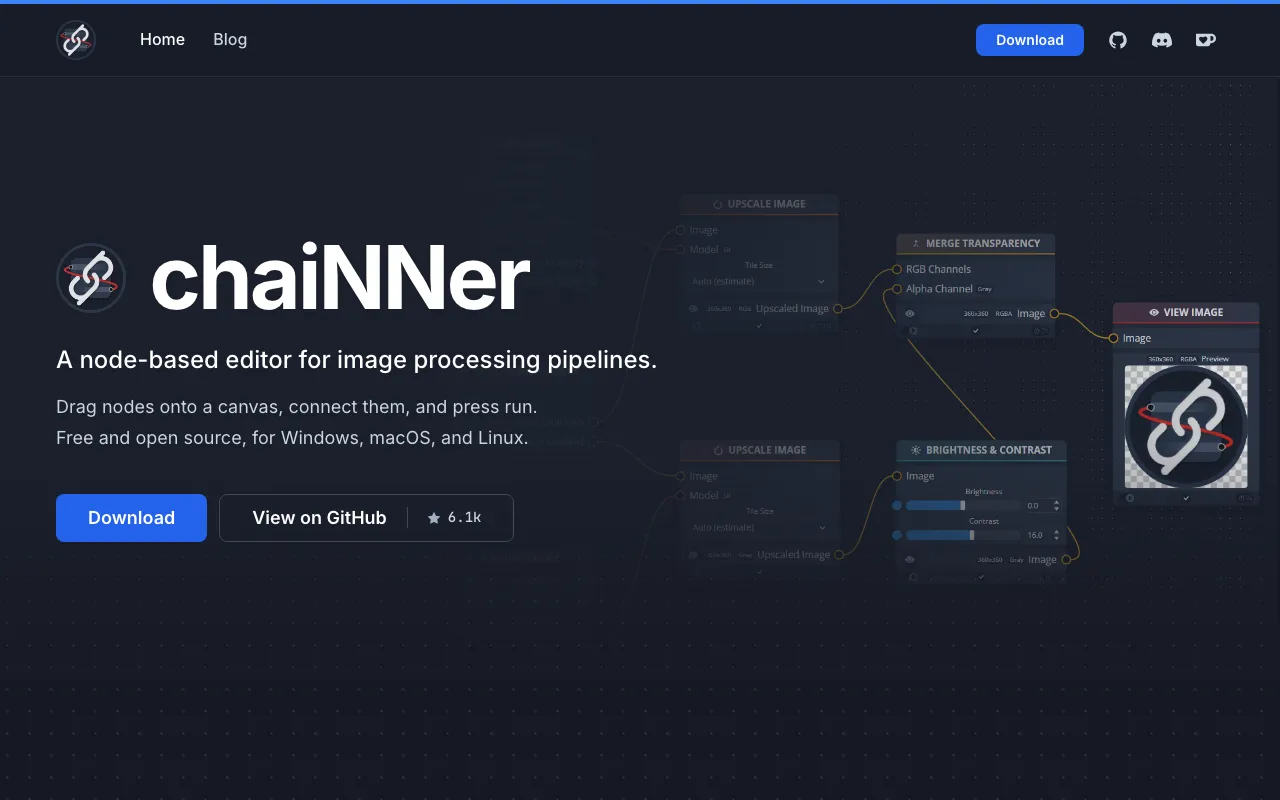
chaiNNer is a cross-platform desktop app for building image and video processing graphs. Connect nodes on a canvas and run chains for upscaling, batch jobs, and editing.
Overview
chaiNNer provides a visual node editor for image processing workflows. Users place nodes on a canvas, wire typed handles between them, and run the graph to move data through loaders, model inference, transforms, and savers without writing a custom script for every task.
The application began around AI upscaling and still supports community super-resolution models through PyTorch, NCNN, ONNX, and TensorRT, with optional GPU acceleration on Nvidia, AMD, Apple Silicon, and Intel hardware. It also covers color correction, blending, batch folders, video frame pipelines, branching logic, and filename patterns built from chain values.
On first launch it can download an isolated Python environment and manage ML dependencies through a built-in dependency manager, so a separate system Python install is optional. Saved chains can be executed from the command line for use inside larger automation.
Installers and portable builds are available for Windows, macOS, and Linux. The editor validates connections by type as you build, surfaces errors on the responsible node, and supports pause and stop while a chain runs.
Key features
- Visual node graph for image pipelines
- PyTorch, NCNN, ONNX, and TensorRT backends
- Integrated Python and dependency manager
- Batch image and video processing nodes
- Type-checked node connections
- Command-line execution of saved chains
- Upscaling and background removal models
- Cross-platform desktop installers
Use cases
- AI image upscaling with community models
- Batch processing folders of images
- Video frame upscale and re-encode chains
- Pixel art and texture workflow automation
- PBR texture and normal map preparation
Does the same job as
chaiNNer doesn't name these products itself, but its own description shows it does the same job.



 CapCut