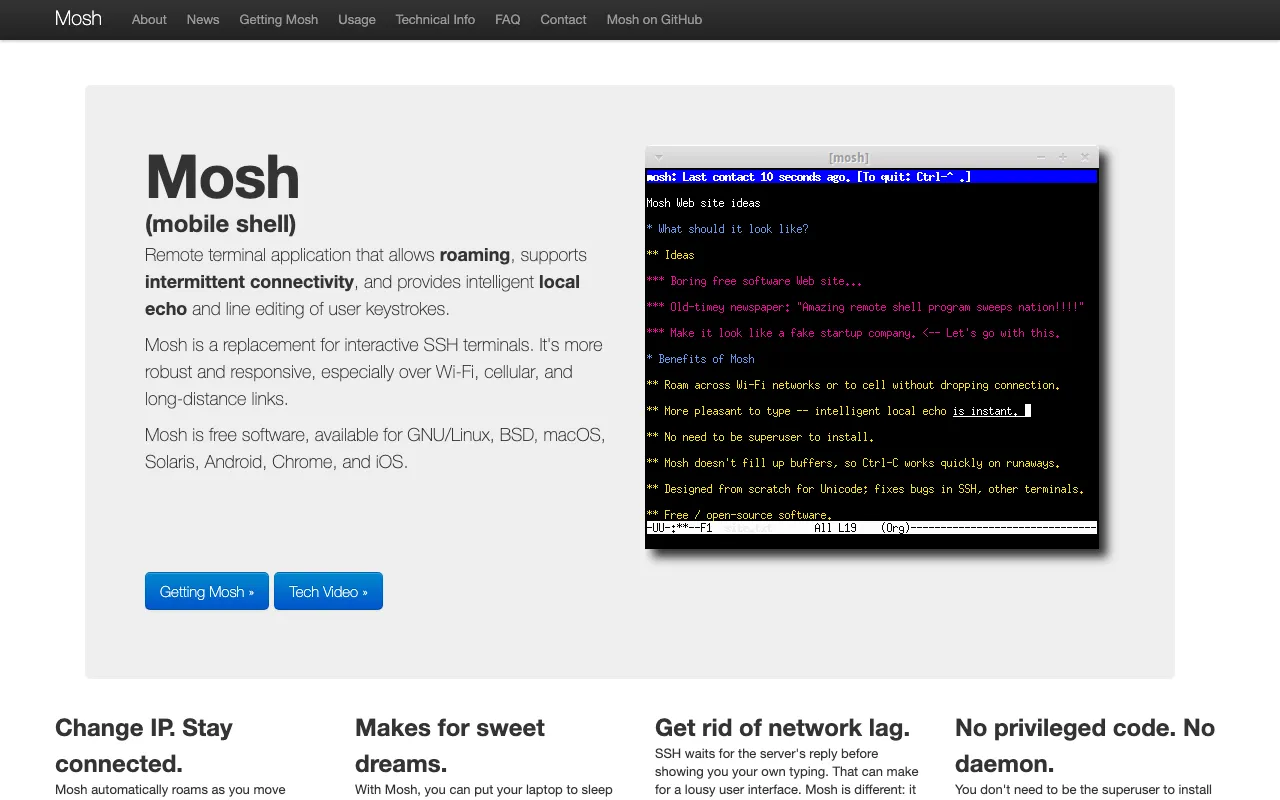
Mosh replaces interactive SSH sessions with a UDP-based terminal that survives IP changes, sleep, and lossy networks. SSH still handles initial login; then mosh-client talks to mosh-server.
Overview
Mosh is a remote terminal application aimed at the same interactive workloads people run over SSH, with behavior tuned for mobile and unreliable networks. After you connect, it keeps sessions alive when the laptop sleeps, when connectivity drops briefly, or when the client roams between Wi-Fi, cellular, or Ethernet addresses.
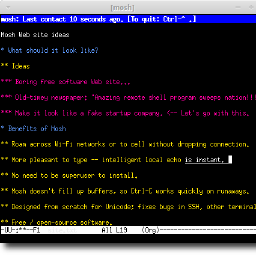
The client predicts how keystrokes affect the screen and shows confident predictions immediately, which makes typing feel responsive on high-latency links. Predictions are underlined until the server confirms them, and the mode is designed to work with full-screen programs such as emacs and vim. Mosh does not support X forwarding or non-interactive SSH uses like port forwarding.
Setup reuses SSH for authentication and initial key exchange, then starts mosh-server on the remote host and continues the session over UDP with an AES session key. Control-C remains responsive because the protocol limits buffering on slow links. Mosh requires UTF-8 environments and improves some Unicode edge cases compared with typical SSH plus terminal combinations.
Ordinary users run mosh-client locally and need mosh-server installed on the remote machine; no root daemon is required. Packages exist for GNU/Linux, BSD, macOS, Solaris, Android, Chrome, and iOS clients per project documentation.
Key features
- Session survival across IP roaming
- Keeps connection after sleep or dropouts
- Predictive local echo for typing
- UDP protocol with SSH-based setup
- Works with full-screen terminal apps
- Adaptive frame rate on slow links
- Lossy link tolerance
- UTF-8 focused terminal handling
Use cases
- Shell access over cellular or spotty Wi-Fi
- Working on laptops that change networks
- Remote vim or emacs on high-latency links
- Terminals that must survive brief outages
- Mobile SSH-like access without constant reconnects