Monaco Editor embeds a full-featured text editor in web pages with syntax colorization, IntelliSense-style providers, and a diff view. It is distributed as npm packages with TypeScript typings.
Overview
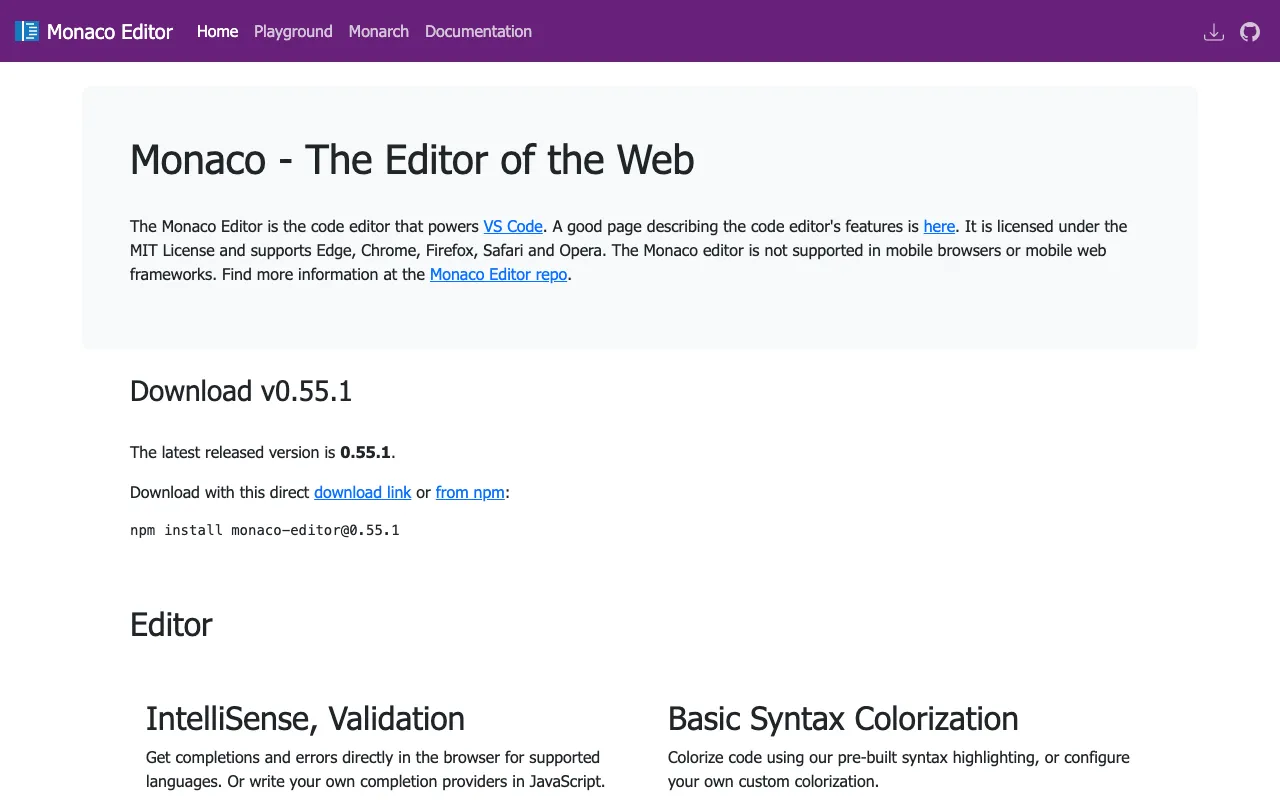
Monaco Editor is the same editor component that powers Visual Studio Code, packaged for embedding in websites and applications. It targets desktop browsers such as Edge, Chrome, Firefox, Safari, and Opera, and is not supported on mobile browsers according to the project FAQ.
Architecturally, models hold buffer text and language metadata, editors render those models in the DOM, and provider hooks supply completions, hovers, and similar language services. Each model is keyed by a URI so language features can resolve imports or schema associations correctly.
Shipped builds include an ESM bundle for modern bundlers, type definitions in monaco.d.ts, optional localized UI strings, and web workers that run heavy language analysis off the main thread. Consumers must serve the editor over http or https because file:// pages cannot spawn workers.
Demonstration pages highlight syntax highlighting for dozens of languages, theme switching, live validation, and a side-by-side diff editor. Integrators can author custom completion providers in JavaScript and experiment in the online playground before wiring the editor into their own apps.
Key features
- VS Code–compatible editing surface
- Syntax highlighting for many languages
- Completion and diagnostics providers
- Diff editor with side-by-side view
- Configurable editor themes
- Web worker–backed language services
- TypeScript API definitions
- Localization packs for UI strings
Use cases
- In-browser IDEs and notebooks
- Configurable code playgrounds
- Reviewing diffs in web workflows
- Adding IntelliSense to domain-specific languages