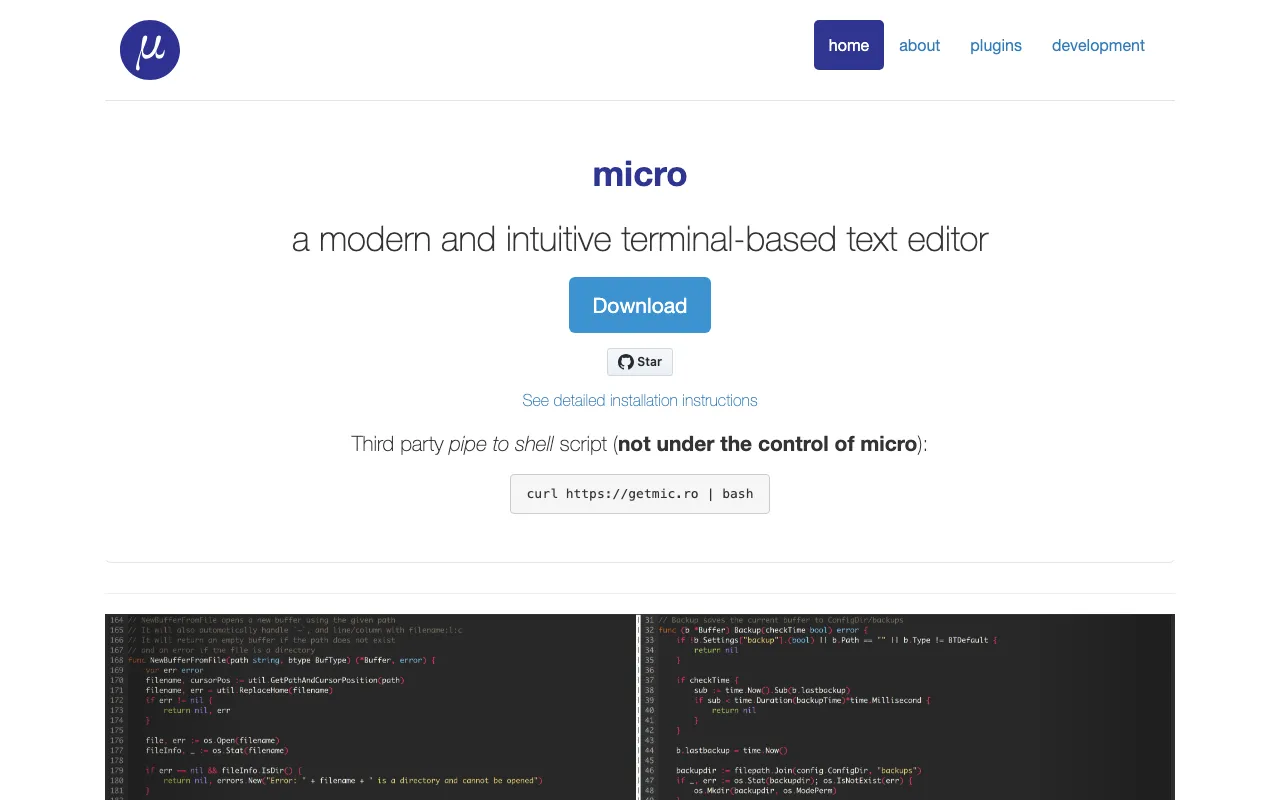
Micro is a terminal-based text editor that installs as a single static binary. It targets easy everyday editing with familiar keys, splits, and Lua plugins.
Overview
Micro is a terminal text editor designed to feel approachable while using modern terminal capabilities. It ships as one static binary without external runtime dependencies, installable from prebuilt releases or package managers on major platforms.
Editing features include multiple cursors, splits and tabs, persistent undo, line numbers, Unicode and soft wrap, syntax highlighting for many languages, and a built-in diff gutter. Mouse support covers selection, word and line selection clicks, and dragging. Keybindings mirror common GUI shortcuts and can be rebound.
A Lua plugin system includes a built-in manager to install, remove, and update extensions. Optional linting notifications, simple autocompletion, macros, and clipboard integration with system tools on supported desktops extend the core editor.
Micro can open files from paths or stdin, embed a help system accessed from the editor, and run an interactive shell in a split. It positions itself as a successor-style option to nano for terminal and SSH-focused workflows.
Key features
- Single static binary install
- Multiple cursors and splits
- Mouse selection and editing
- Lua plugins with manager
- 130+ language syntax highlighting
- Configurable keys and themes
- System clipboard integration
- Built-in help and tutorials
Use cases
- Daily editing in a terminal
- Quick file edits over SSH
- Lightweight remote server editing
- Customizing editor behavior with plugins
- Piping stdin into an editor buffer