qmetrics.net

Markdown PDF

Markdown to PDF and image export for VS Code

IDEs & Code EditorsDesktop/CLI app
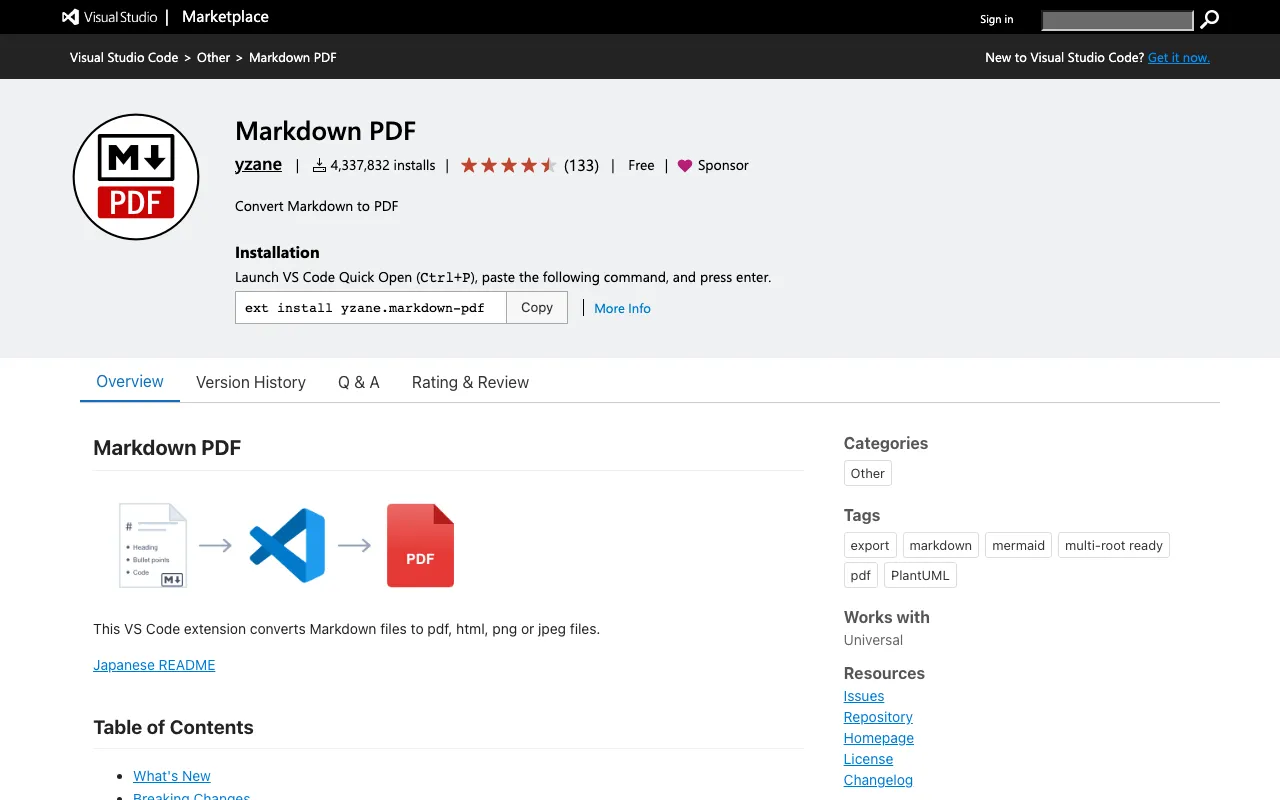
Markdown PDF screenshot

A Visual Studio Code extension that exports Markdown files to PDF, HTML, PNG, or JPEG with diagrams, math, and GitHub-style extras.

Overview

Markdown PDF is a Visual Studio Code extension that converts Markdown documents into PDF, HTML, PNG, or JPEG files without leaving the editor. It extends the default Markdown rendering with features aimed at richer exports, such as task lists, heading anchors, include files, admonition-style containers, syntax highlighting, emoji, PlantUML, Mermaid, and KaTeX math.

Exports rely on a Chromium-based browser. The extension tries a configured executable path first, then installed Google Chrome, Microsoft Edge, or Chromium on the system, and can download a managed Chromium on first use unless auto-download is turned off. PDF output supports headers, footers, margins, orientation, and related print options; image output supports quality and clipping settings.

You trigger conversion from the command palette, the editor context menu, or optional convert-on-save. Settings control output directory, stylesheets, sanitization of raw HTML, highlight.js themes, and paths for PlantUML and Mermaid servers. A diagnostics command helps collect environment details when exports fail.

Behavior changes in recent major versions include stricter front matter parsing, updated heading slug rules compatible with GitHub-style anchors, and default HTML sanitization modes that strip some raw HTML tags from exported content.

Key features

  • Export to PDF, HTML, PNG, JPEG
  • PlantUML and Mermaid diagrams
  • KaTeX math rendering
  • GitHub-style task lists and heading IDs
  • Markdown include fragments
  • Syntax highlighting via highlight.js
  • Chromium-based rendering pipeline
  • Convert on save option

Use cases

  • Turn READMEs into PDF handouts
  • Export docs with diagrams and math
  • Batch-save Markdown as images
  • Share styled HTML from notes

Tags

Similar software

Visual Studio Code

Extensible editor for edit-build-debug workflows

Visual Studio Code combines a lightweight code editor with navigation, debugging, and an extension model. Builds are available for Windows, macOS, and Linux, with a browser-based option.

★ 195.8k⟳ todayMIT
IDEs & Code EditorsDesktop/CLI app
Open Source Alternative to:Windsurf

Neovim

Extensible Vim-based terminal text editor

Neovim refactors Vim for easier maintenance, stronger extensibility, and modern UIs. It keeps Vim's editing model while adding Lua config, LSP, and a language-agnostic RPC API.

★ 104k⟳ todayApache-2.0 · open core
IDEs & Code EditorsDesktop/CLI app

Zed

Multiplayer open-source code editor with optional AI

Zed is a multiplayer code editor for macOS, Linux, and Windows. It comes from the creators of Atom and Tree-sitter.

★ 95.8k⟳ todayApache-2.0
IDEs & Code EditorsDesktop/CLI app

Omarchy

Opinionated agent-friendly Linux distribution

Omarchy is a Linux distribution focused on fast setup, curated defaults, and built-in agent tooling. It ships editors, terminals, themes, plugins, and optional Windows VM support.

★ 47.7k⟳ todayMIT
TerminalsDesktop/CLI app

Helix

Modal terminal text editor built in Rust

Helix is a terminal modal editor inspired by Kakoune and Neovim. It targets fast editing over SSH, tmux, or a plain terminal without Electron or JavaScript.

★ 47.1k⟳ 8 days agoMPL-2.0
IDEs & Code EditorsDesktop/CLI app

Lapce

Native Rust code editor with GPU rendering

Lapce is a desktop code editor written in Rust with a Floem UI and wgpu rendering. It targets developers who want LSP intelligence, modal editing, and a built-in terminal in one installable app.

★ 39.1k⟳ todayApache-2.0
IDEs & Code EditorsDesktop/CLI app