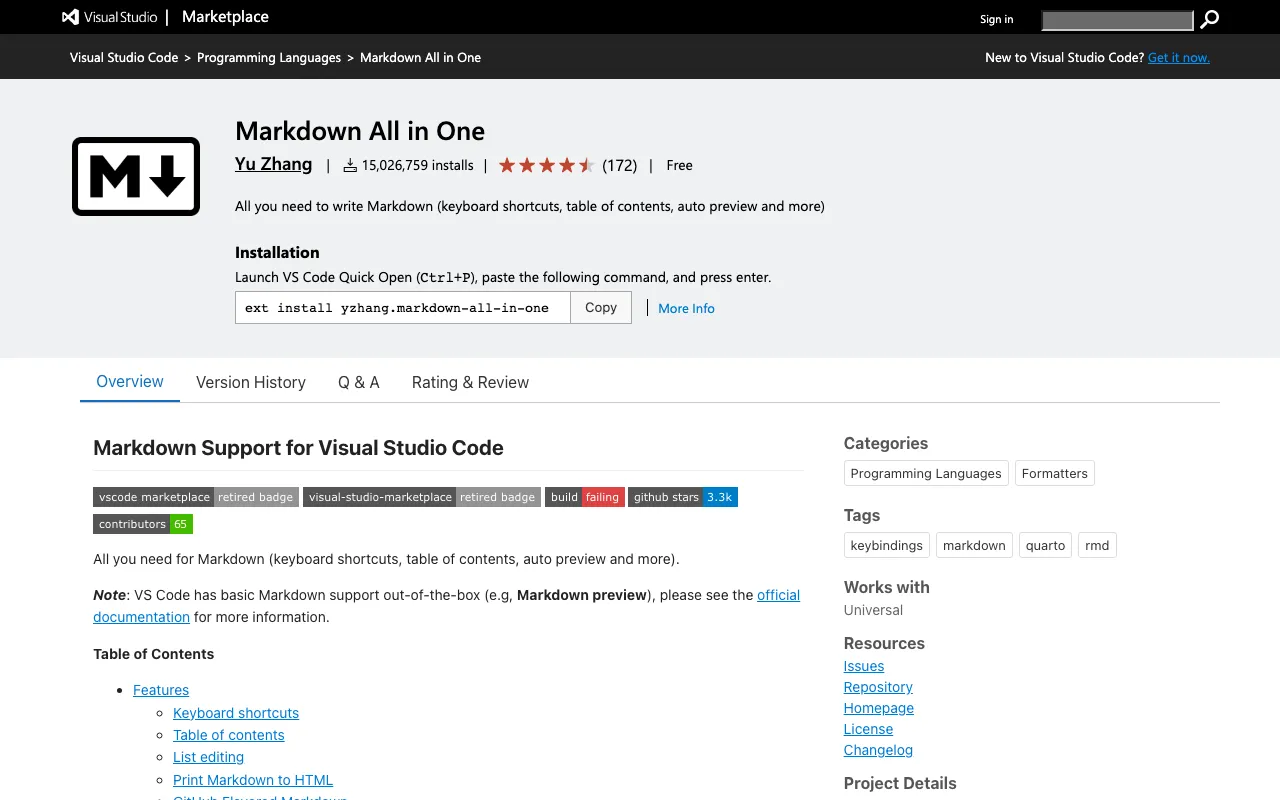
Markdown All in One adds shortcuts, tables of contents, list tools, preview controls, GFM helpers, and HTML export on top of VS Code.
Overview
Markdown All in One is a Visual Studio Code extension that bundles common Markdown authoring workflows into one package. It complements the editor’s built-in Markdown preview with keyboard shortcuts, automatic table-of-contents maintenance, list editing helpers, and printing Markdown to HTML.
Table of contents can be created and updated from commands, with options for GitHub, GitLab, or other slug modes, omitted headings, section numbering, and save-time refresh. List editing follows CommonMark indentation rules by default but can use a fixed tab size. GitHub Flavored Markdown features include a table formatter and task list shortcuts.
The extension can export the current document or multiple documents to HTML, optionally including VS Code styles, converting linked .md files to .html, and embedding images as base64. Autocomplete covers image and file paths, math macros, and reference links, while preview-related commands add or remove a close-preview binding matched to open preview.
Math rendering in this extension is limited; documentation suggests using Markdown+Math and disabling this extension’s math.enabled when dedicated math support is required. Many behaviors are exposed as markdown.extension.* settings for TOC, lists, print, syntax decorations, and preview behavior.
Key features
- Markdown keyboard shortcuts
- Create and update table of contents
- CommonMark-aware list editing
- Print Markdown to HTML
- GFM table and task list tools
- Path and reference autocompletion
- Configurable TOC slug modes
- Preview and side-by-side toggles
Use cases
- Author README and docs in VS Code
- Keep auto-updated TOCs in long files
- Export Markdown previews to HTML
- Edit GFM tables and checklists quickly