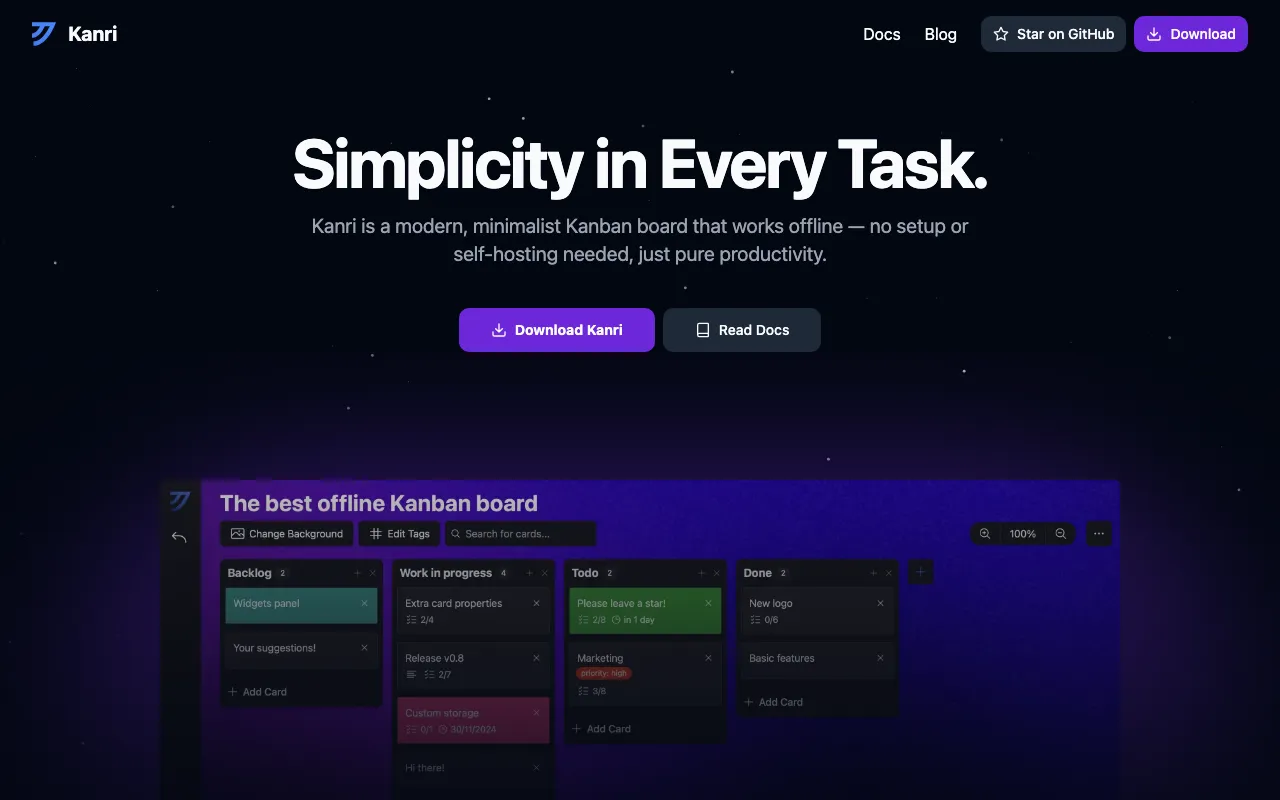
Kanri is a desktop Kanban board app for Windows, macOS and Linux that works fully offline. It needs no account, keeps data in a local file and has no cloud sync.
Overview
Kanri is a desktop Kanban board application for Windows, macOS and Linux. It is meant as a simpler, more user-friendly offline alternative to cloud-based Kanban tools. No internet connection or account is required, and no cloud sync is built in, so the data stays with the user.
Boards are made of customizable columns and cards. Cards can have rich-text descriptions, sub-tasks, due dates and tags. Appearance can be adjusted with custom themes (including dark, light and Catppuccin) and board background images. Keyboard shortcuts speed up navigation between boards and cards.
All data is stored locally in one simple JSON file. Kanri can import basic data from Trello and offers granular or full export for backups. Development is still active, and regular backups or exports are recommended.
Kanri is installed as a desktop app, either from the official download page, from the GitHub releases or through Homebrew on macOS. The macOS build is unsigned, so Apple Silicon users need to run a command to clear quarantine attributes. The app is built with Tauri and Nuxt. The roadmap mentions reminders, card images, internationalization and a widget panel.
Key features
- Customizable Kanban boards, columns and cards
- Rich-text card descriptions
- Sub-tasks, due dates and tags
- Custom themes and board backgrounds
- Keyboard shortcuts
- Local storage in a single JSON file
- Trello import
- Granular or full export for backups
Use cases
- Personal task and project tracking offline
- Replacing a cloud Kanban tool with a local one
- Managing tasks without an account or internet
- Moving boards over from Trello
Open-source alternative to
 Trello
“It is an offline alternative to Trello® and aims to provide a simple Kanban board offline experience.” source


 Clockify

 Asana
 Jira