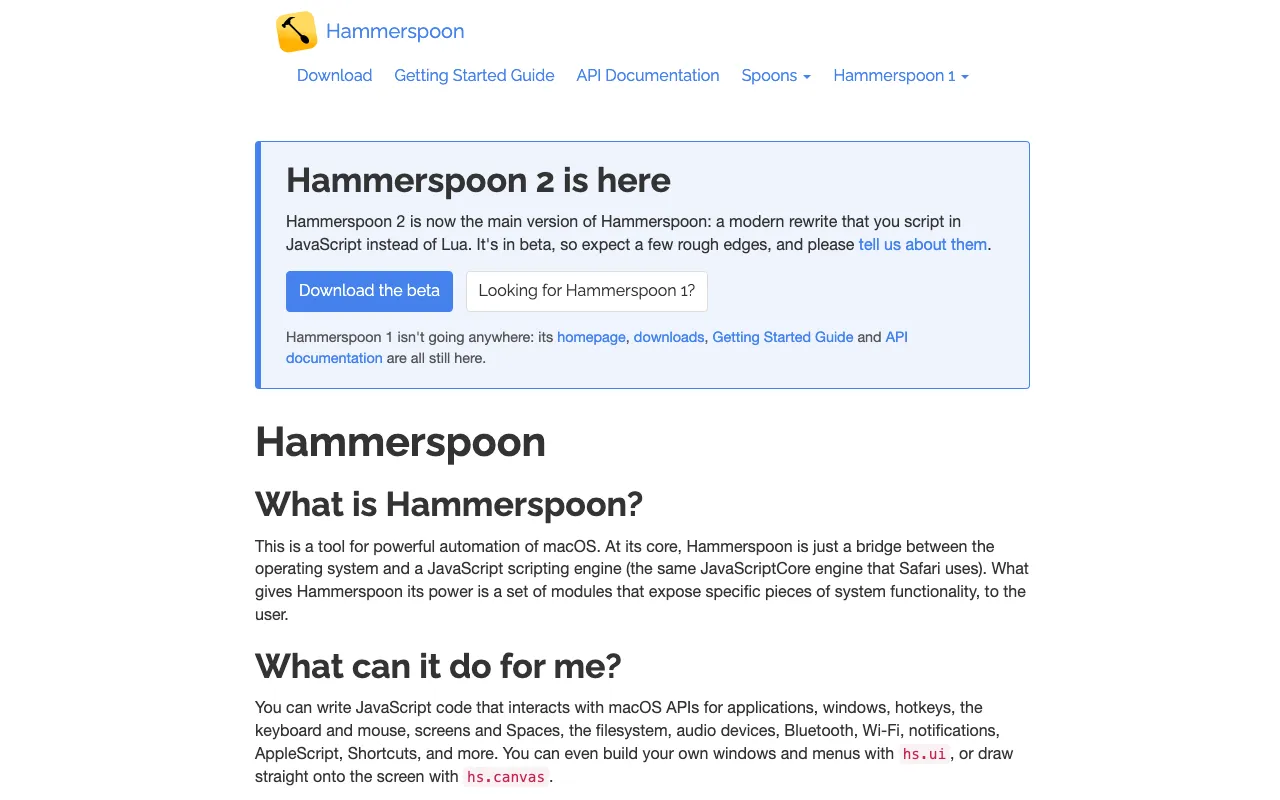
A macOS app that exposes system APIs to scripts so you can bind hotkeys, windows, networking, and other events to custom actions.
Overview
Hammerspoon connects macOS to a user scripting runtime. Extensions or modules surface pieces of the operating system—applications, windows, screens, input devices, audio, Bluetooth, Wi-Fi, notifications, and more—so scripts can react to events and drive the desktop.
Version 1 acts as a bridge to Lua, with modular extensions bundled in the app rather than fetched externally; it evolved from the earlier Mjolnir project for a more integrated experience. Out of the box the app does nothing until you add an init configuration with your own logic.
Hammerspoon 2 is a separate beta build that uses JavaScript via JavaScriptCore instead of Lua, with its own configuration directory and migration notes from version 1. Typical setups map keyboard shortcuts to window layouts, run commands when joining a network, show alerts on battery level, or invoke AppleScript and Shortcuts.
Installation is by downloading the app and placing it in Applications; Homebrew cask install is available for the classic line. Getting-started material, API references, FAQs, sample configurations, and optional Spoon plugins are provided.
Key features
- Scriptable control of apps, windows, and screens
- Hotkey and input event binding
- Wi-Fi, Bluetooth, and notification hooks
- AppleScript and Shortcuts integration
- Optional UI windows, menus, and canvas drawing
- Bundled Lua extensions in Hammerspoon 1
- JavaScript-based Hammerspoon 2 beta line
- Community Spoon plugin ecosystem
Use cases
- Window management keyboard shortcuts
- Network-aware automation on a Mac
- Custom menu bar utilities and alerts
- Personal desktop macros and workflows


 ChatGPT