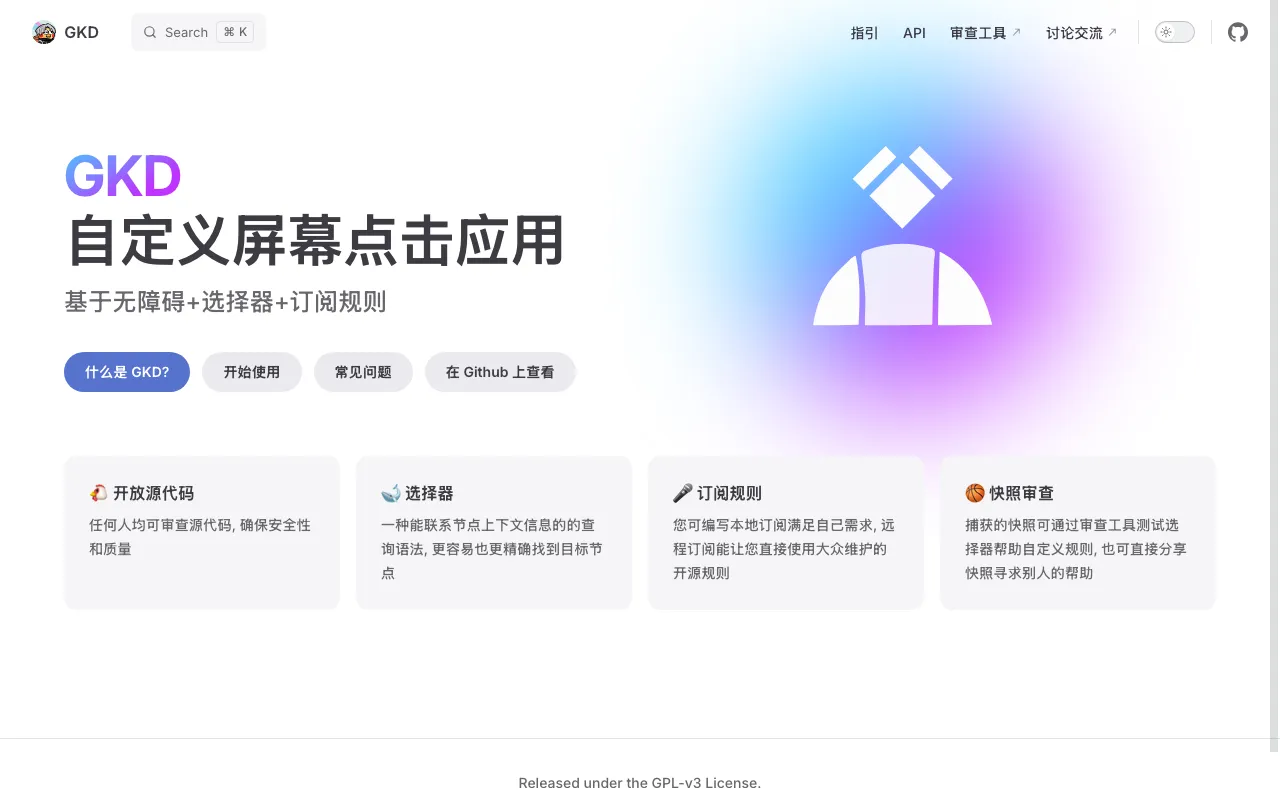
GKD uses accessibility services, advanced selectors, and subscription rules to tap screen nodes when conditions match. Rules can be local or fetched remotely.
Overview
GKD is an Android application for custom automated screen actions driven by rules you define or import. It relies on the system accessibility layer to inspect UI nodes and perform clicks or other steps when a configured screen and conditions are met.
Typical flows include shortening repetitive confirmations—such as approving a desktop login prompt—and skipping unwanted startup sequences in other apps. Rules are not bundled by default; you author them locally or subscribe to remote rule feeds, including community lists and templates for hosting your own subscription URL.
Selectors resemble CSS-like queries and can use node context to target elements precisely, for example matching menu items whose text starts with a given string. Snapshot capture supports debugging selectors and sharing UI state when asking others for help.
The app is positioned for personal automation learning; distribution mentions Google Play among support options.
Key features
- Accessibility-based screen automation
- Advanced selector syntax with context
- Local and remote subscription rules
- Snapshot review for rule debugging
- Skip flows and quick-action macros
- Community subscription discovery
- Template for self-hosted rule feeds
- No default rules shipped
Use cases
- Auto-confirm repetitive login dialogs
- Skip ads or onboarding screens
- Share snapshots when tuning selectors
- Publish shared rule subscriptions


 ChatGPT