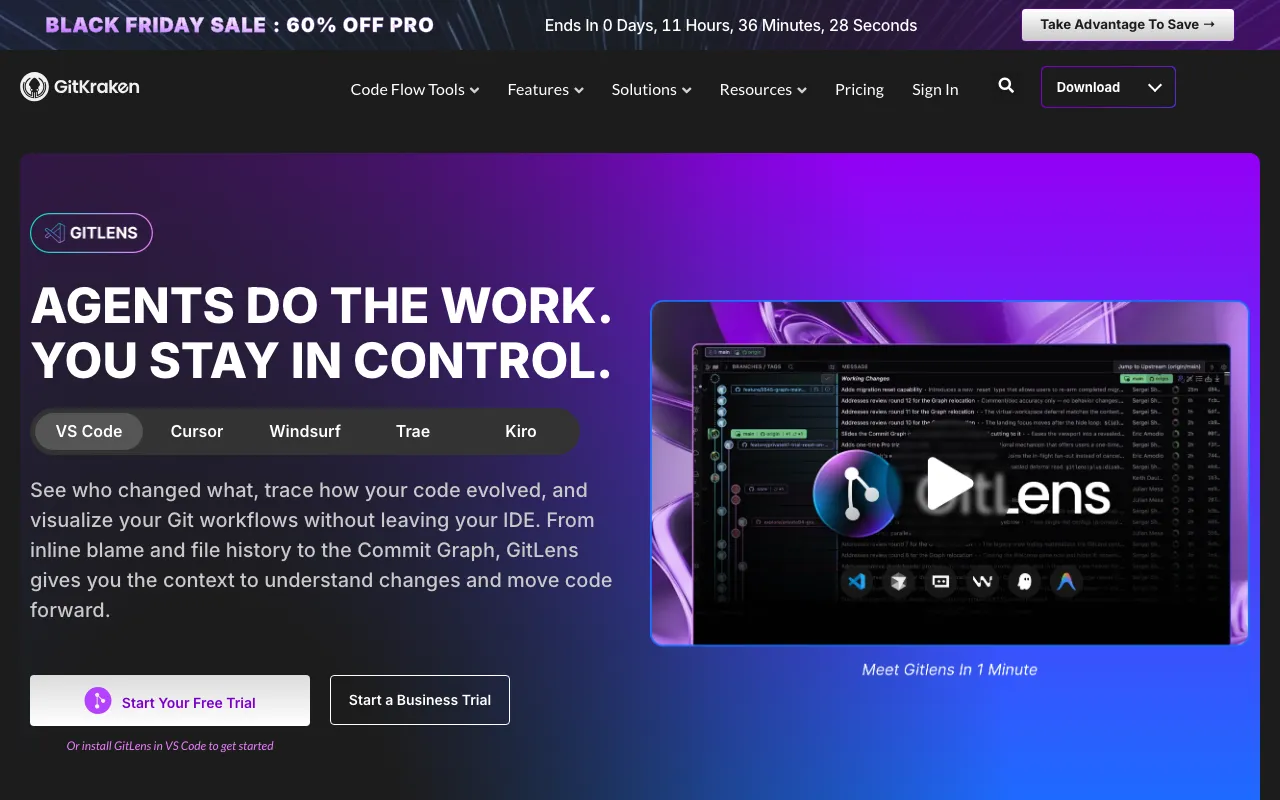
GitLens extends Visual Studio Code with blame, history, commit graph views, and Git workflows maintained by GitKraken. A free Community edition coexists with paid Pro capabilities.
Overview
GitLens adds Git-aware views and commands inside Visual Studio Code so developers can see authorship, history, branches, and working changes without leaving the editor. It is built and maintained by GitKraken and distributed as an open-source extension with a large install base.
The Commit Graph centralizes branches, stashes, remotes, worktrees, pull requests, and agent session activity in one interactive timeline. From graph rows you can branch, merge, rebase, cherry-pick, stash, push, pull, and open pull requests. Sidebar views cover overview, agents, pull requests, worktrees, branches, and related repository objects.
Classic features remain available: inline and status bar blame, rich hovers with commit and issue links, Git CodeLens summaries, file annotations, revision stepping, file and line history, and a guided Git command palette. Integrations autolink issues and pull requests across GitHub, GitLab, Jira, Bitbucket, Azure DevOps, Gitea, and other hosts, with optional rich provider features.
Newer workflow tools include worktree management, agent session tracking, Launchpad pull request triage, in-editor pull request review, interactive and automatic rebase helpers, and AI-assisted commit composition, messaging, and change explanation where enabled. GitLens Community keeps core blame and navigation features free; Pro adds capabilities such as private-repo graph features and enterprise host integrations.
Key features
- Interactive Commit Graph
- Inline blame and CodeLens
- Branch and worktree management
- Pull request panels and Launchpad
- Host and issue autolinking
- Interactive rebase editor
- Visual file history views
- Agent session tracking
Use cases
- Understanding code authorship in VS Code
- Managing parallel branches and worktrees
- Reviewing pull requests in the editor
- Exploring repository history visually