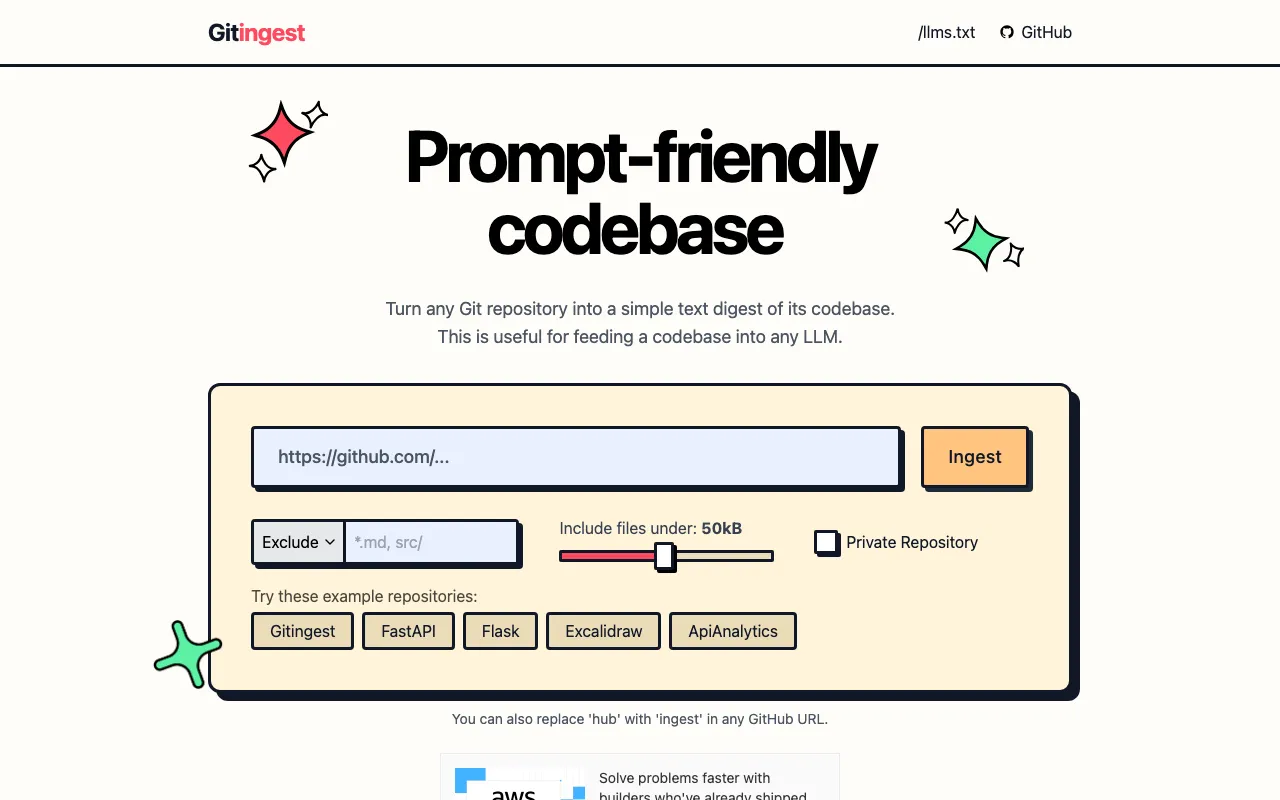
Gitingest turns a GitHub URL or local tree into a formatted text dump suited for LLM prompts. It offers a public site, CLI, Python import, browser extensions, and optional Docker hosting.
Overview
Gitingest converts Git repositories into a single prompt-friendly text extract. On GitHub, replacing "hub" with "ingest" in the URL opens a digest view of that project. The hosted site shows directory structure, file contents, summaries, and copy or download actions.
Output is formatted for language-model context, with statistics on file layout, extract size, and token counts. The gitingest command-line tool analyzes local or remote repos; private repos accept a token flag, and .gitignore rules apply unless gitignored files are explicitly included. Results default to a digest file or can stream to stdout for piping.
A PyPI package lets developers ingest repositories from Python, including notebook-oriented usage. Chrome and Firefox extensions provide another entry point tied to the open extension project.
Operators can self-host the web application with Docker or Docker Compose for development and production, configuring hostnames, metrics, and optional object storage through environment variables. Python 3.8+ is required for the tooling.
Key features
- URL trick for GitHub ingest views
- LLM-oriented formatted codebase text
- CLI with token and gitignore options
- Importable Python package
- Structure, size, and token statistics
- Chrome and Firefox extensions
- Docker and Compose self-hosting
- Private repository token support
Use cases
- Paste a repo summary into an LLM chat
- Pipe digest output to other tools
- Ingest private repos with credentials
- Run an internal ingest server on Docker
- Browse a digest from the browser extension



 CodeRabbit