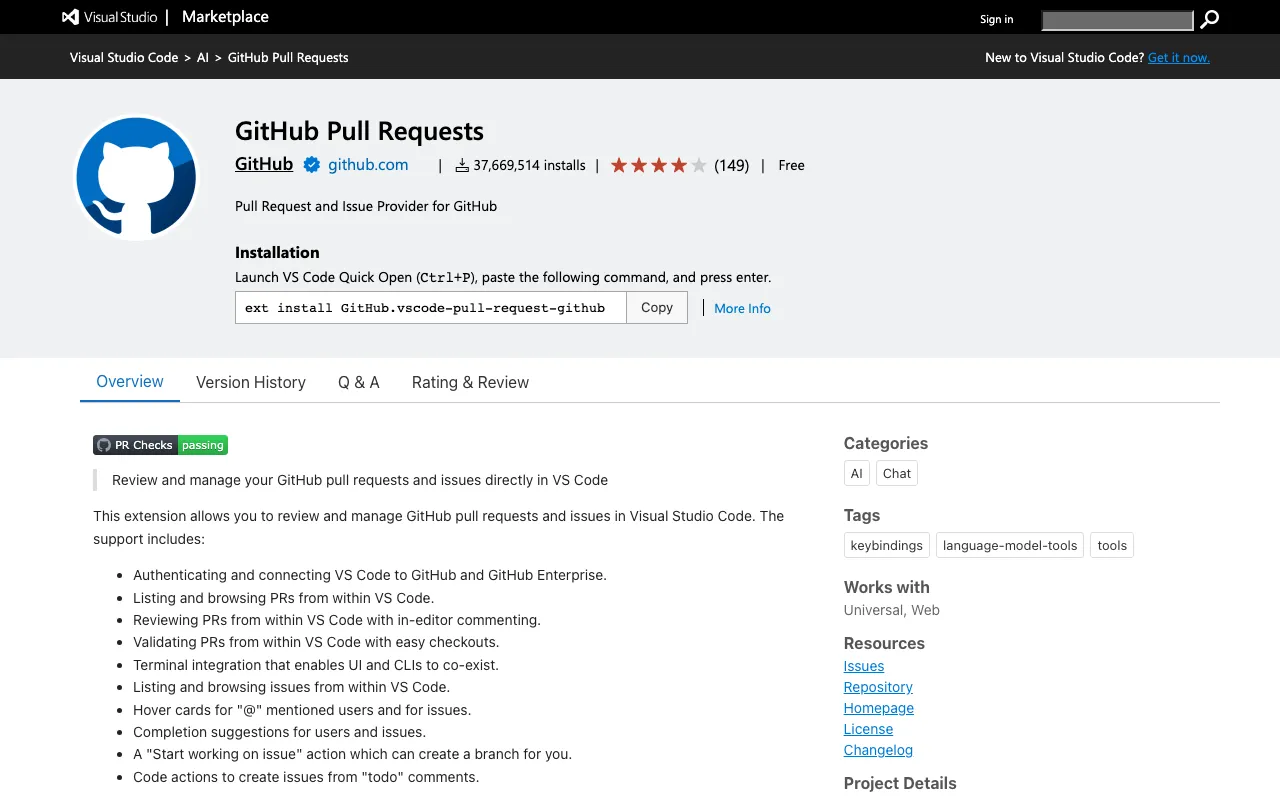
A Microsoft extension to browse, review, and manage GitHub pull requests and issues from Visual Studio Code, including GitHub Enterprise.
Overview
GitHub Pull Requests for Visual Studio Code is an extension that connects the editor to GitHub and GitHub Enterprise so you can work with pull requests and issues without switching to a browser. After opening a GitHub repository and signing in, a dedicated activity bar view lists pull requests and issues for configured remotes.
You can list and browse pull requests, review them with in-editor comments, check out branches to validate changes, and use terminal integration alongside the graphical UI. Issue support includes browsing, hover cards for mentions, completion suggestions for users and issues, a start-working-on-issue branch action, and code actions to file issues from todo comments.
Settings control which git remotes are queried and how PR and issue trees are grouped using GitHub search syntax. GitHub Enterprise Server and GHE.com instances are configured through github-enterprise.uris, with account selection separate from GitHub.com. The githubPullRequests.queries and githubIssues.queries settings define labeled sections such as waiting for review, assigned to you, or created by you.
Authentication and enterprise setup follow VS Code’s GitHub authentication flows; enterprise workspace settings apply only in trusted workspaces according to the extension documentation.
Key features
- GitHub and Enterprise authentication
- List and browse pull requests
- In-editor PR review comments
- Checkout PR branches for validation
- Browse and work on GitHub issues
- Configurable PR and issue query trees
- Mention and issue autocompletion
- Create issues from todo comments
Use cases
- Review team PRs inside VS Code
- Triage assigned GitHub issues
- Test PR branches locally
- Work against GitHub Enterprise remotes