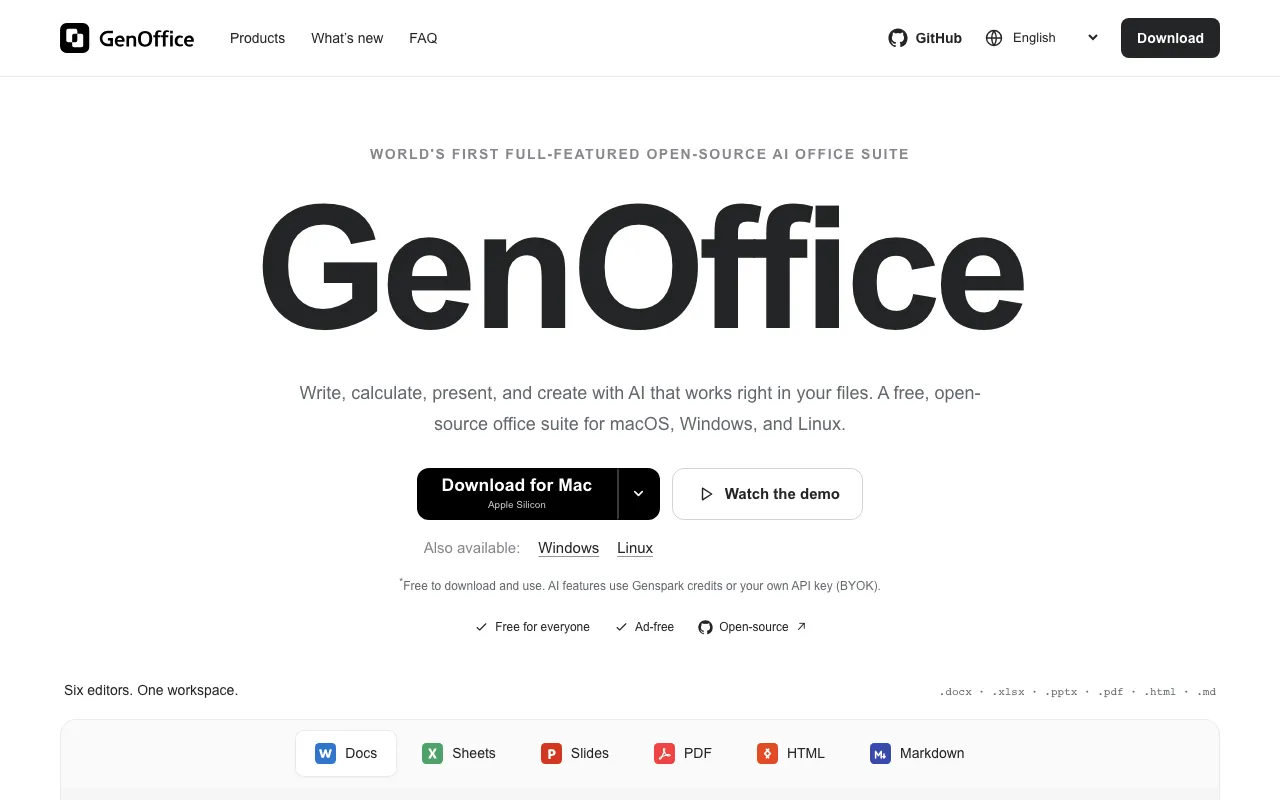
GenOffice edits native Word, Excel, and PowerPoint files plus PDF, HTML, and Markdown with built-in AI on your machine.
Overview
GenOffice is a desktop office workspace with six editors for documents, spreadsheets, slides, PDF, HTML pages, and Markdown notes. It reads and writes real .docx, .xlsx, and .pptx files, converts and edits PDF, and keeps local processing for open, save, and format conversion while AI requests go only to the provider you choose.
The AI sits in the editing flow: it reads document structure, applies changes you can review as tracked changes or diffs, and supports rollback snapshots. Spreadsheets emphasize live formulas and charts; slides build decks on a native canvas; PDF editing rewrites text in place; HTML and Markdown editors export to Word or PDF where described.
A home search index scans filenames, folders, and extracted text locally, with optional reranking. Starred files can feed an Ask AI feature that answers with citations. A genoffice CLI, agent skills, and MCP tools let coding agents create and edit Office files without opening the GUI.
Installers are offered for macOS, Windows, and Linux. You can sign in with Genspark for AI or bring your own API keys for many model providers, including compatible local endpoints.
Key features
- Native OOXML read and write
- AI edits with review and rollback
- Local PDF to Office conversion
- Spreadsheet formulas and pivot tables
- On-device full-text file search
- genoffice CLI and agent skills
- MCP tools for external agents
- BYOK for multiple AI providers
Use cases
- Replacing proprietary office apps locally
- AI-assisted document and deck drafting
- Spreadsheet modeling with cited AI answers
- Agent-driven Office file generation
- PDF conversion and in-place PDF edits
Open-source alternative to
MMicrosoft Office“GenOffice is a free, open-source alternative to Microsoft Office for macOS, Windows and Linux.” source
Does the same job as
GenOffice doesn't name these products itself, but its own description shows it does the same job.




 ChatGPT


 Anthropic Claude