
REA
MCP and CLI reverse-engineering toolkit for agents
REA connects coding agents and terminals to local analysis tools for binaries, Electron apps, websites, .NET, and Android targets. Setup registers MCP access and investigation skills via npm.

MCP server feeding Figma layout data to coding agents
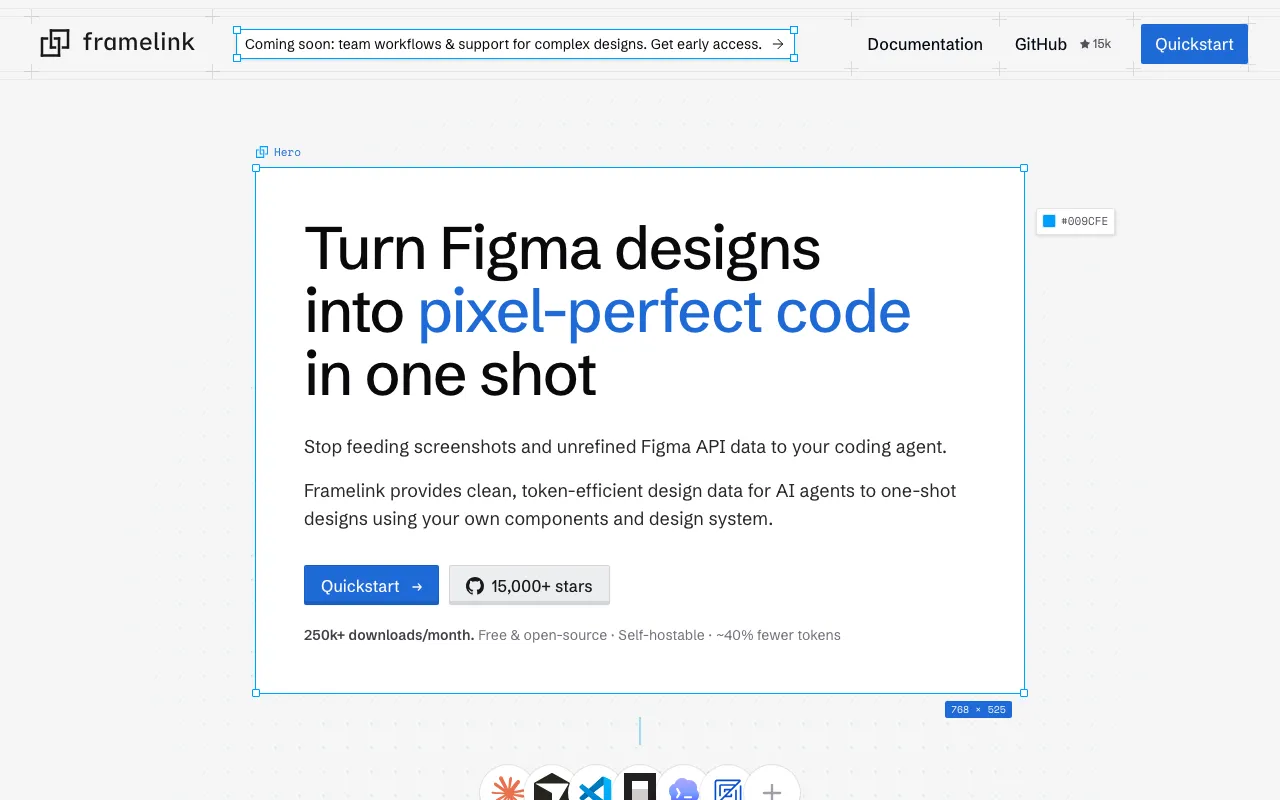
A Model Context Protocol server that pulls Figma file metadata into AI coding tools such as Cursor, so agents can implement UI from design links instead of screenshots.
Framelink MCP for Figma connects design files to IDE chat and agent workflows. You paste a link to a Figma file, frame, or group and ask the agent to implement or adapt the design; the server fetches data from the Figma API and returns trimmed layout and styling context for code generation.
Before context is sent to the model, responses are simplified so only relevant structure and style information remains, which the project describes as improving accuracy and keeping prompts smaller. Output is descriptive JSON about borders, padding, and similar attributes rather than framework-specific generated code, so the model can follow your own components and conventions.
The server is wired into editors and other MCP clients through their MCP configuration. Use requires a Figma API access token, which you can supply via environment variables or config fields. Documentation covers setup on macOS, Linux, and Windows.
Compared with Figma’s own MCP offering, the project emphasizes smaller payloads, preserved style names, nested components, and deduplication of styles and duplicate elements. Both rely on the same Figma API, so API rate limits apply similarly.
MCP and CLI reverse-engineering toolkit for agents
REA connects coding agents and terminals to local analysis tools for binaries, Electron apps, websites, .NET, and Android targets. Setup registers MCP access and investigation skills via npm.
Agent skills methodology for disciplined coding
Superpowers adds composable skills and bootstrap instructions so coding agents brainstorm specs, plan in small tasks, follow test-driven development, and review work. Plugins install into many agent marketplaces and CLIs.

Open-source agent engineering toolkit for coding harnesses
ECC adds planning, verification, review, memory, skills, and security scanning to coding agents such as Claude Code, Codex, and Cursor. It installs as plugins, packages, and managed adapters across multiple harnesses.

Open-source plugin-based agent harness from DeepSeek
DeepSeek Harness is an open-source agent harness built on an everything-is-a-plugin architecture powered by Cordis. It offers a web UI, desktop app, and extensible plugins for daily work, coding, and automation.

Open source coding agent for any model
OpenCode is an open source coding agent for desktop, terminal, mobile, or SDK use with many LLM providers and built-in development and read-only planning agents

Lazy senior-dev prompt skill for AI coding agents
Ponytail is a prompt skill that steers AI coding agents toward minimal, necessary code. It adds review and audit commands and optional usage metrics in supported hosts.
 Claude Code