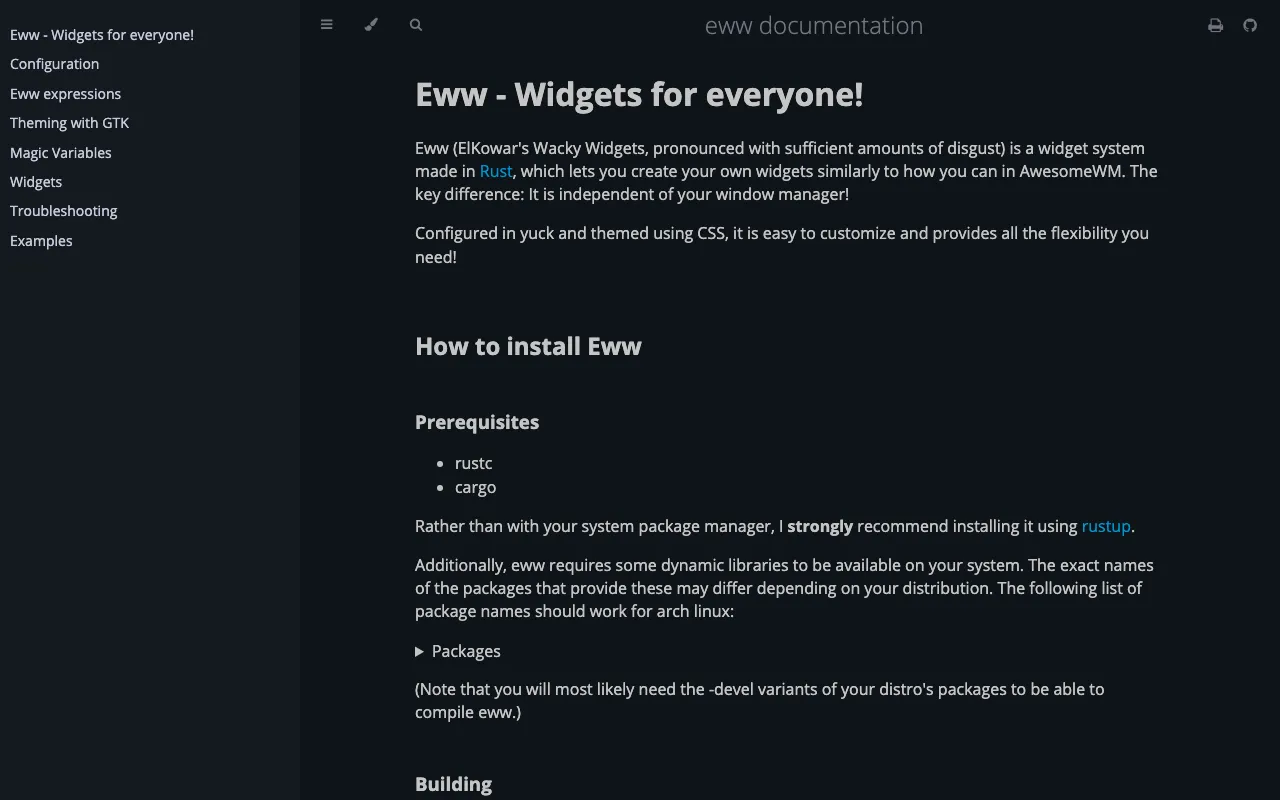
Eww builds custom on-screen widgets with yuck config and CSS, independent of any particular window manager.
Overview
Elkowar’s Wacky Widgets (Eww) is a widget system written in Rust that renders your own bars, panels, and overlays on Linux desktops. You configure layout in yuck and appearance with CSS, similar in spirit to widget setups in tiling window managers but without tying you to one WM.
Widgets can show status, controls, or any content you script into the configuration. Example configs include a basic bar; documentation and third-party guides cover installation and getting started.
You build Eww with Rust’s cargo toolchain, choosing X11 or Wayland feature flags at compile time. Runtime dependencies include GTK-related libraries, Pango, Cairo, and on Wayland gtk-layer-shell. After building, you run a background daemon and open windows with the eww command-line tool.
Because it sits beside your existing window manager, Eww fits users who want graphical desktop chrome without switching compositor or WM stack.
Key features
- Window-manager-independent widgets
- Yuck configuration language
- CSS-based theming
- Rust implementation
- X11 and Wayland build targets
- Daemon plus open CLI workflow
- Sample bar configurations
- GTK stack rendering
Use cases
- Custom desktop status bars
- Monitoring panels on any Linux WM
- Themed HUD-style desktop overlays
- Replacing WM-specific widget setups
- Personal desktop automation displays


 ChatGPT


 Miro