
Scrcpy
Android screen mirror and control from desktop
scrcpy shows Android device video and audio over USB or TCP/IP and forwards keyboard and mouse input. It needs no root or on-device app and runs on Linux, Windows, and macOS.

Graphical Android control and mirroring via scrcpy
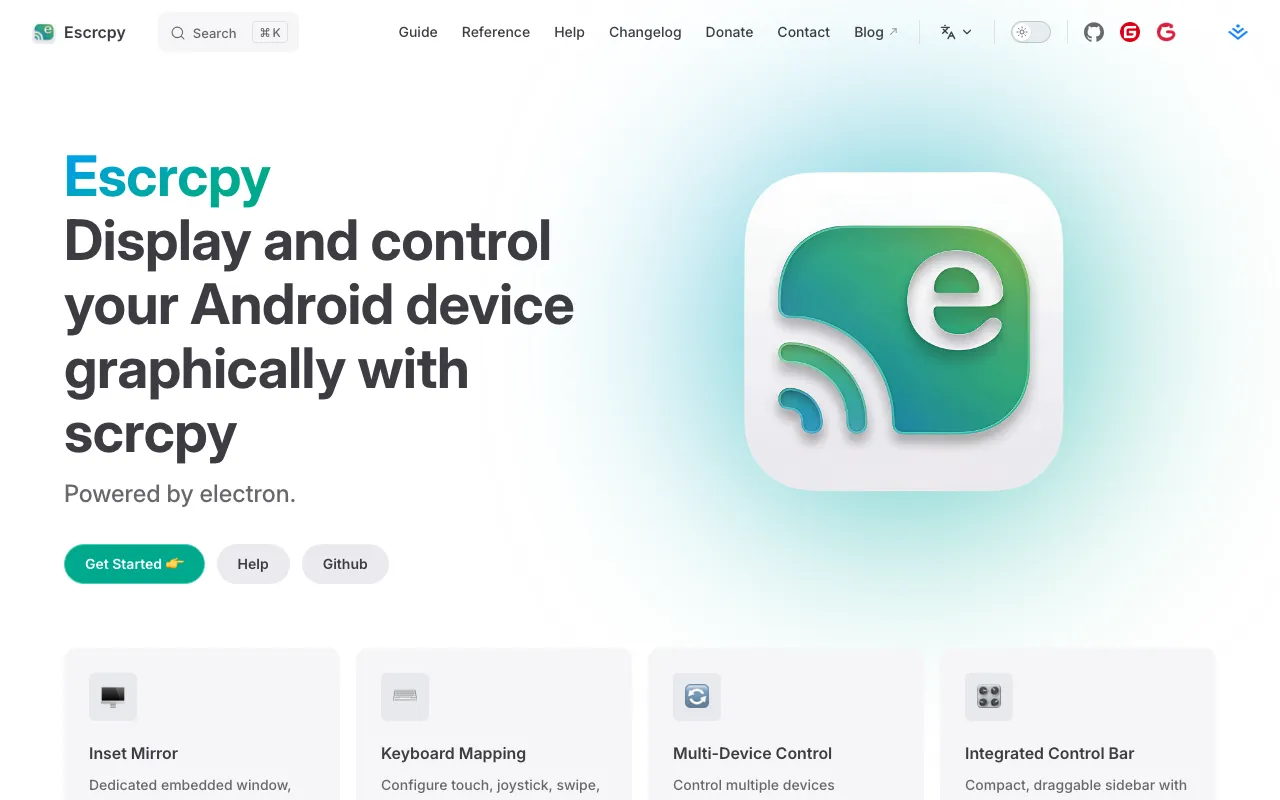
Electron desktop app to display and control Android phones using scrcpy, with multi-device and automation extras.
Escrcpy shows your Android screen on the computer and forwards keyboard and pointer input through the scrcpy engine. It targets a stable scrcpy integration; some advanced capabilities are noted as coming from a separate paid extension project.
An inset mirror window can follow device resolution and orientation and offers quick actions from a compact control bar. You can manage several devices in one interface, broadcast input, capture screenshots in batch, and install APKs across devices. Keyboard mapping lets you bind touch, joystick, swipe, scroll, and automation actions on the mirrored view.
Wireless ADB is supported with LAN discovery and Gnirehtet reverse tethering. Optional automation workflows chain visual steps with image recognition and batch runs. An AI assistant built on MCP is described for device control with multi-model chat.
Install from release packages or macOS Homebrew. The stack is powered by Electron on Linux, macOS, and Windows.
Android screen mirror and control from desktop
scrcpy shows Android device video and audio over USB or TCP/IP and forwards keyboard and mouse input. It needs no root or on-device app and runs on Linux, Windows, and macOS.

Open-source remote desktop with optional self-hosted servers
RustDesk is remote desktop software for Windows, macOS, Linux, and Android that can connect through project relay servers or infrastructure you run yourself.
Self-deployed reverse proxy for NAT and firewall bypass
frp pairs a public-facing frps server with frpc clients to expose TCP, UDP, HTTP, and HTTPS services behind NAT or firewalls, including P2P connect mode.

Self-hosted Moonlight game streaming host with hardware encoding
Sunshine runs on your machine as a self-hosted streaming host for Moonlight clients, capturing the desktop and encoding video with GPU or software paths.

WireGuard-based mesh VPN with identity-aware device connectivity
Tailscale builds private WireGuard networks so your devices can reach each other securely. It targets easier setup than traditional VPNs for individuals, teams, and infrastructure access.
QEMU-based virtual machines for Mac, iPhone, and iPad
UTM emulates and virtualizes guest operating systems on Apple devices, including Windows and Linux on Mac, with a separate slower edition for iOS without jailbreak.