
GitHub1s
Browser VS Code viewer for remote repository code
GitHub1s is a browser-based code explorer built on VS Code. It lets you browse files, search, and review diffs on GitHub and GitLab without cloning.

Keyboard-driven Magit-style Git UI for Visual Studio Code
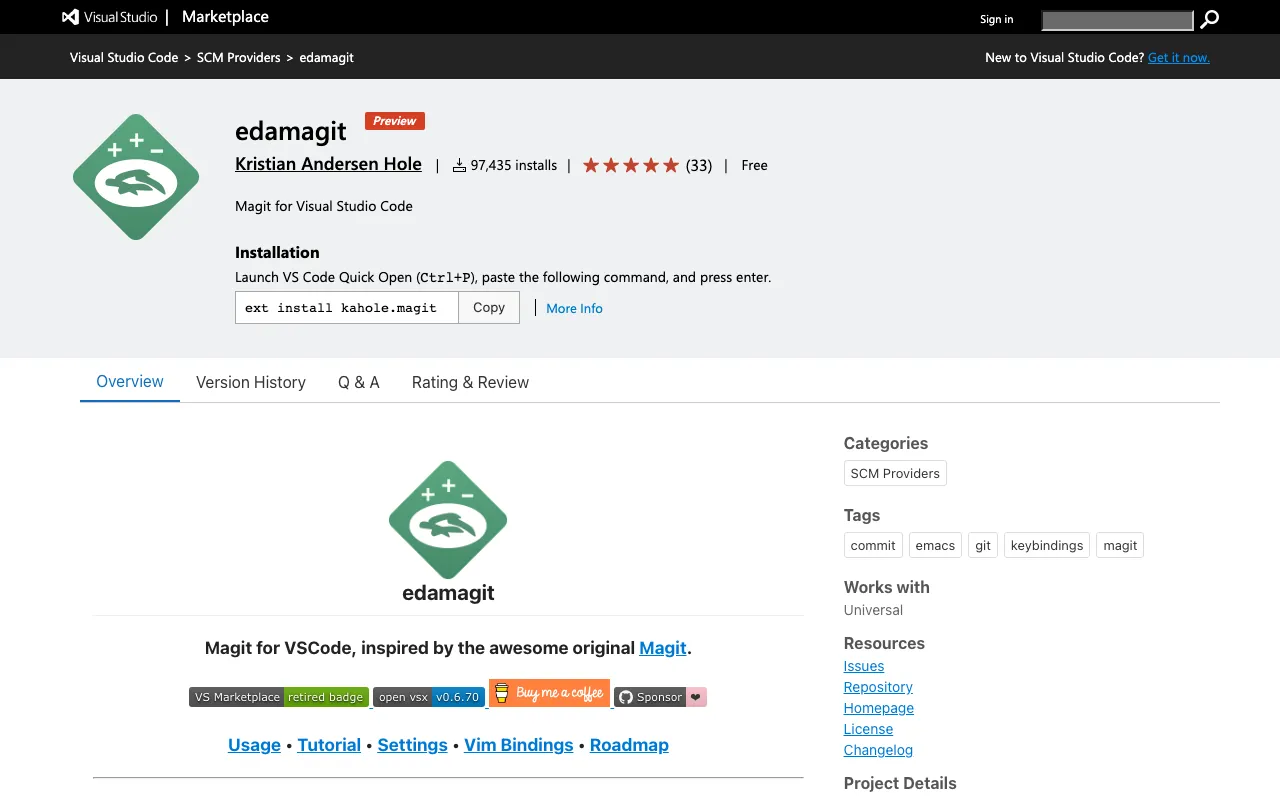
edamagit brings a Magit-inspired Git interface into VS Code with popup commands and default key chords. It supports staging, logs, remotes, rebases, and optional Forge integration.
edamagit is a Visual Studio Code extension that recreates much of the Magit Git experience inside the editor. It targets developers who want a keyboard-driven workflow for everyday version control tasks without leaving VS Code.
Commands such as Magit Status, Magit File Popup, and Magit Dispatch open buffers where single-key popups cover commit, branch, diff, fetch, pull, push, rebase, stash, and related actions. Inside a status view, keys stage and unstage hunks, apply patches, refresh buffers, and navigate sections.
Settings control Forge pull request and issue integration, which side panels open on, hidden status sections, and quick confirmation of switch flags. Monorepo setups can rely on parent-folder repository detection. Optional keybinding snippets integrate with VSCodeVim and spacemacs-style maps.
The extension lists planned work such as richer commit and stash views, bisect, patches, subtrees, and additional Forge features. A tutorial documents the full key map and command palette discovery.
Browser VS Code viewer for remote repository code
GitHub1s is a browser-based code explorer built on VS Code. It lets you browse files, search, and review diffs on GitHub and GitLab without cloning.

Extensible editor for edit-build-debug workflows
Visual Studio Code combines a lightweight code editor with navigation, debugging, and an extension model. Builds are available for Windows, macOS, and Linux, with a browser-based option.

Agent development environment for parallel coding agents
Orca is a cross-platform agent IDE where you run CLI coding agents in chat or terminal, split work across isolated git worktrees, and coordinate bots from Slack, Linear or GitHub

Extensible Vim-based terminal text editor
Neovim refactors Vim for easier maintenance, stronger extensibility, and modern UIs. It keeps Vim's editing model while adding Lua config, LSP, and a language-agnostic RPC API.

Multiplayer open-source code editor with optional AI
Zed is a multiplayer code editor for macOS, Linux, and Windows. It comes from the creators of Atom and Tree-sitter.
Terminal user interface for everyday Git workflows
Lazygit wraps common Git operations in a keyboard-driven terminal UI. You can stage partial changes, rebase, cherry-pick, and inspect history without memorizing fragile command sequences.