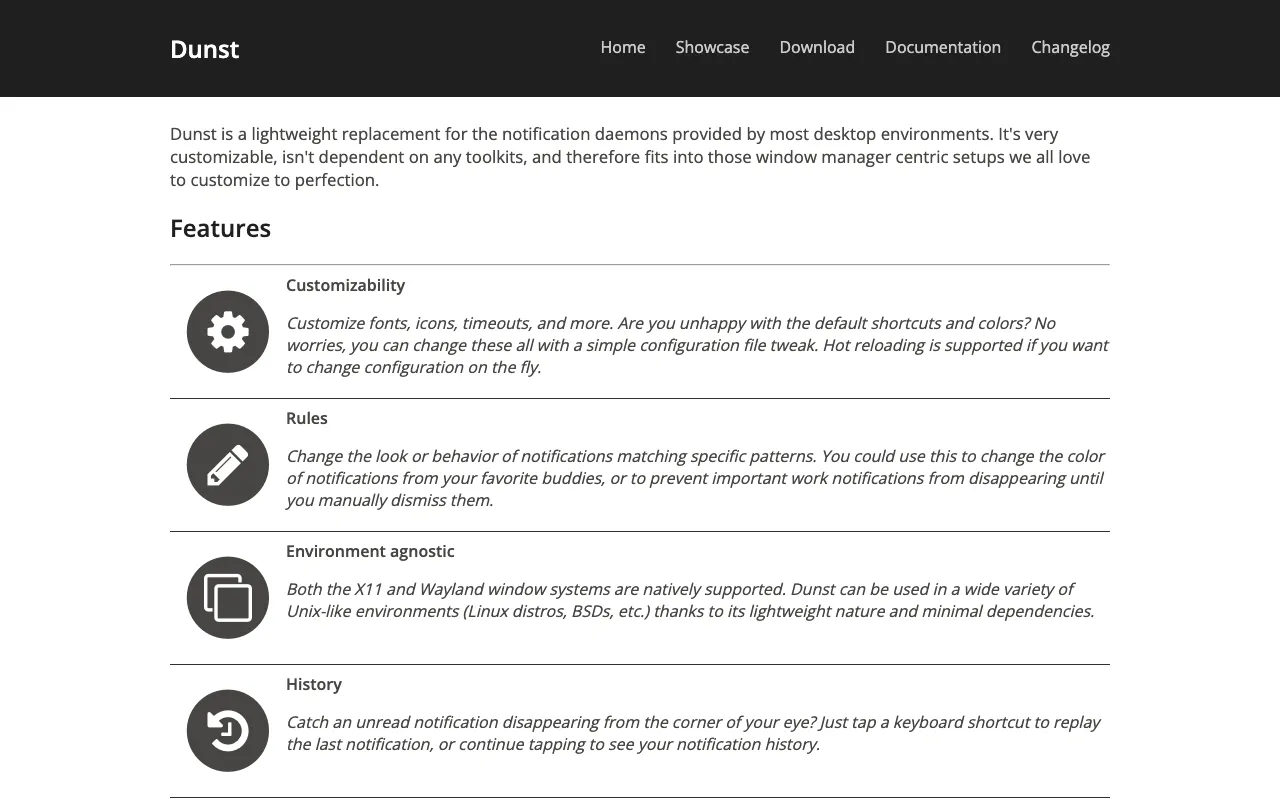
Dunst shows and manages desktop notifications on X11 or Wayland with rules, history, pause levels, and scriptable actions.
Overview
Dunst is a lightweight notification daemon meant to replace heavier desktop environment notification services. It targets customizable setups, especially window-manager-centric workflows, without tying to a specific GUI toolkit.
Appearance and behavior are controlled through a configuration file covering fonts, icons, timeouts, shortcuts, and colors, with optional hot reload. Rules match notification patterns to adjust styling or persistence, and scripts can run when messages match filters.
Users can pause all notifications or apply numeric pause levels so urgent messages still arrive. A history feature replays recent alerts via keyboard shortcuts. Input is keyboard-driven with optional mouse dismiss actions, multi-monitor placement, and a context menu for URLs and actions.
Native support covers both X11 and Wayland, with packages available on many distributions. Dunst integrates with the usual freedesktop notification stack through D-Bus and libnotify-related tooling.
Key features
- Configurable notification appearance
- Pattern-based rules
- Custom scripts on notifications
- Pause and pause-level filtering
- Notification history replay
- X11 and Wayland support
- Multi-monitor placement
- Keyboard and context menus
Use cases
- Notifications under minimal window managers
- Prioritizing work email alerts
- Do-not-disturb with selective urgency
- Text-to-speech on new messages
- Themed desktop notification styling


 ChatGPT