qmetrics.net

Doom Emacs

Modular configuration framework for GNU Emacs

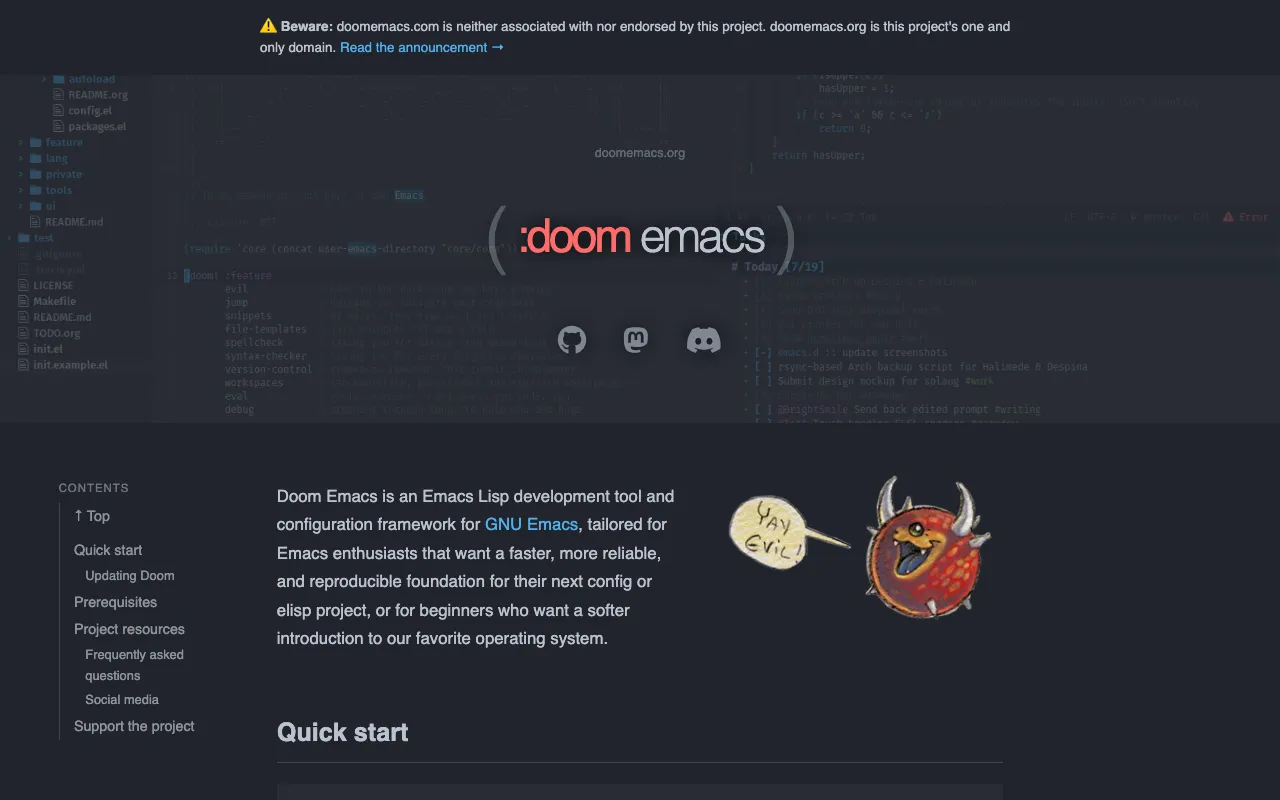
Doom Emacs screenshot

Doom Emacs is a curated Emacs setup with lazy loading, package pinning, and optional Vim-style keys. You install it atop GNU Emacs on your machine.

Overview

Doom Emacs is a configuration framework built in Emacs Lisp for people who want a fast, opinionated Emacs environment without hand-rolling every detail. It can serve as a starter kit or a base you extend with private modules.

Startup performance and lazy loading are central goals, along with staying close to vanilla Emacs behavior. A declarative package manager pulls plugins from multiple sources and pins versions, while the doom command-line tool installs, syncs, upgrades, and diagnoses the setup.

Optional Evil mode brings Vim-like editing and ports of common Vim plugins. Many language modules add syntax highlighting, checkers, completion, and LSP integration through lsp-mode or eglot. Workspace management, leader-key bindings, popup rules, and ripgrep-powered search are part of the default experience.

You need a supported GNU Emacs release, Git, and ripgrep; additional module dependencies vary. The doom doctor command summarizes missing tools. The core tree hosts the main framework, and separate theme and module collections ship alongside it.

Key features

  • Lazy-loaded curated package set
  • straight.el declarative package pins
  • Optional Evil Vim emulation
  • Leader-key driven keybindings
  • LSP modules for many languages
  • Ripgrep and ivy or helm search
  • Persistent workspace management
  • doom CLI install and sync tool

Use cases

  • Starting a reproducible Emacs setup
  • Switching from Vim with Evil mode
  • Multi-language development in Emacs
  • Managing Emacs packages with pinning
  • Recovering configs via doom upgrade

Tags

Similar software

Visual Studio Code

Extensible editor for edit-build-debug workflows

Visual Studio Code combines a lightweight code editor with navigation, debugging, and an extension model. Builds are available for Windows, macOS, and Linux, with a browser-based option.

★ 195.8k⟳ todayMIT
AI Assisted CodingDesktop/CLI app
Open Source Alternative to:Windsurf

Orca

Agent development environment for parallel coding agents

Orca is a cross-platform agent IDE where you run CLI coding agents in chat or terminal, split work across isolated git worktrees, and coordinate bots from Slack, Linear or GitHub

★ 142.2k⟳ todayMIT
AI Assisted CodingDesktop/CLI app
Open Source Alternative to:CodiumateWindsurf

Neovim

Extensible Vim-based terminal text editor

Neovim refactors Vim for easier maintenance, stronger extensibility, and modern UIs. It keeps Vim's editing model while adding Lua config, LSP, and a language-agnostic RPC API.

★ 104k⟳ todayApache-2.0 · open core
IDEs & Code EditorsDesktop/CLI app

Zed

Multiplayer open-source code editor with optional AI

Zed is a multiplayer code editor for macOS, Linux, and Windows. It comes from the creators of Atom and Tree-sitter.

★ 95.8k⟳ todayApache-2.0
AI Assisted CodingDesktop/CLI app

MarkText

Real-time preview Markdown editor for desktop

MarkText is a desktop Markdown editor with live WYSIWYG preview, themes, and export. It runs on Linux, macOS, and Windows.

★ 64.4k⟳ 5 days agoMIT
IDEs & Code EditorsDesktop/CLI app
Open Source Alternative to:Typora

ImHex

Feature-rich hex editor for reverse engineering and binary analysis

ImHex is a desktop hex editor aimed at reverse engineers and developers. It combines editing, pattern-based parsing, visualization, and disassembly in one interface.

★ 56.1k⟳ yesterdayGPL-2.0