qmetrics.net

CodeEdit

Native macOS code editor for non-Apple platform projects

IDEs & Code EditorsDesktop/CLI app
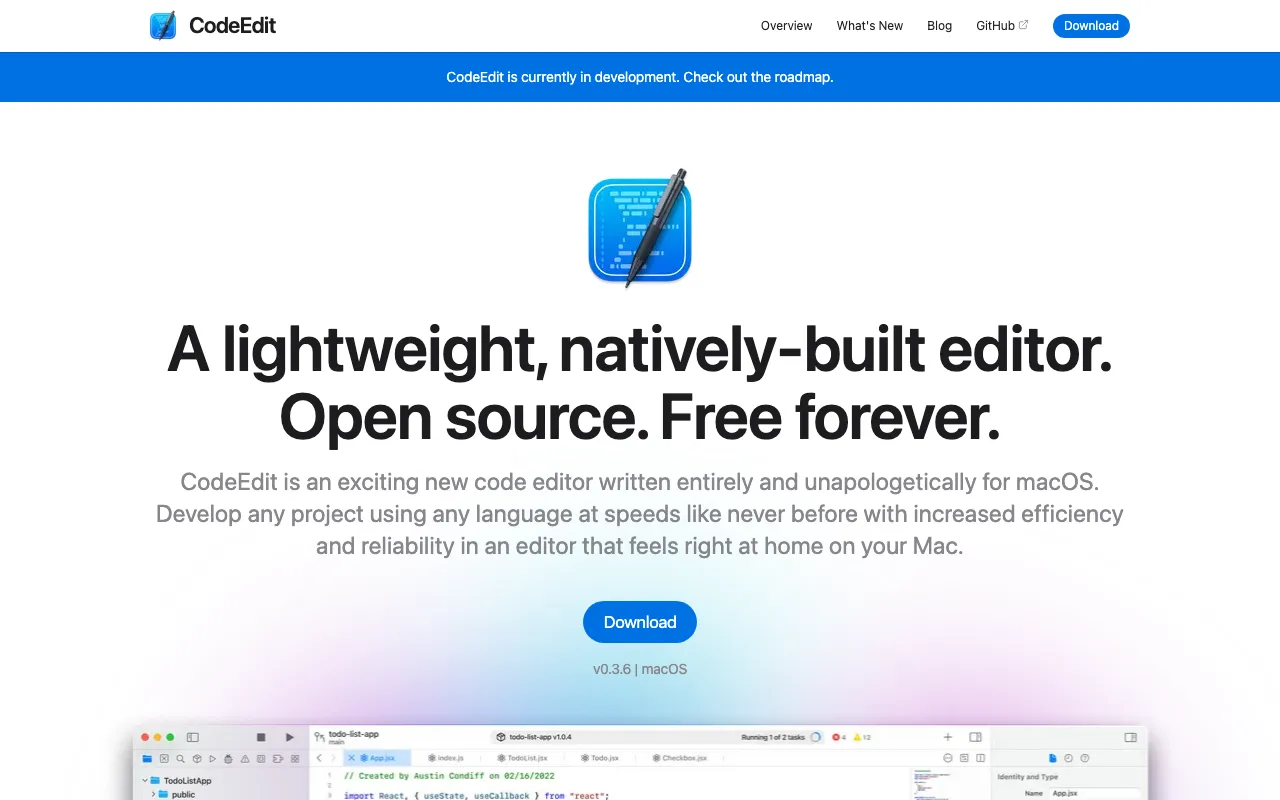
CodeEdit screenshot

CodeEdit is a community-built macOS code editor in Swift with syntax highlighting, completion, git, debugging, extensions, and a native interface. It targets general projects, not only Apple platforms.

Overview

CodeEdit is a code editor written for macOS in Swift and SwiftUI, aimed at developers who want a native desktop experience outside Xcode for projects that are not limited to Apple platforms. It is community-led and intended to stay free, with a lightweight baseline that can grow toward a more feature-rich setup when needed.

Documented capabilities include syntax highlighting, code completion, project find and replace, snippets, an integrated terminal, task running, debugging, git integration, code review support, and extensions. The interface follows Apple human interface guidelines so the app feels consistent with other Mac software.

The project is still in active development and is not presented as ready for production use; pre-release builds are offered for testing and feedback. CodeEdit is positioned to supplement Xcode rather than replace it for Apple-platform work.

Related components such as CodeEditKit, CodeEditTextView, CodeEditSourceEditor, CodeEditLanguages, and CodeEditCLI extend editing and tooling around the main application.

Key features

  • Native Swift macOS architecture
  • Syntax highlighting and completion
  • Integrated terminal and task running
  • Debugging and git integration
  • Snippets and find and replace
  • Extensions and customization
  • Code review tooling
  • Familiar Mac-style user interface

Use cases

  • Editing non-Apple platform codebases on Mac
  • Lightweight daily coding without Electron
  • Native Mac alternative to cross-platform editors
  • Trying pre-release editor features
  • Extending the editor with community additions
Tags

Similar software

Visual Studio Code

Extensible editor for edit-build-debug workflows

Visual Studio Code combines a lightweight code editor with navigation, debugging, and an extension model. Builds are available for Windows, macOS, and Linux, with a browser-based option.

★ 195.8k⟳ todayMIT
AI Assisted CodingDesktop/CLI app
Open Source Alternative to:Windsurf

Orca

Agent development environment for parallel coding agents

Orca is a cross-platform agent IDE where you run CLI coding agents in chat or terminal, split work across isolated git worktrees, and coordinate bots from Slack, Linear or GitHub

★ 142.2k⟳ todayMIT
AI Assisted CodingDesktop/CLI app
Open Source Alternative to:CodiumateWindsurf

Neovim

Extensible Vim-based terminal text editor

Neovim refactors Vim for easier maintenance, stronger extensibility, and modern UIs. It keeps Vim's editing model while adding Lua config, LSP, and a language-agnostic RPC API.

★ 104k⟳ todayApache-2.0 · open core
IDEs & Code EditorsDesktop/CLI app

Zed

Multiplayer open-source code editor with optional AI

Zed is a multiplayer code editor for macOS, Linux, and Windows. It comes from the creators of Atom and Tree-sitter.

★ 95.8k⟳ todayApache-2.0
AI Assisted CodingDesktop/CLI app

MarkText

Real-time preview Markdown editor for desktop

MarkText is a desktop Markdown editor with live WYSIWYG preview, themes, and export. It runs on Linux, macOS, and Windows.

★ 64.4k⟳ 5 days agoMIT
IDEs & Code EditorsDesktop/CLI app
Open Source Alternative to:Typora

ImHex

Feature-rich hex editor for reverse engineering and binary analysis

ImHex is a desktop hex editor aimed at reverse engineers and developers. It combines editing, pattern-based parsing, visualization, and disassembly in one interface.

★ 56.1k⟳ yesterdayGPL-2.0