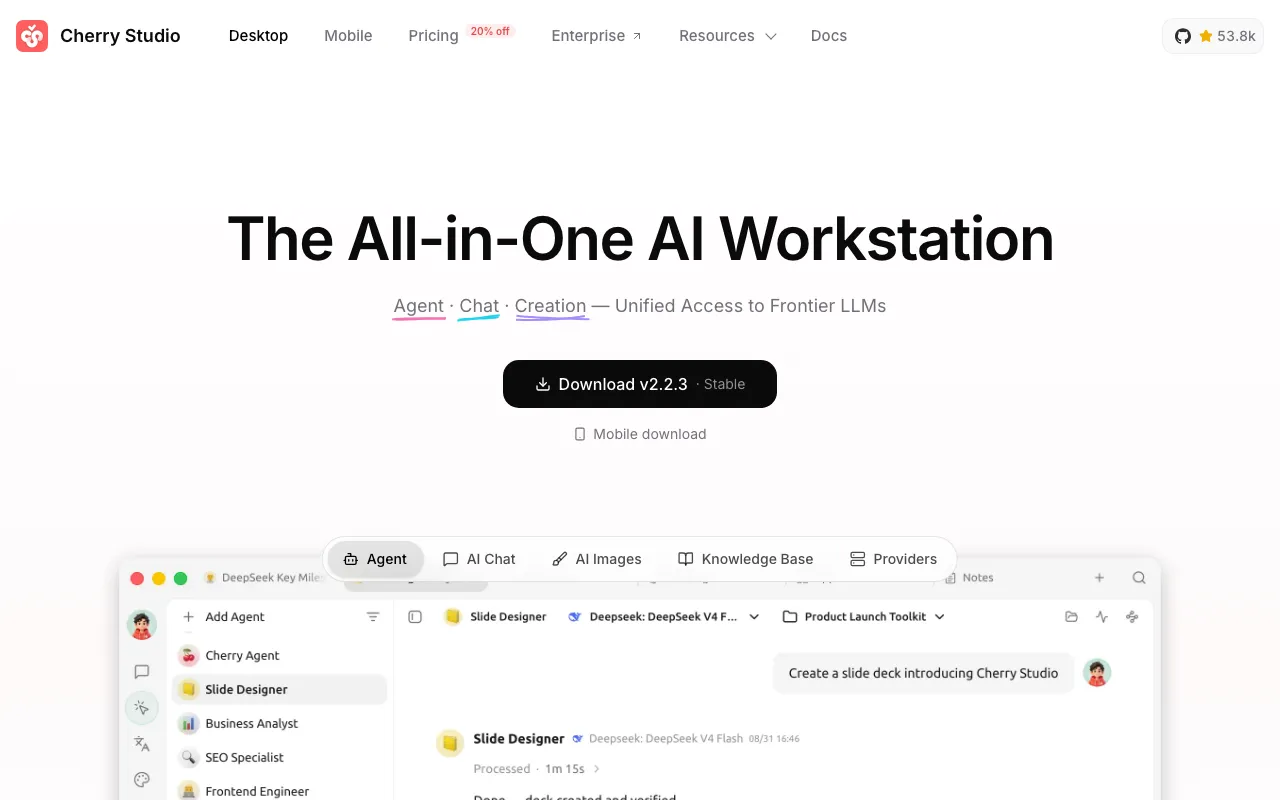
Cherry Studio is a desktop AI client for Windows, macOS and Linux. It combines chat with many models, agents, local knowledge bases, image generation and translation in one app, with data kept on your device.
Overview
Cherry Studio is an AI workstation that runs as a desktop application on Windows, macOS and Linux, with a separate mobile app for iOS and Android. It brings chat, agents, knowledge bases, image creation and translation into a single interface, so users do not need to switch between separate tools.
For models, it connects to cloud providers such as OpenAI, Anthropic and Gemini, to custom compatible services, and to local models through Ollama and LM Studio. Users bring their own API keys. Responses from several models can be compared within one conversation, and assistants can be customized or picked from a library of ready-made ones. Output supports Markdown, code highlighting, formulas and Mermaid charts, and conversations can be exported.
Agents can have their own instructions, workspaces, models and tool permissions. They can work with files, run commands, and use browser and computer automation tools. Capabilities can be extended with Skills and MCP servers, and agents can run scheduled tasks or connect to messaging platforms through Channels.
Knowledge bases are built from files, folders and web pages and can be used in conversations and agents. The app handles PDF, Office documents, images and text with OCR options. It also offers Markdown notes, a file library, web search, translation, speech input and text-to-speech, Mini Apps, and an API Gateway that exposes configured models to other applications. Conversation history and knowledge bases stay on the device, with local and WebDAV backup options.
An Enterprise Edition adds centralized model management, shared knowledge bases, employee access controls and private deployment options for teams.
Key features
- Chat with many cloud and local models
- Side-by-side model response comparison
- Agents with tool permissions and workspaces
- MCP servers and Skills
- Local knowledge bases with OCR
- Image generation and editing
- Translation and web search
- Local and WebDAV backup
Use cases
- Chatting with multiple LLMs from one app
- Running local models via Ollama or LM Studio
- Building a private searchable knowledge base
- Automating multi-step tasks with agents
- Translating and processing documents
Does the same job as
Cherry Studio doesn't name these products itself, but its own description shows it does the same job.

 Anthropic Claude


 ChatGPT