
Rclone
Command-line sync tool for cloud storage
Rclone copies and syncs files between local disks and many cloud backends. It mirrors familiar Unix-style file operations for remote storage.

Encrypted cross-platform desktop backup for personal files
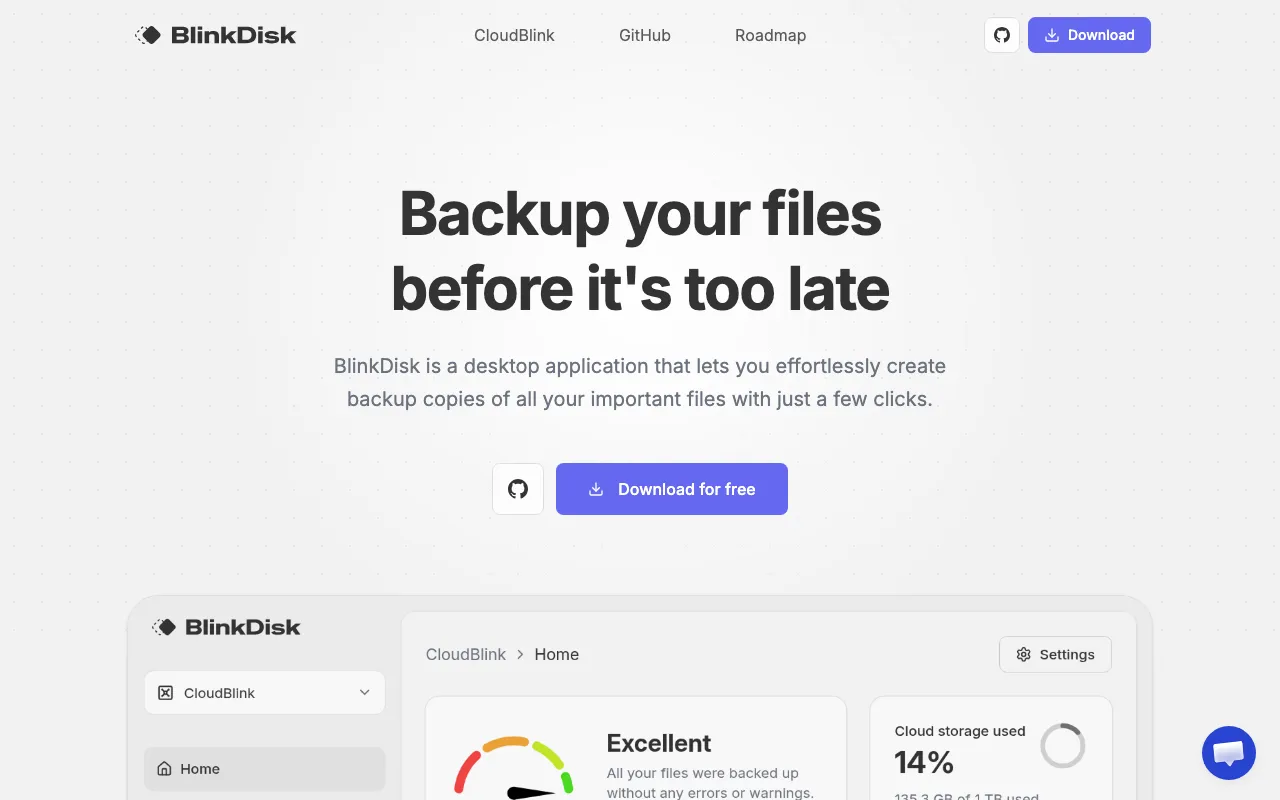
BlinkDisk is a desktop app that backs up chosen folders with encryption, deduplication, and background scheduling. It runs on Windows, macOS, and Linux and can send backups to many storage backends.
BlinkDisk targets people who want versioned backups rather than simple cloud sync. The app lets you pick folders to protect, runs backups in the background, and supports restoring individual files when something is lost or overwritten.
Files are encrypted with your password on the device before data leaves the machine, so only you hold the decryption key. Identical content is stored once through deduplication, which saves space and shortens upload time.
Storage is flexible. Users can use the vendor’s CloudBlink managed offering or bring their own destinations, including local drives, NAS, WebDAV, SFTP, S3-compatible services, Backblaze B2, Amazon S3, Google Cloud Storage, Azure Blob, and Rclone remotes. Unlike sync services that keep only the latest file version, it keeps versioned backup history.
BlinkDisk is built as an Electron desktop application with support for Windows 10 and 11, macOS from Big Sur onward, and Linux via AppImage, deb, and rpm packages on several CPU architectures. The backup engine relies on Kopia under the hood.
Command-line sync tool for cloud storage
Rclone copies and syncs files between local disks and many cloud backends. It mirrors familiar Unix-style file operations for remote storage.

Encrypted incremental backup program for files and snapshots
restic is a command-line backup tool for Linux, macOS, Windows, and BSD systems that deduplicates data, encrypts repositories, and restores only changed content

Self-hosted web archiving in durable readable formats
ArchiveBox captures website content into HTML, PDF, WARC, and other standard formats you control. Use a web UI, CLI, APIs, or a browser extension to build a personal or organizational archive.

Encrypted incremental backups to cloud storage
Duplicati is an open-source backup client that stores encrypted, compressed, incremental backups on remote cloud storage and file servers. It runs on Windows, macOS, and Linux.

Cross-platform encrypted backup with deduplication and compression
Creates encrypted snapshots of selected files and folders, then stores them locally or on remote backends you configure. Offers both command-line and desktop interfaces on major desktop OSes.

Background SQLite WAL replication to files or cloud storage
Standalone process that streams SQLite write-ahead log changes to local paths or remote storage for incremental disaster recovery. Integrates without modifying application code.