
Godot
Cross-platform 2D and 3D game engine
Godot Engine lets creators build 2D and 3D games from one editor and export to desktop, mobile, web, and console targets through publishers.
Open Source Alternative to:Unity
Linux launcher for Minecraft Bedrock Edition
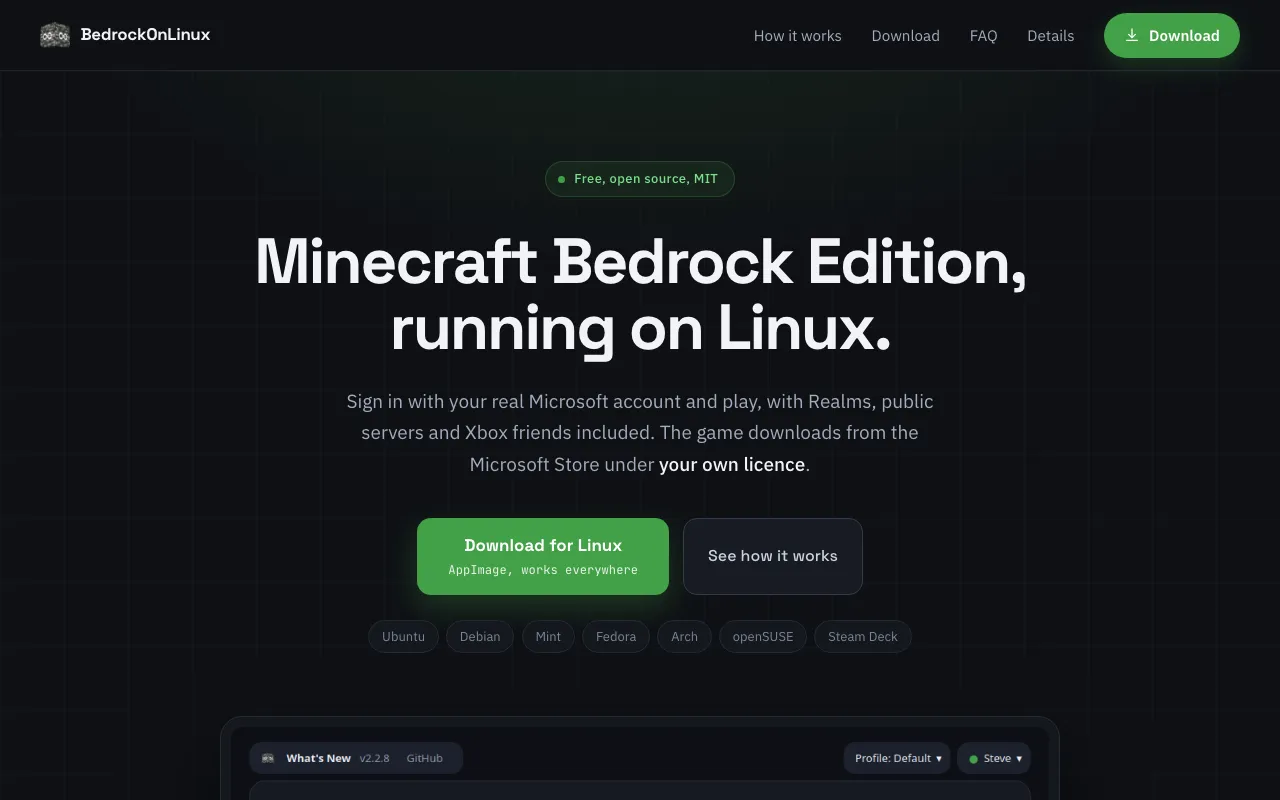
BedrockOnLinux installs and runs the Windows edition of Minecraft Bedrock on Linux with Microsoft sign-in, online play, Realms, and public servers. It downloads the game under your own store licence.
BedrockOnLinux is a launcher that installs and runs Minecraft Bedrock for Windows on Linux. It pulls the game from the Microsoft Store using your account, sets up the runtime, and starts play without Windows or manual Wine configuration.
Online features mirror Windows: Microsoft sign-in inside the game supports Friends, invitations, public servers, Realms, and the Marketplace without a third-party relay. You can run stable or preview builds and pick specific versions when servers lag behind updates. Mouse, keyboard, and controller input work in the launcher and in-game, including on Steam Deck via a direct launch shortcut.
Content tools let you import .mcpack, .mcaddon, .mcworld, and .mctemplate files from settings; worlds are backed up before another version opens them. Known limits include achievements that appear but do not unlock yet, and a network requirement at launch for single-player because store encryption needs a key from Microsoft.
Distribution formats include AppImage, .deb, .rpm, Flatpak, and Nix. The launcher can self-update on AppImage, deb, and rpm; a built-in doctor command checks dependencies and graphics. The project does not ship Minecraft files; download and licence compliance stay between you and Microsoft.
Cross-platform 2D and 3D game engine
Godot Engine lets creators build 2D and 3D games from one editor and export to desktop, mobile, web, and console targets through publishers.
Self-hosted AI VTuber and digital companion platform
Project AIRI builds a cyber companion with realtime voice chat, VRM and Live2D avatars, and optional game integrations for web, desktop, and mobile.

Rust game engine with ECS architecture
Bevy Engine is a data-driven Rust game engine for 2D and 3D work. It emphasizes modularity, parallel execution, and fast iteration while the project remains under active development.

Self-hosted Moonlight game streaming host with hardware encoding
Sunshine runs on your machine as a self-hosted streaming host for Moonlight clients, capturing the desktop and encoding video with GPU or software paths.
Claude Code template for AI-assisted game development
Claude Code Game Studios is a project template that turns Claude Code into a structured game studio workflow. It asks design questions, writes a brief, and builds browser prototypes you can grow into full projects.
HTML5 2D game framework with Canvas and WebGL
Phaser is a JavaScript and TypeScript framework for browser games on desktop and mobile, with scene APIs, physics, animations, and loaders. Games can target embed platforms or wrap for native stores via third-party tooling