qmetrics.net

AWS Toolkit

Visual Studio Code extension for AWS development

IDEs & Code EditorsDesktop/CLI app
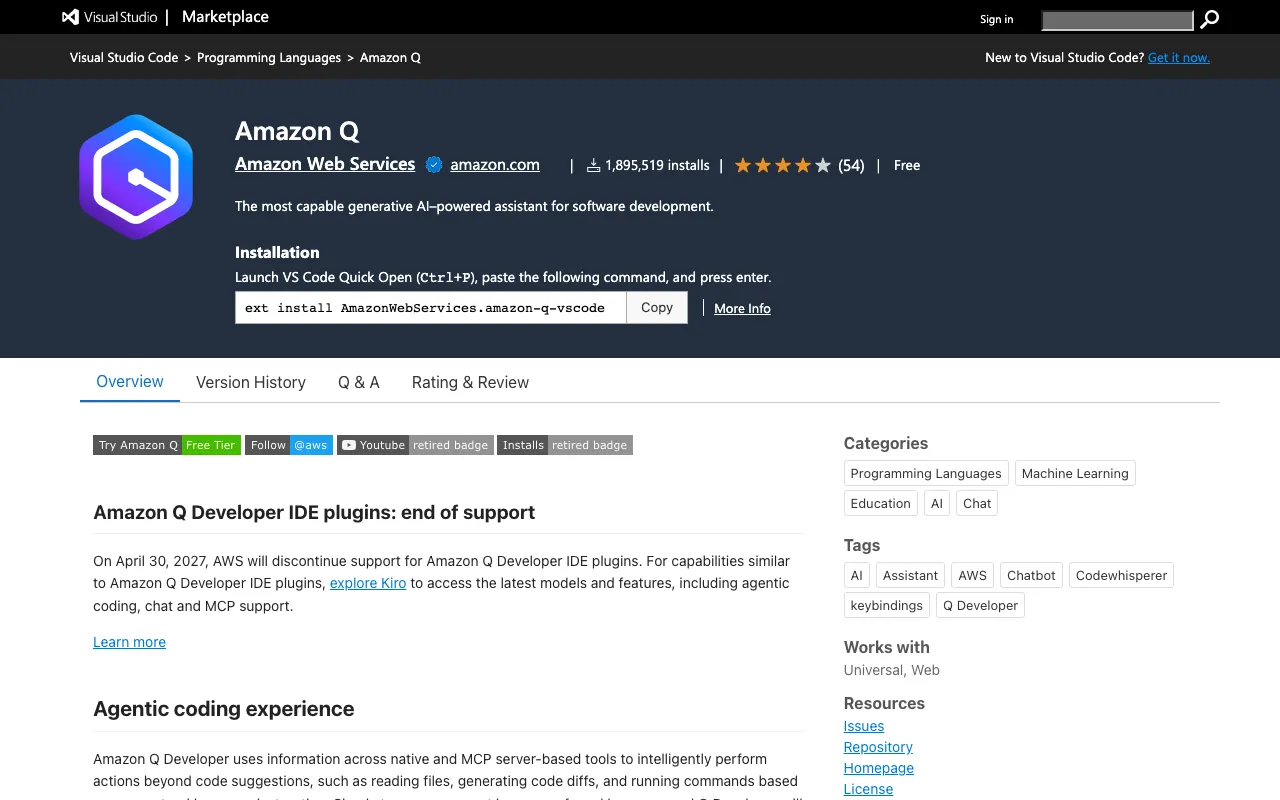
AWS Toolkit screenshot

AWS Toolkit connects VS Code to AWS via IAM Identity Center or Builder ID, browse resources, open EC2 or ECS terminals, search CloudWatch logs, and includes Amazon Q assistance.

Overview

AWS Extensions for Visual Studio Code ship as open-source plugins that link your editor to AWS accounts and resources. AWS Toolkit focuses on authentication through IAM Identity Center or AWS Builder ID, browsing AWS resources, opening terminals on EC2 instances or ECS tasks, and searching CloudWatch log groups from the IDE.

The broader extension family also covers local Lambda debugging, AWS SAM and CloudFormation syntax support, ECS terminal access, and related serverless workflows. Documentation provides quick start paths for Amazon Q and the core toolkit.

Amazon Q in VS Code adds generative assistance: inline suggestions, in-editor chat on selected code, project-wide chat, MCP server integration, and agentic flows that can read files, propose diffs, and run commands from natural-language prompts. Free tier sign-in uses AWS Builder ID; organizations on the Pro tier can use SSO.

AWS announced that Amazon Q Developer IDE plugin support will end in favor of other tooling, while Toolkit and Amazon Q VS Code capabilities remain available as open-source editor extensions.

Key features

  • SSO and Builder ID sign-in
  • Browse AWS resources in VS Code
  • EC2 and ECS remote terminals
  • CloudWatch log group search
  • Amazon Q inline and chat assistance
  • MCP server context integration
  • SAM and CloudFormation editing support
  • Local Lambda debugging hooks

Use cases

  • Day-to-day AWS console work in the IDE
  • Debugging Lambdas locally
  • Inspecting logs without leaving the editor
  • AI-assisted cloud application coding
  • ECS and EC2 operational shell access

Tags

Similar software

Visual Studio Code

Extensible editor for edit-build-debug workflows

Visual Studio Code combines a lightweight code editor with navigation, debugging, and an extension model. Builds are available for Windows, macOS, and Linux, with a browser-based option.

★ 195.8k⟳ todayMIT
IDEs & Code EditorsDesktop/CLI app
Open Source Alternative to:Windsurf

Neovim

Extensible Vim-based terminal text editor

Neovim refactors Vim for easier maintenance, stronger extensibility, and modern UIs. It keeps Vim's editing model while adding Lua config, LSP, and a language-agnostic RPC API.

★ 104k⟳ todayApache-2.0 · open core
IDEs & Code EditorsDesktop/CLI app

Zed

Multiplayer open-source code editor with optional AI

Zed is a multiplayer code editor for macOS, Linux, and Windows. It comes from the creators of Atom and Tree-sitter.

★ 95.8k⟳ todayApache-2.0
IDEs & Code EditorsDesktop/CLI app

Omarchy

Opinionated agent-friendly Linux distribution

Omarchy is a Linux distribution focused on fast setup, curated defaults, and built-in agent tooling. It ships editors, terminals, themes, plugins, and optional Windows VM support.

★ 47.7k⟳ todayMIT
TerminalsDesktop/CLI app

Helix

Modal terminal text editor built in Rust

Helix is a terminal modal editor inspired by Kakoune and Neovim. It targets fast editing over SSH, tmux, or a plain terminal without Electron or JavaScript.

★ 47.1k⟳ 8 days agoMPL-2.0
IDEs & Code EditorsDesktop/CLI app

Lapce

Native Rust code editor with GPU rendering

Lapce is a desktop code editor written in Rust with a Floem UI and wgpu rendering. It targets developers who want LSP intelligence, modal editing, and a built-in terminal in one installable app.

★ 39.1k⟳ todayApache-2.0
IDEs & Code EditorsDesktop/CLI app