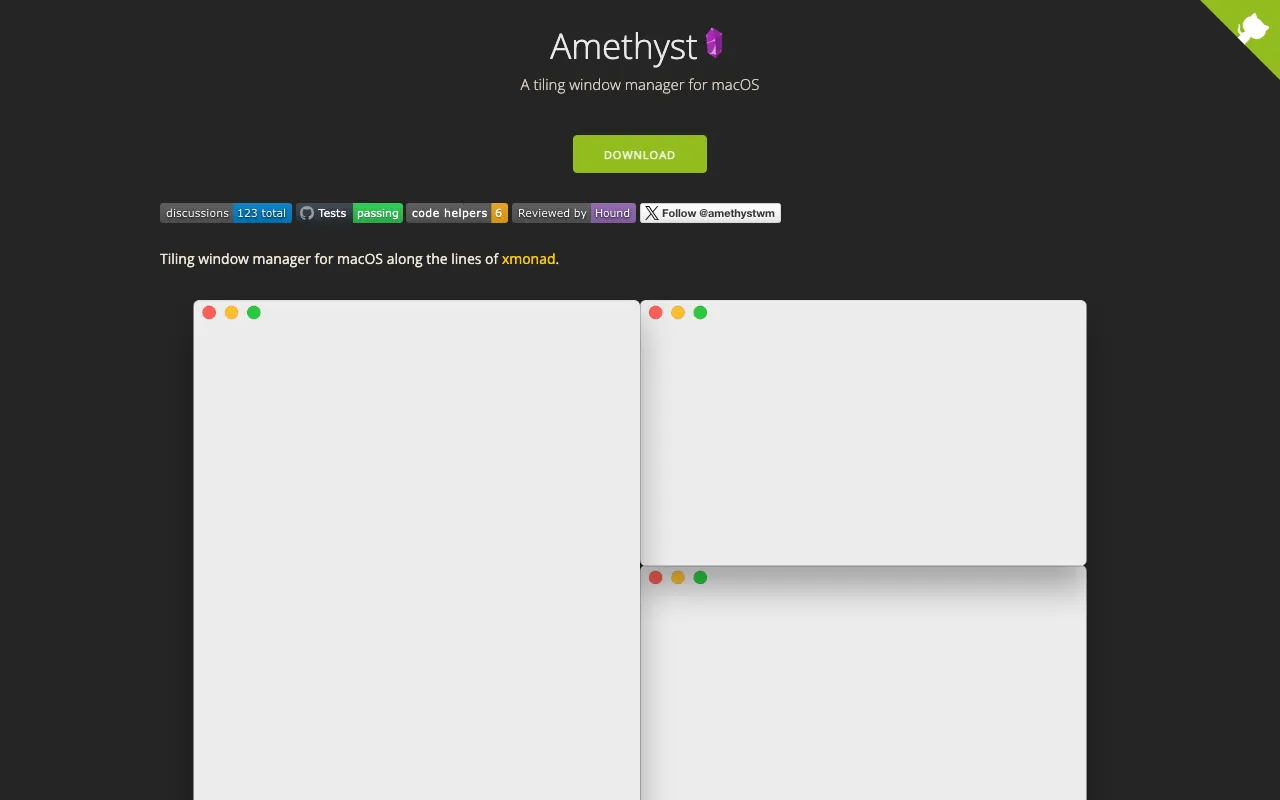
macOS desktop app that tiles application windows automatically, inspired by xmonad-style keyboard-driven layouts and focus control.
Overview
Amethyst is a tiling window manager for macOS that arranges open application windows into predictable layouts instead of manual dragging and resizing. It targets users who want xmonad-like keyboard workflows on Apple hardware.
After install, the app needs Accessibility permission in System Settings so it can read and move windows. Disabling macOS “Automatically rearrange Spaces based on most recent use” is recommended so space navigation stays stable when throwing windows across desktops.
You control layouts with modifier-based shortcuts: cycle layouts, resize the main pane, move focus between windows and screens, swap windows, throw windows to numbered spaces, toggle floating, and pick specific layouts such as tall, wide, column, fullscreen, BSP, or floating mode. Layouts can be enabled or disabled in the rotation sequence.
Configuration is available through the GUI or a YAML file in your home directory; the file overrides GUI settings when present. Custom layout logic can be extended via JavaScript in beta. The app is available from release downloads or Homebrew Cask and requires macOS 10.15 or newer.
Key features
- Multiple tiling layout modes
- xmonad-style keyboard shortcuts
- Multi-monitor and space throwing
- Floating and fullscreen modes
- YAML or GUI configuration
- Custom layouts via JavaScript beta
- BSP and column layouts
Use cases
- Keyboard-driven macOS workflows
- Multi-monitor window organization
- Developer desktop tiling
- Replacing manual window dragging


 ChatGPT