qmetrics.net

Wireflow

Browser-based open-source user flow sketching tool

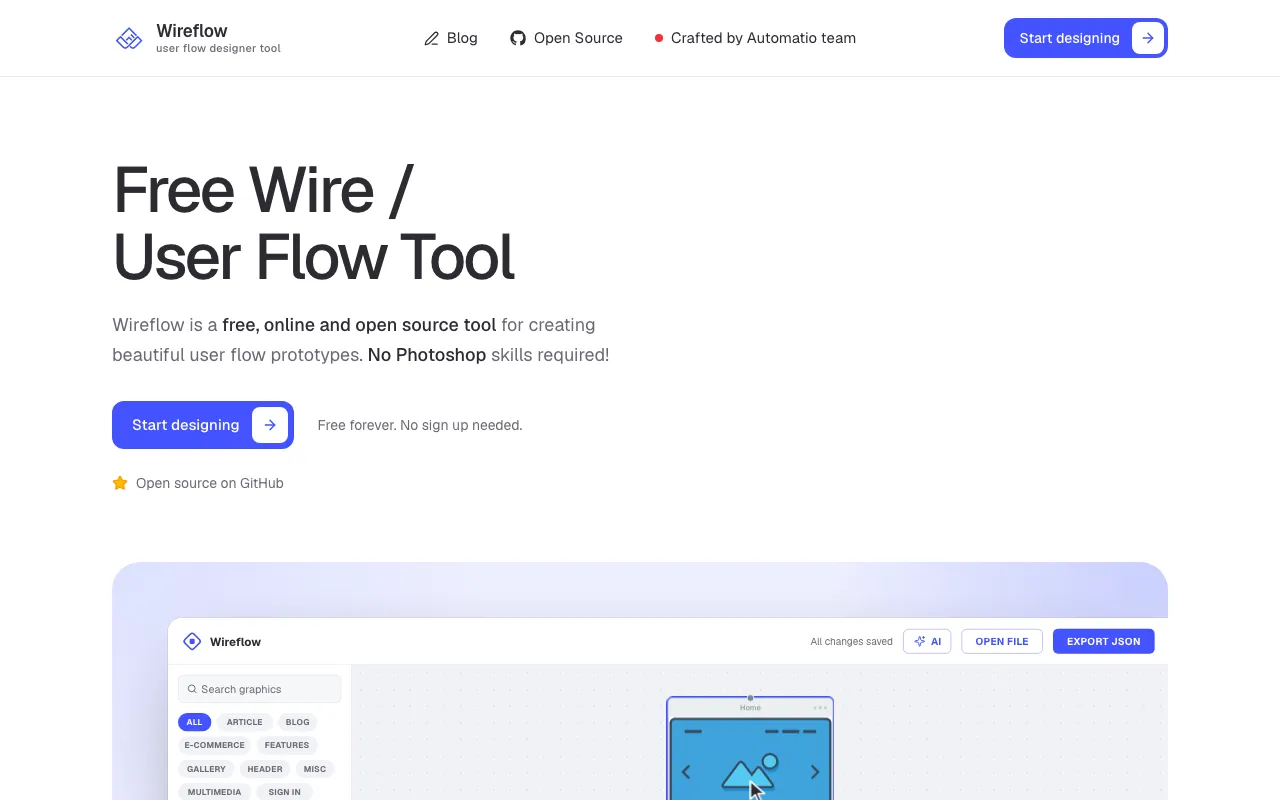
Wireflow screenshot

Wireflow lets you drag wireframe screens onto a canvas, connect them into flows, and export images or editable JSON. The editor runs in the browser with no signup required.

Overview

Wireflow is an open-source tool for sketching user flows and wireframe prototypes without dedicated design software. You pick from a large catalog of screen templates, drop them on a zoomable canvas, and link screens with labeled connections that you can style.

The template library covers common UI patterns across desktop and mobile, plus flow steps such as branching choices and wizard stages. You can add custom images, sticky notes, groups, and hour estimates that roll up into project cost breakdowns and CSV export. Standard editing features include undo and redo, copy and paste with connections, multi-select, layering, and a minimap.

Diagrams autosave in the browser; you can also download a JSON file to reopen later or share across browsers. Exports include full-canvas PNG or JPG snapshots. An optional AI assistant, using your own Anthropic API key, can build or adjust a diagram from plain-language instructions.

After one online visit, the editor can work offline and install as a progressive web app. Hosted use is available at wireflow.co, and a Docker image supports running your own instance.

Key features

  • 125 wireframe templates in twelve categories
  • Drag-and-drop canvas with styled connections
  • Groups, notes, and hour or cost estimates
  • JSON save and open with autosave in browser
  • PNG or JPG export at high pixel density
  • Optional AI flow editing with Anthropic API key
  • Offline PWA after initial online load
  • Touch-friendly layout on narrow screens

Use cases

  • Mapping UX flows for web or mobile apps
  • Rough sizing and costing screen-heavy projects
  • Sharing flow diagrams without design tools
  • Collaborative flow sketching in the browser

Tags

Similar software

UI UX Pro Max Skill

AI skill for UI UX design intelligence

An installable AI skill and CLI that searches a design database of styles, palettes, fonts, and UX rules. It works with many coding assistants and generates tailored design systems from product type.

★ 155k⟳ yesterdayMIT
AI Assisted CodingDesktop/CLI app

Impeccable

Design vocabulary and review commands for coding agents

Impeccable adds slash commands, context files, and deterministic design checks so coding agents polish UI, audit quality, and flag common AI layout patterns before ship.

★ 117.9k⟳ 2 days agoApache-2.0
AI Assisted CodingDesktop/CLI app

OpenDesign

Local-first collaborative AI design agent workspace

OpenDesign teams briefs, coding agents, and design systems to build prototypes, sites, and decks in one workspace.

★ 109.8k⟳ yesterdayApache-2.0
Open Source Alternative to:Bolt.newCanva+3

Ant Design

Enterprise React UI library and web design language

Ant Design is an enterprise-oriented UI design language and React component library written in TypeScript, aimed at web applications with theming, internationalization, and design resources.

★ 100.4k⟳ todayMIT
Frameworks & PlatformsDesktop/CLI app

drawio-desktop

Offline Electron diagram editor from draw.io

draw.io Desktop wraps the draw.io editor in a local Electron application. Diagrams stay on your machine with network isolation outside updates.

★ 64.2k⟳ 10 days agoGPL-3.0
Design & PrototypingDesktop/CLI app

Penpot

Open-source web design and prototyping platform

Penpot is an open-source design platform for teams building digital products. It supports UI design, prototypes, design systems, and design-to-code workflows in the browser or on your own servers.

★ 62.8k⟳ todayMPL-2.0
Open Source Alternative to:Adobe XDCanva+2