Lazygit
Terminal user interface for everyday Git workflows
Lazygit wraps common Git operations in a keyboard-driven terminal UI. You can stage partial changes, rebase, cherry-pick, and inspect history without memorizing fragile command sequences.

Git visualization and workflow extension for VS Code
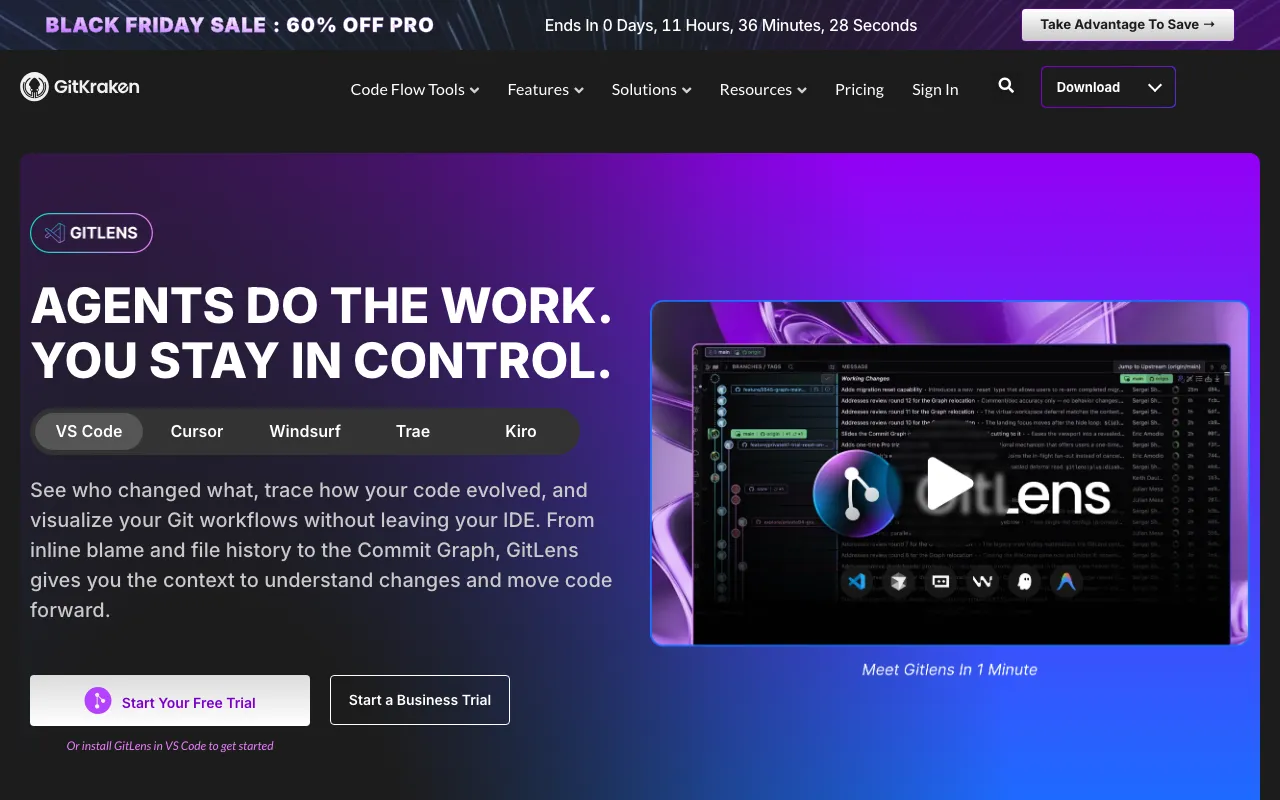
GitLens extends Visual Studio Code with blame, history, commit graph views, and Git workflows maintained by GitKraken. A free Community edition coexists with paid Pro capabilities.
GitLens adds Git-aware views and commands inside Visual Studio Code so developers can see authorship, history, branches, and working changes without leaving the editor. It is built and maintained by GitKraken and distributed as an open-source extension with a large install base.
The Commit Graph centralizes branches, stashes, remotes, worktrees, pull requests, and agent session activity in one interactive timeline. From graph rows you can branch, merge, rebase, cherry-pick, stash, push, pull, and open pull requests. Sidebar views cover overview, agents, pull requests, worktrees, branches, and related repository objects.
Classic features remain available: inline and status bar blame, rich hovers with commit and issue links, Git CodeLens summaries, file annotations, revision stepping, file and line history, and a guided Git command palette. Integrations autolink issues and pull requests across GitHub, GitLab, Jira, Bitbucket, Azure DevOps, Gitea, and other hosts, with optional rich provider features.
Newer workflow tools include worktree management, agent session tracking, Launchpad pull request triage, in-editor pull request review, interactive and automatic rebase helpers, and AI-assisted commit composition, messaging, and change explanation where enabled. GitLens Community keeps core blame and navigation features free; Pro adds capabilities such as private-repo graph features and enterprise host integrations.
Terminal user interface for everyday Git workflows
Lazygit wraps common Git operations in a keyboard-driven terminal UI. You can stage partial changes, rebase, cherry-pick, and inspect history without memorizing fragile command sequences.

Self-hosted Git forge with CI/CD and packages
Gitea is an all-in-one software development service you can run on your own infrastructure. It combines Git hosting with issues, reviews, project boards, package registries, and Gitea Actions CI/CD.

Self-hosted Git service with web collaboration tools
Gogs hosts Git repositories over SSH and HTTP(S) and adds issues, pull requests, wikis, and organization features through a browser UI.
Official GitHub terminal client
GitHub CLI brings issues, pull requests, and other GitHub workflows to the terminal beside git. It works with GitHub.com, Enterprise Cloud, and supported Enterprise Server deployments.

End-to-end developer platform with SCM, CI/CD, and registries
Harness Open Source combines code hosting, automated DevOps pipelines, hosted development environments called Gitspaces, and artifact registries in one platform.
Lightweight native Git hooks for Node projects
Husky wires Git hooks so teams can lint commit messages, run tests, or check code on commit and push. It uses core.hooksPath, stays around two kilobytes gzipped, and supports macOS, Linux, and Windows.