
PowerToys
Open-source Windows desktop utility collection
Microsoft PowerToys bundles many small utilities for customizing Windows and streamlining common desktop tasks. Users install it on Windows through several package channels.

Modular macOS menu bar utility collection for Apple Silicon
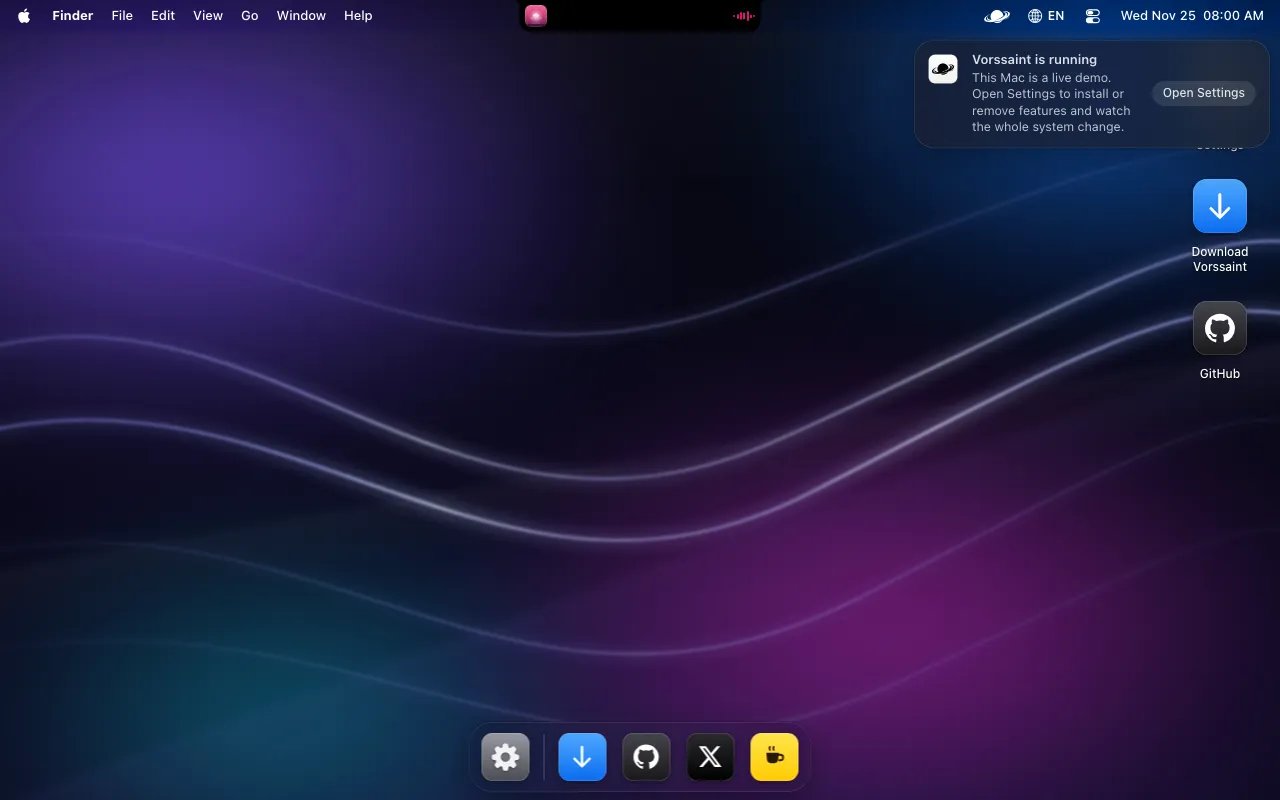
Vorssaint packs many Mac utilities behind one menu bar icon. You enable only the modules you want, with local-first operation and no account or subscription.
Vorssaint is a macOS menu bar application that groups utilities people often buy separately—volume mixing, system monitoring, window management, clipboard tools, capture, and maintenance—into one install. Modules can be turned on or off so unused features do not load, and settings can be exported for another Mac.
Sound tools cover per-app volume, output switching, microphone controls, and blocking unwanted Music launches. System views show CPU, GPU, memory, temperatures, battery, fans, and network stats, with optional menu bar readouts and alerts for load, heat, or low disk space.
Window and Dock helpers add app switching with previews, snapping layouts, Dock hover previews, and behaviors like quitting when the last window closes or guarding Command-Q and Command-W. Keyboard and mouse tweaks include smooth or linear scrolling, snippet expansion, shortcut management, and pointer focus options.
Additional panels cover clipboard history, a drag shelf, screenshots and recordings, uninstalling apps, Homebrew management, display brightness, keep-awake modes, a command search bar, Dynamic Island-style overlays, and AI agent status widgets. The product requires Apple Silicon hardware and a recent macOS release, installs via Homebrew cask or disk image, and states it runs locally without analytics by default.
Open-source Windows desktop utility collection
Microsoft PowerToys bundles many small utilities for customizing Windows and streamlining common desktop tasks. Users install it on Windows through several package channels.

Bootable USB loader for ISO and disk images
Ventoy prepares a USB drive so you can copy ISO, WIM, IMG, VHD, and EFI files and pick them from a boot menu without reformatting for each image.

Open-source Mac and Windows cleanup CLI and apps
Mole cleans caches, uninstalls apps with leftovers, analyzes disk use, runs maintenance tasks, and shows live system stats. A free terminal tool ships alongside optional native Mac and Windows apps.
PowerShell declutter tool for Windows 10 and 11
Win11Debloat is a no-install PowerShell script that removes bundled apps, limits telemetry, and applies registry and UI tweaks on Windows 10 and 11.

Wi-Fi Android TV debloat and custom home launcher toolkit
CleanYourTV disables manufacturer bloat and telemetry on Android and Google TV over Wi-Fi, then installs a compact home launcher. Changes are reversible without root or uninstalling packages.
Free macOS menu bar system monitor
Stats shows CPU, GPU, memory, disk, network, sensors, and battery readings from the macOS menu bar. It runs on Apple Silicon and Intel Macs with customizable modules and widgets.
 iStat Menus
 CleanMyMac