qmetrics.net

Unity MCP

MCP bridge between AI clients and the Unity Editor

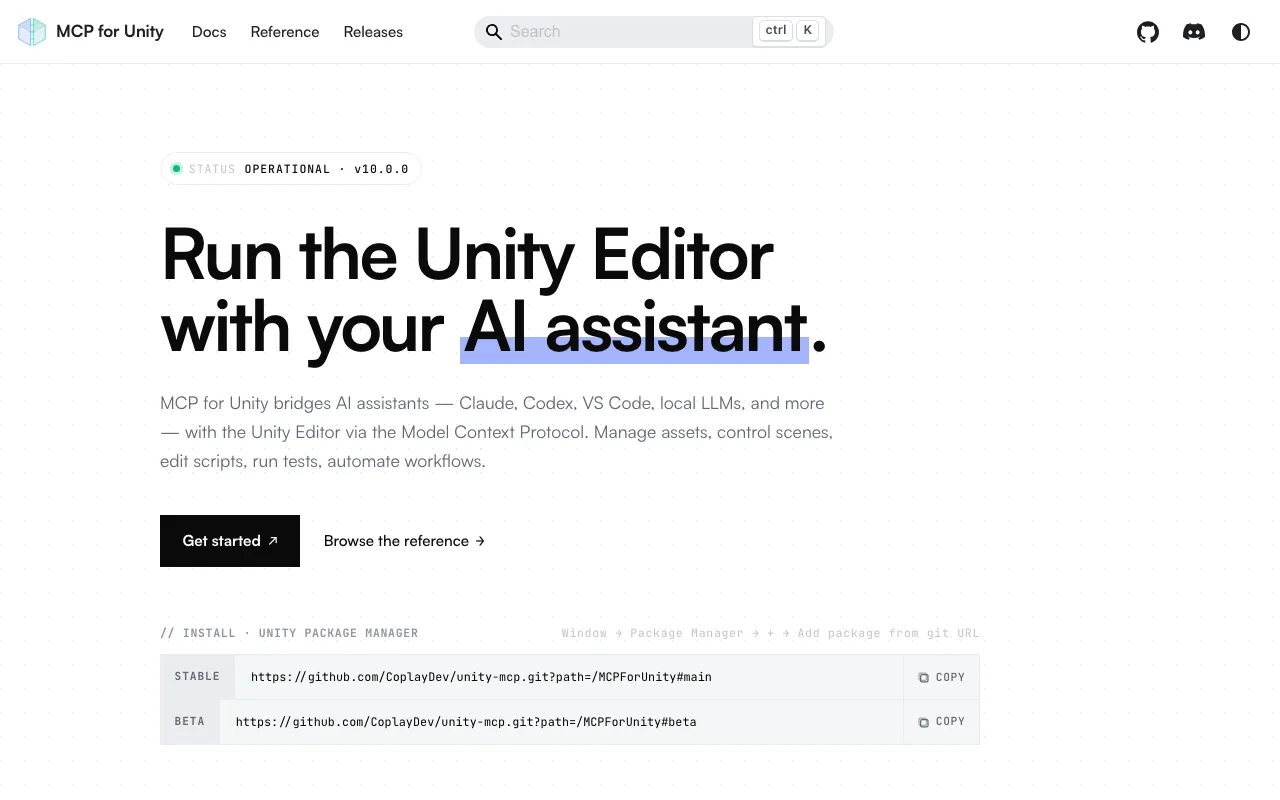
Unity MCP screenshot

MCP for Unity links Model Context Protocol clients to the Unity Editor. AI assistants can manage scenes, scripts, assets, tests, and builds through many tools.

Overview

Unity MCP sits between an MCP client such as Claude, Cursor, or VS Code and a running Unity Editor. A Python server routes protocol traffic to a C# editor plugin that executes commands on the Unity main thread and returns structured results.

Clients gain dozens of tool entrypoints grouped for scenes, GameObjects, scripts, assets, materials, tests, profiling, and builds. Multi-instance routing lets one session target a specific Editor when several projects are open. Transport can use HTTP for remote or shared setups or stdio for single-client desktops.

Install the package through Unity Package Manager from a git URL, then configure detected MCP clients from the editor window. Requirements include Unity 2021.3 LTS through Unity 6 and Python 3.10 or newer via uv. Tool groups can be enabled per session to limit exposed capabilities.

Custom tools can register through C# attributes, and documentation is generated from the tool registry. The project is distributed under MIT and is not affiliated with Unity Technologies; a separate commercial Aura product is mentioned as related but distinct.

Key features

  • Fifty MCP tools for Editor control
  • Python FastMCP server routing
  • Unity Editor C# plugin
  • Multi-instance Editor routing
  • HTTP or stdio MCP transport
  • Per-session tool group visibility
  • Auto-configure common MCP clients
  • Extensible custom tool registration

Use cases

  • AI-driven scene setup
  • Natural-language Editor automation
  • Script and asset edits via LLM
  • Running Unity tests from agents
  • Game dev workflow automation

Tags

Similar software

Claude Code Game Studios

Claude Code template for AI-assisted game development

Claude Code Game Studios is a project template that turns Claude Code into a structured game studio workflow. It asks design questions, writes a brief, and builds browser prototypes you can grow into full projects.

★ 41.2k⟳ 18 days agoMIT

Superpowers

Agent skills methodology for disciplined coding

Superpowers adds composable skills and bootstrap instructions so coding agents brainstorm specs, plan in small tasks, follow test-driven development, and review work. Plugins install into many agent marketplaces and CLIs.

★ 328.1k⟳ 24 days agoMIT

ECC

Open-source agent engineering toolkit for coding harnesses

ECC adds planning, verification, review, memory, skills, and security scanning to coding agents such as Claude Code, Codex, and Cursor. It installs as plugins, packages, and managed adapters across multiple harnesses.

★ 311.7k⟳ 8 days agoMIT
Frameworks & PlatformsDesktop/CLI app

OpenCode

Open source coding agent for any model

OpenCode is an open source coding agent for desktop, terminal, mobile, or SDK use with many LLM providers and built-in development and read-only planning agents

★ 229.6k⟳ todayMIT
AI Assisted CodingDesktop/CLI app
Open Source Alternative to:Claude CodeCodiumate+3

Ponytail

Lazy senior-dev prompt skill for AI coding agents

Ponytail is a prompt skill that steers AI coding agents toward minimal, necessary code. It adds review and audit commands and optional usage metrics in supported hosts.

★ 199.9k⟳ 6 days agoMIT
AI Assisted CodingDesktop/CLI app

Visual Studio Code

Extensible editor for edit-build-debug workflows

Visual Studio Code combines a lightweight code editor with navigation, debugging, and an extension model. Builds are available for Windows, macOS, and Linux, with a browser-based option.

★ 195.8k⟳ todayMIT
AI Assisted CodingDesktop/CLI app
Open Source Alternative to:Windsurf