
PowerToys
Open-source Windows desktop utility collection
Microsoft PowerToys bundles many small utilities for customizing Windows and streamlining common desktop tasks. Users install it on Windows through several package channels.

Cross-platform GUI for many CLI package managers
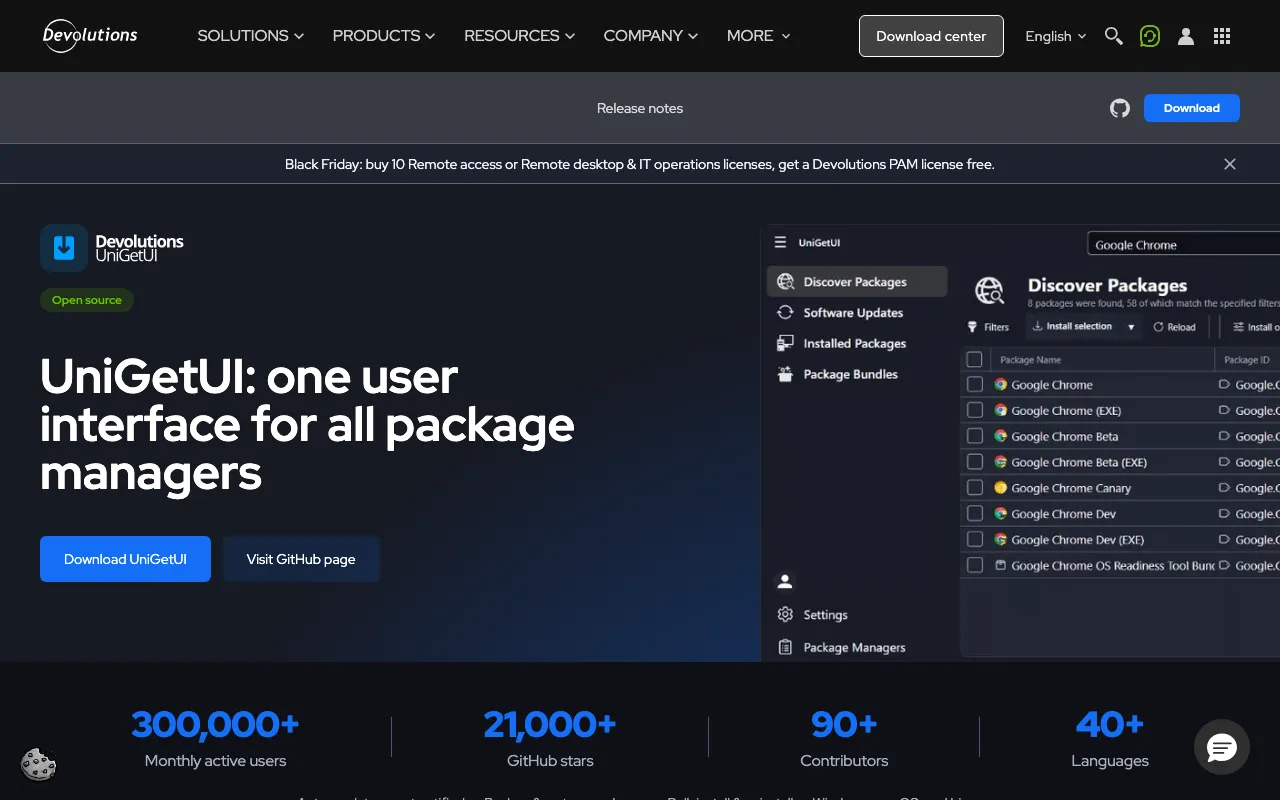
UniGetUI is a desktop app that unifies WinGet, Scoop, Chocolatey, Homebrew, Linux distro tools, and language package managers behind one graphical interface. It targets Windows first with builds for macOS and Linux.
UniGetUI lets you discover, install, update, and remove software without switching between separate command-line clients. On Windows it aggregates managers such as WinGet, Scoop, Chocolatey, PowerShell galleries, npm, pip, Bun, and .NET tools; on macOS and Linux it wires in Homebrew, distro packages, Snap, Flatpak, and similar backends where available.
Package detail panes show publisher metadata, download size, and URLs before you commit. Bulk selection supports batch installs, upgrades, or removals, while per-package rules can skip versions or limit automatic updates.
Maintenance tasks can run on schedules, including update checks, automatic upgrades, and local or cloud-backed configuration backups. Lists can be exported with custom install switches, imported on new machines, or synced through a private GitHub Gist.
A system tray presence surfaces pending updates, and optional portable layouts keep settings beside the executable. Command-line and local automation APIs allow scripted control alongside the GUI.
Devolutions now stewards the project started by Martí Climent, continuing free MIT-licensed development with expanded security and release processes.
Open-source Windows desktop utility collection
Microsoft PowerToys bundles many small utilities for customizing Windows and streamlining common desktop tasks. Users install it on Windows through several package channels.

Bootable USB loader for ISO and disk images
Ventoy prepares a USB drive so you can copy ISO, WIM, IMG, VHD, and EFI files and pick them from a boot menu without reformatting for each image.

Open-source Mac and Windows cleanup CLI and apps
Mole cleans caches, uninstalls apps with leftovers, analyzes disk use, runs maintenance tasks, and shows live system stats. A free terminal tool ships alongside optional native Mac and Windows apps.
PowerShell declutter tool for Windows 10 and 11
Win11Debloat is a no-install PowerShell script that removes bundled apps, limits telemetry, and applies registry and UI tweaks on Windows 10 and 11.

Wi-Fi Android TV debloat and custom home launcher toolkit
CleanYourTV disables manufacturer bloat and telemetry on Android and Google TV over Wi-Fi, then installs a compact home launcher. Changes are reversible without root or uninstalling packages.

Portable Windows utility for bootable USB drives
Rufus formats USB and similar drives and writes bootable media from ISOs or disk images. It runs as a single executable on Windows without a separate install step.
 CleanMyMac