
PowerToys
Open-source Windows desktop utility collection
Microsoft PowerToys bundles many small utilities for customizing Windows and streamlining common desktop tasks. Users install it on Windows through several package channels.

macOS menu bar manager for hiding and organizing items
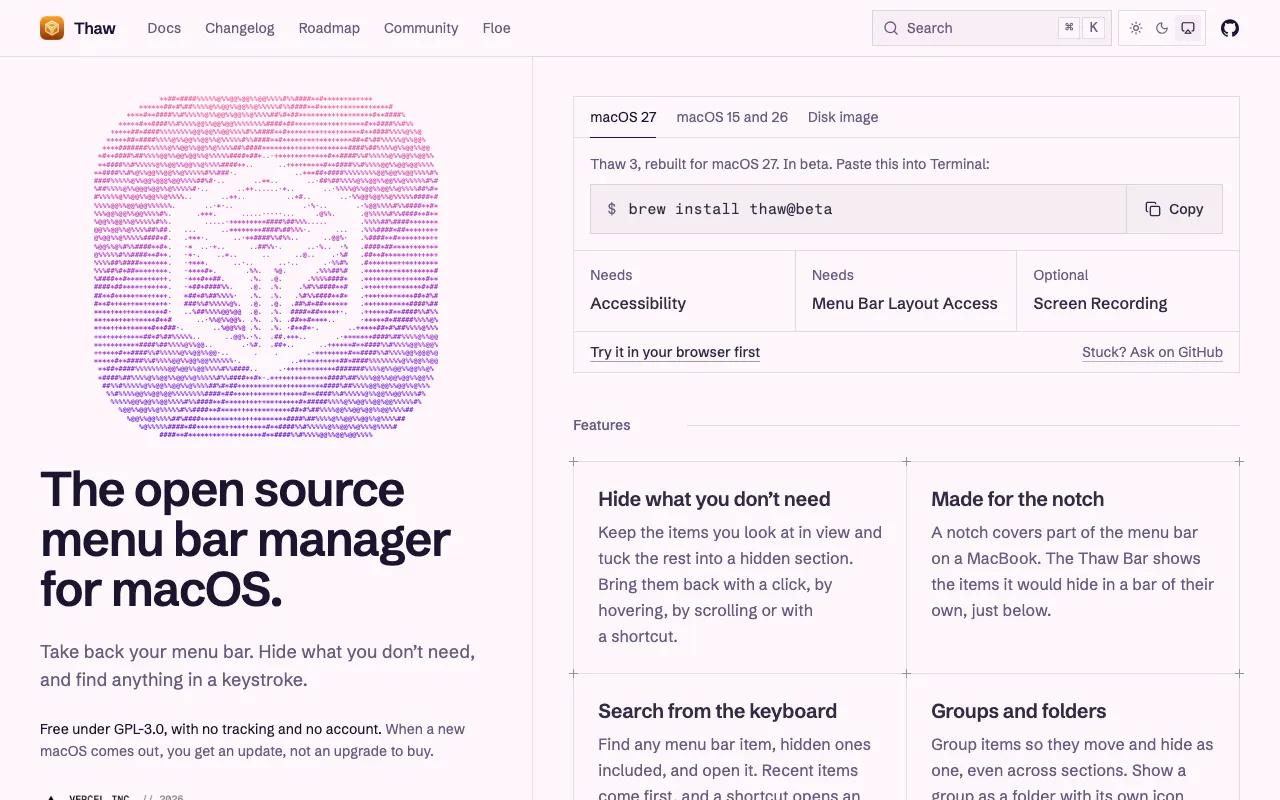
Thaw hides menu bar items you do not need, reveals them on demand, and finds any item from the keyboard. It is free, with no subscription, account, or tracking.
Thaw is a menu bar utility for macOS that tidies clutter at the top of the screen. It keeps chosen icons visible, tucks the rest into a hidden section, and brings them back by click, hover, scroll, or keyboard shortcuts. A dedicated bar below the notch can hold items that would otherwise sit under the camera cutout on MacBooks.
Beyond show and hide, Thaw groups items into folders, saves layout profiles tied to displays, Spaces, or Focus modes, and offers Zen Mode to lock down distractions during presentations or screen sharing. A layout editor arranges every item in one window, and keyboard search opens hidden entries quickly.
Appearance controls include glass effects, borders, shadows, gradient tints from wallpaper colors, rounded screen corners, and separate light or dark looks per Space. Scripting via thaw:// URLs lets Raycast, Shortcuts, shell scripts, and other tools drive profiles and visibility without manual clicking.
Install by downloading a disk image and dragging the app to Applications, or via Homebrew for supported macOS versions. Thaw needs Accessibility permission to move menu bar items; optional Screen Recording enables live previews. There is no analytics or tracking, and network use is limited to updates you can disable.
Open-source Windows desktop utility collection
Microsoft PowerToys bundles many small utilities for customizing Windows and streamlining common desktop tasks. Users install it on Windows through several package channels.

Bootable USB loader for ISO and disk images
Ventoy prepares a USB drive so you can copy ISO, WIM, IMG, VHD, and EFI files and pick them from a boot menu without reformatting for each image.

Open-source Mac and Windows cleanup CLI and apps
Mole cleans caches, uninstalls apps with leftovers, analyzes disk use, runs maintenance tasks, and shows live system stats. A free terminal tool ships alongside optional native Mac and Windows apps.
PowerShell declutter tool for Windows 10 and 11
Win11Debloat is a no-install PowerShell script that removes bundled apps, limits telemetry, and applies registry and UI tweaks on Windows 10 and 11.

Wi-Fi Android TV debloat and custom home launcher toolkit
CleanYourTV disables manufacturer bloat and telemetry on Android and Google TV over Wi-Fi, then installs a compact home launcher. Changes are reversible without root or uninstalling packages.

Portable Windows utility for bootable USB drives
Rufus formats USB and similar drives and writes bootable media from ISOs or disk images. It runs as a single executable on Windows without a separate install step.
 CleanMyMac