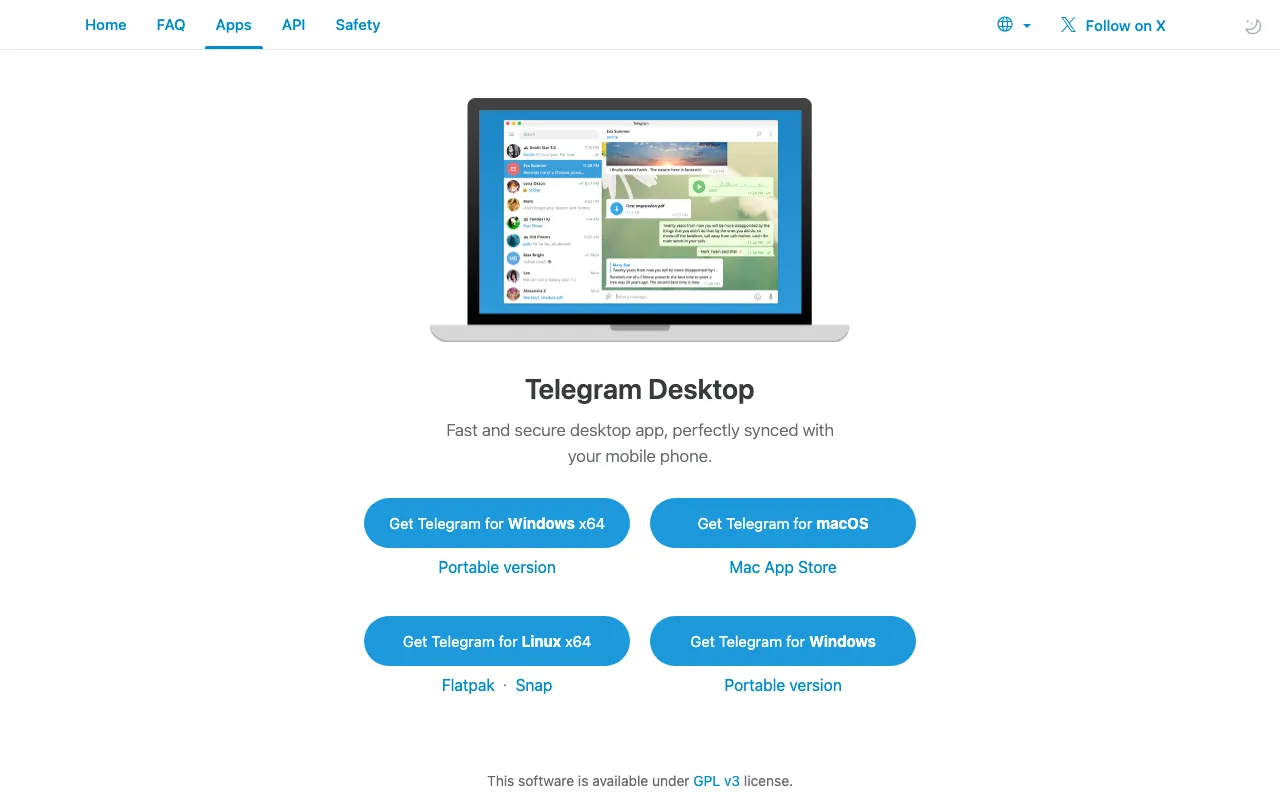
Telegram Desktop is the official PC client for Telegram, synced with mobile accounts. It is a desktop application built on Telegram's API and MTProto protocol.
Overview
Telegram Desktop delivers Telegram’s chat, media, and channel features on personal computers with the same account linkage users expect from phones. The client speaks Telegram’s API over the MTProto secure protocol and is positioned as the primary desktop experience referenced on Telegram’s own download pages.
Release builds target recent Windows, macOS, and Linux systems, with portable Windows packages and Linux distribution options such as static x64 binaries, Flatpak, and Snap mentioned on the product site. macOS users can install from the Mac App Store build or other published packages. Older operating system generations were supported only up to specific historic releases noted in compatibility tables.
The application emphasizes speed and security messaging on desktop hardware while staying in step with mobile clients. Source materials describe it as the complete official messenger rather than a third-party wrapper, and prebuilt installers are offered for each major desktop platform from Telegram’s download hub.
Because it is an end-user messaging client, it does not constitute a self-hosted server product; users connect to Telegram’s existing cloud service with credentials managed through the standard Telegram login flow.
Key features
- Official Telegram chat on desktop OSes
- MTProto-secured Telegram API client
- Sync with mobile Telegram accounts
- Windows portable and installer builds
- macOS and Mac App Store distribution
- Linux static, Flatpak, and Snap packages
- Multi-language interface support
- Cross-platform download offerings
Use cases
- Messaging from a PC alongside mobile Telegram
- Managing channels and groups on a large screen
- Users wanting Telegram’s native desktop build
- Portable Windows usage without full install
- Linux desktop chat without a browser tab


 Miro

 Discord

 Dropbox

 Fathom
 Fireflies.ai


 Slack