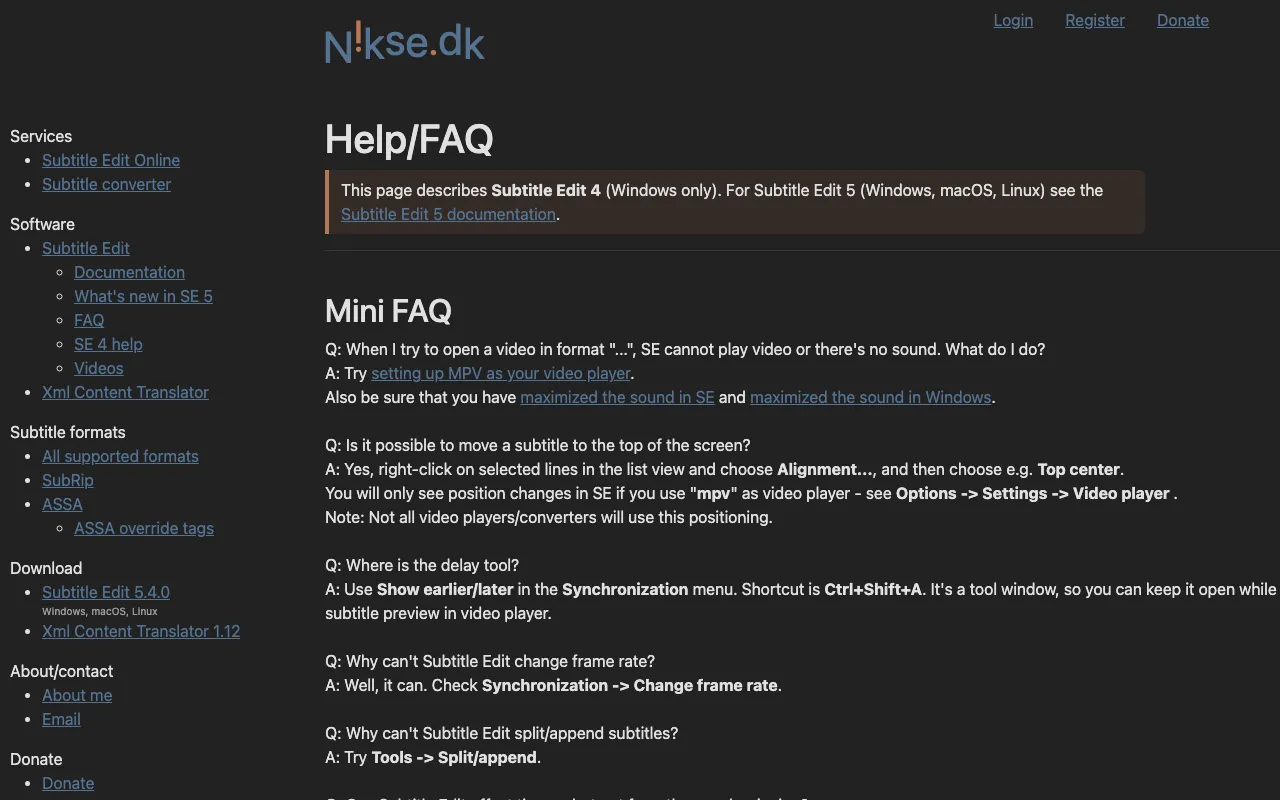
Subtitle Edit edits, converts, synchronizes, and spells-checks subtitle files with optional video preview. Builds are available for Windows, macOS, and Linux.
Overview
Subtitle Edit is a desktop application for working with subtitle files and related media. It targets translators and video authors who need to create, adjust, convert, and quality-check captions outside the browser.
The editor supports many subtitle formats, list and source views, timing tools such as visual sync and frame-rate changes, spell checking, batch conversion, and import from image-based sources including DVD and Blu-ray workflows. Video playback typically uses bundled or system mpv and ffmpeg on supported platforms.
Windows, macOS, and Linux packages include self-contained builds with required playback dependencies on Mac and Flatpak bundles on Linux. Optional online services for translation, speech recognition, OCR, or dictionaries send only the data needed for a chosen provider; core editing stays on the device and subtitle content is not collected for analytics or training.
Documentation covers format details, embedding or burning subtitles into video with ffmpeg, and platform-specific setup such as MPV as the video player.
Key features
- Many subtitle formats
- Visual sync and timing tools
- Video preview with mpv
- Spell check and error fixes
- Batch format conversion
- Image-based subtitle OCR import
- Burn-in or embed subtitles
- Offline-first editing
Use cases
- Translating film subtitles
- Fixing sync and frame rate
- Converting between formats
- Hardcoding captions into video
- Cleaning hearing-impaired text


 CapCut