 Loom

OBS Studio
Open-source live streaming and video recording
OBS Studio captures, mixes, encodes, and streams or records video and audio on Windows, macOS, and Linux for platforms such as Twitch and YouTube.

Privacy-oriented browser screen recorder with annotations
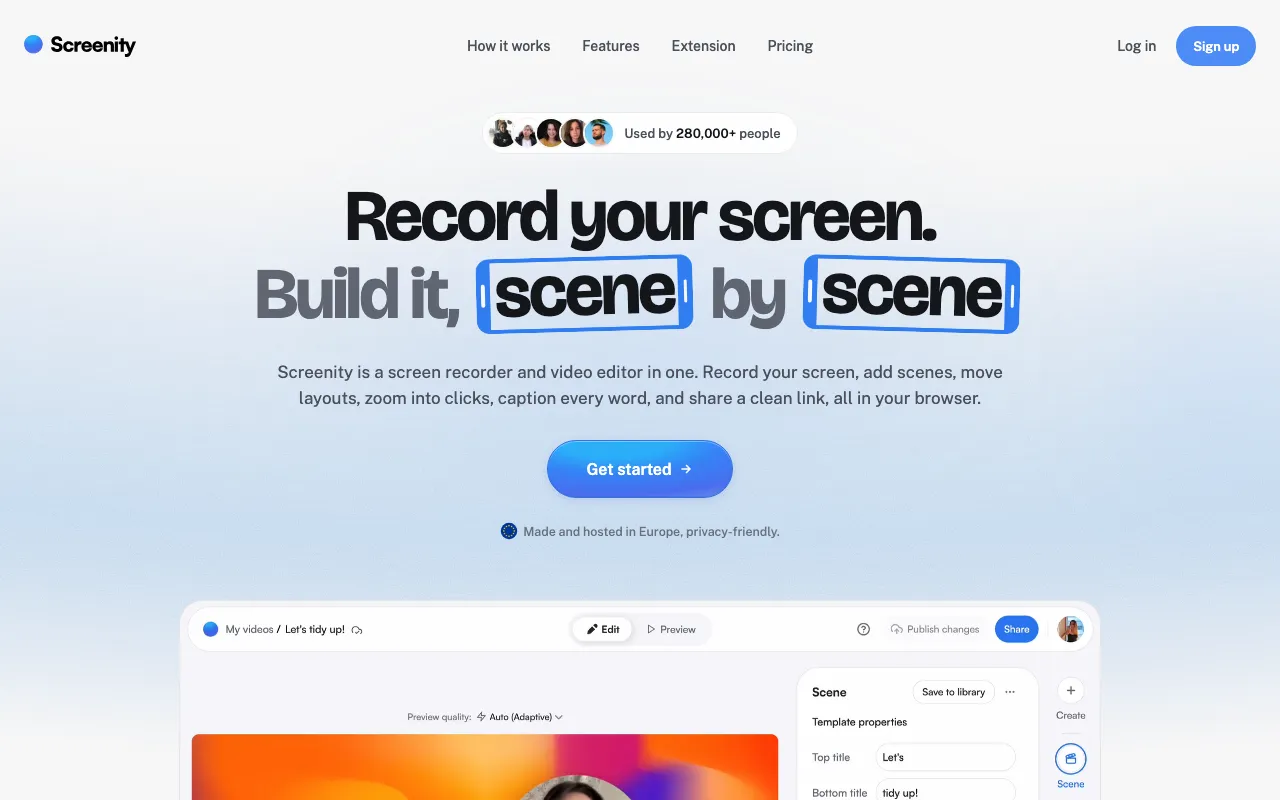
Screenity is a free screen recorder and annotation tool delivered mainly as a Chrome extension. It can capture tabs, areas, desktops, apps, or camera with audio and on-screen drawing.
Screenity is a privacy-friendly screen recorder and annotation tool for work, education, and similar use cases. The open-source Chrome extension can record a tab, a custom area, the desktop, applications, or the camera, with microphone or internal audio, push-to-talk, click highlighting, spotlight mode, and optional AI camera backgrounds or blur.
While recording, users can draw, add text, arrows, and shapes, blur sensitive page content, zoom into areas, and set automatic stop alarms. Exports include mp4, gif, and webm, with optional upload to Google Drive when configured. Videos stay with the user, and the extension can work offline without sign-in for the free tier.
A separate hosted editor and sharing platform offers multi-scene editing, layouts, captions, and link sharing, with that web product hosted in Europe. The extension can also be loaded unpacked from a local build so it runs in local-only mode without API calls or sign-in flows.
Screenity Pro is a paid, EU-hosted option with link sharing and advanced editing, while the core recorder remains free and open source under GPLv3 for the current extension generation.
Screenity doesn't name these products itself, but its own description shows it does the same job.
Open-source live streaming and video recording
OBS Studio captures, mixes, encodes, and streams or records video and audio on Windows, macOS, and Linux for platforms such as Twitch and YouTube.
Lean wide-spectrum content blocker for Chromium and Firefox
uBlock Origin is a browser extension that blocks ads, trackers, miners, popups, malware sites, and similar content using filter lists and custom rules.

Independent web browser with a new standards-based engine
Ladybird is a web browser built around a novel rendering engine written from scratch, not forked from Chromium, Gecko, or WebKit. Alpha builds are offered for macOS and Linux.

Lightweight desktop shells for websites via Tauri
Pake wraps any website into a small native desktop app on macOS, Windows, and Linux. A free CLI packages URLs with one command; a separate paid desktop app offers a graphical builder.

HTML5 platform for parsing and rendering PDFs
PDF.js is a JavaScript PDF viewer and parser built on web standards. Mozilla supports the project, and Firefox ships a built-in viewer from recent releases.

Firefox-based browser focused on productivity and privacy
Zen Browser is an open-source, Firefox-based browser built around productivity and privacy. It adds tab organization and layout features on top of standard web browsing.