
Yazi
Async terminal file manager written in Rust
Yazi is a terminal file manager built on non-blocking async I/O in Rust, focused on speed, previews, and extensibility.

Console file manager with VI-style key bindings
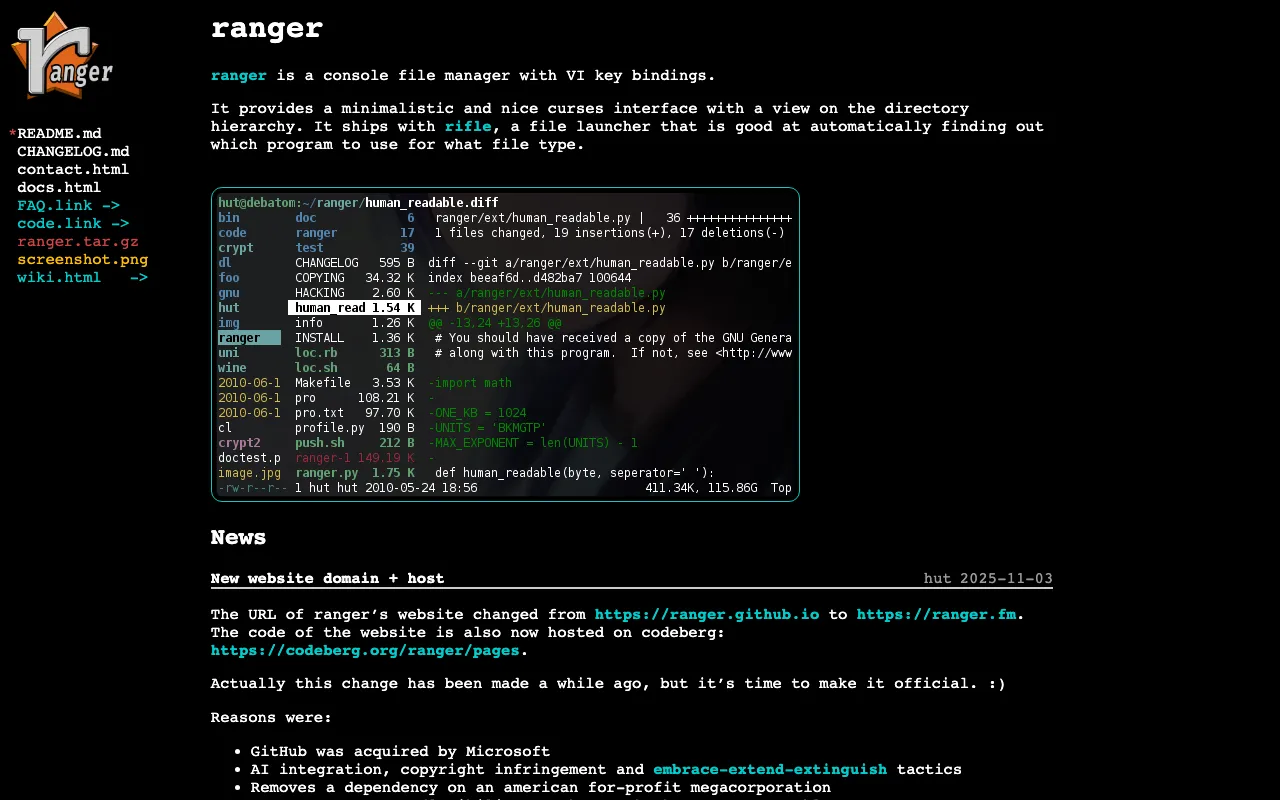
Ranger browses the filesystem in the terminal with a multicolumn layout and previews. It includes rifle, which picks programs for file types automatically.
Ranger is a terminal file manager that uses VI-style keys and a curses interface showing the directory hierarchy. It aims to stay small, scriptable, and integrated with Unix shells, including optional shell directory changes after exit.
The interface supports multicolumn views, optional multi-pane mode, UTF-8 text, tabs, bookmarks, and mouse input. Common file tasks such as create, copy, delete, chmod, and batch rename are built in. Selected files can preview in a dedicated column when scope scripts and optional tools are installed.
Rifle, bundled with Ranger, launches files using rules that map extensions and types to programs. Configuration files can be copied to the user config directory on first run. Python with curses is required; many external utilities improve previews for images, archives, PDFs, media metadata, and code highlighting.
Install via OS packages, PyPI as ranger-fm, pipx, or by running the source script directly. A Dockerfile example can run Ranger inside a container image.
Async terminal file manager written in Rust
Yazi is a terminal file manager built on non-blocking async I/O in Rust, focused on speed, previews, and extensibility.

Terminal file manager with multi-panel previews
superfile is a Go-based TUI file manager for everyday copy, move, rename, and archive tasks in the shell. It emphasizes readable layouts, previews, and configurable hotkeys.

Modern terminal file listing with colours and Git
Eza replaces the traditional ls command with coloured output, icons, tree views, and Git-aware columns. It ships as one compact binary for common desktop and server platforms.
Compact terminal file manager with plugins and disk usage
nnn (n³) is a terminal file manager for browsing, selecting, and organizing files from the shell. It emphasizes low resource use, fast navigation, and optional plugins for previews, mounts, and batch operations.

Colorful terminal directory listing with icons and tree view
LSDeluxe is a modern replacement for the ls command with colors, icons, tree output, and extra formatting options.
Colorful disk usage and free-space terminal utility
duf reports filesystem usage and free space with readable tables, filtering, and sorting as an alternative to traditional df output.