
Ventoy
Bootable USB loader for ISO and disk images
Ventoy prepares a USB drive so you can copy ISO, WIM, IMG, VHD, and EFI files and pick them from a boot menu without reformatting for each image.

Windows Space-bar instant file preview utility
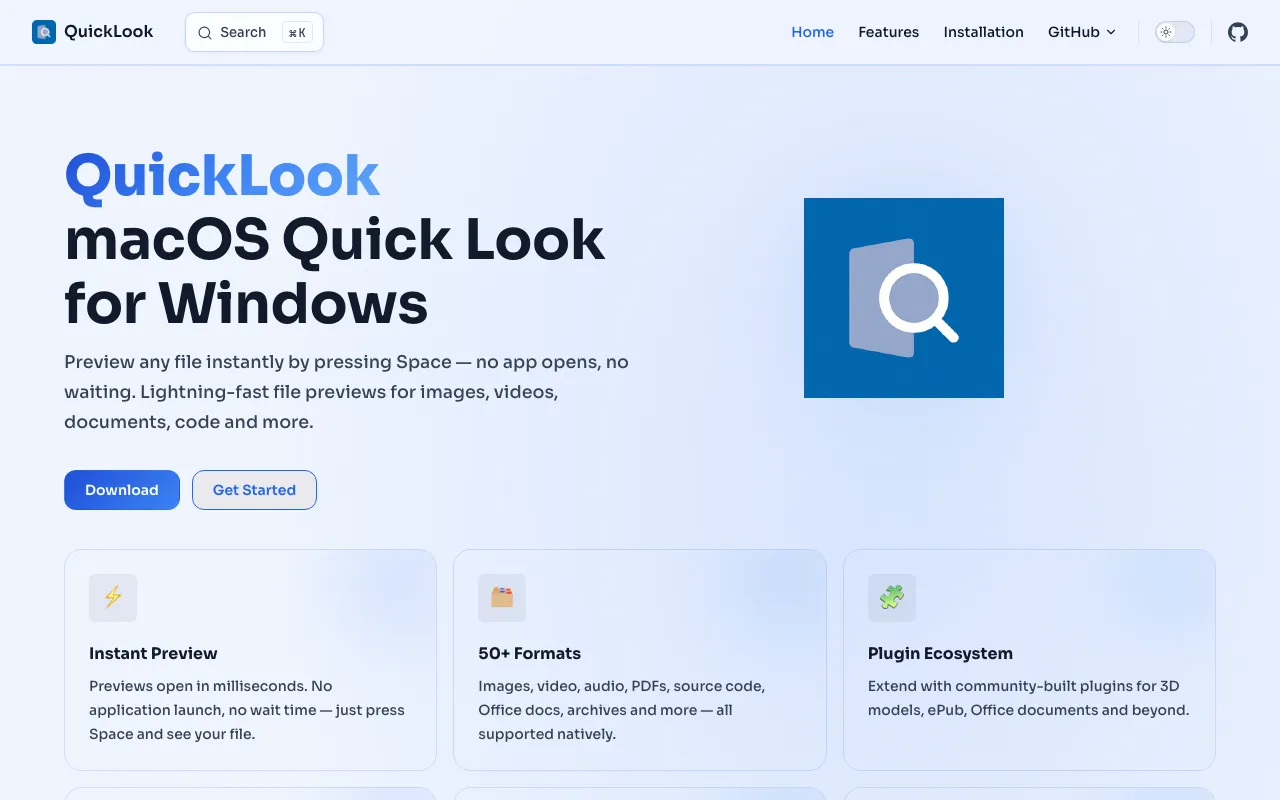
QuickLook adds macOS-style Quick Look to Windows: select a file and press Space for an immediate preview without launching a full editor. It supports many media, document, code, and archive types with optional plugins.
QuickLook is a Windows desktop utility that shows a fast preview overlay when you press Space on a selected file in Explorer or compatible file managers. The goal is to inspect content without opening heavyweight applications for each peek.
Built-in viewers cover images, video, audio, PDFs, Office-style documents, text and code with syntax highlighting, Markdown, archives, fonts, subtitles, and additional specialized formats. Community plugins extend support for items such as enhanced PDF rendering, PostScript, CAD drawings, and Office files without a local Microsoft Office install.
The app integrates with File Explorer, can work in Open and Save dialogs on non-Store builds, and supports keyboard navigation between files, zoom controls, and a system-tray presence. Install options include the Microsoft Store, a standalone installer with portable mode, Scoop, and experimental nightly builds.
The interface follows Fluent Design, adapts to light or dark Windows themes, and targets HiDPI displays. QuickLook is distributed under GPL-3.0 without ads or telemetry according to project materials.
Bootable USB loader for ISO and disk images
Ventoy prepares a USB drive so you can copy ISO, WIM, IMG, VHD, and EFI files and pick them from a boot menu without reformatting for each image.

Portable Windows utility for bootable USB drives
Rufus formats USB and similar drives and writes bootable media from ISOs or disk images. It runs as a single executable on Windows without a separate install step.

Full-featured Android package manager and app inspector
App Manager lists installed packages in depth, installs split APK bundles, and adds backup, debloat, and debugging tools for advanced Android users.
Free native macOS cleaner and app uninstaller
PureMac scans caches, dev tool leftovers, duplicates, and related clutter on macOS, uninstalls apps with linked files, and explores storage without telemetry or subscriptions.
 CleanMyMac

Parallel terminal disk usage analyzer and cleanup helper
dua (Disk Usage Analyzer) reports directory space quickly in parallel and offers interactive exploration plus selective deletion.
Command-line duplicate file finder for directories
Fdupes scans directories you specify and finds duplicate files by content. It can flag duplicates or remove them depending on how you run it.
 DaisyDisk