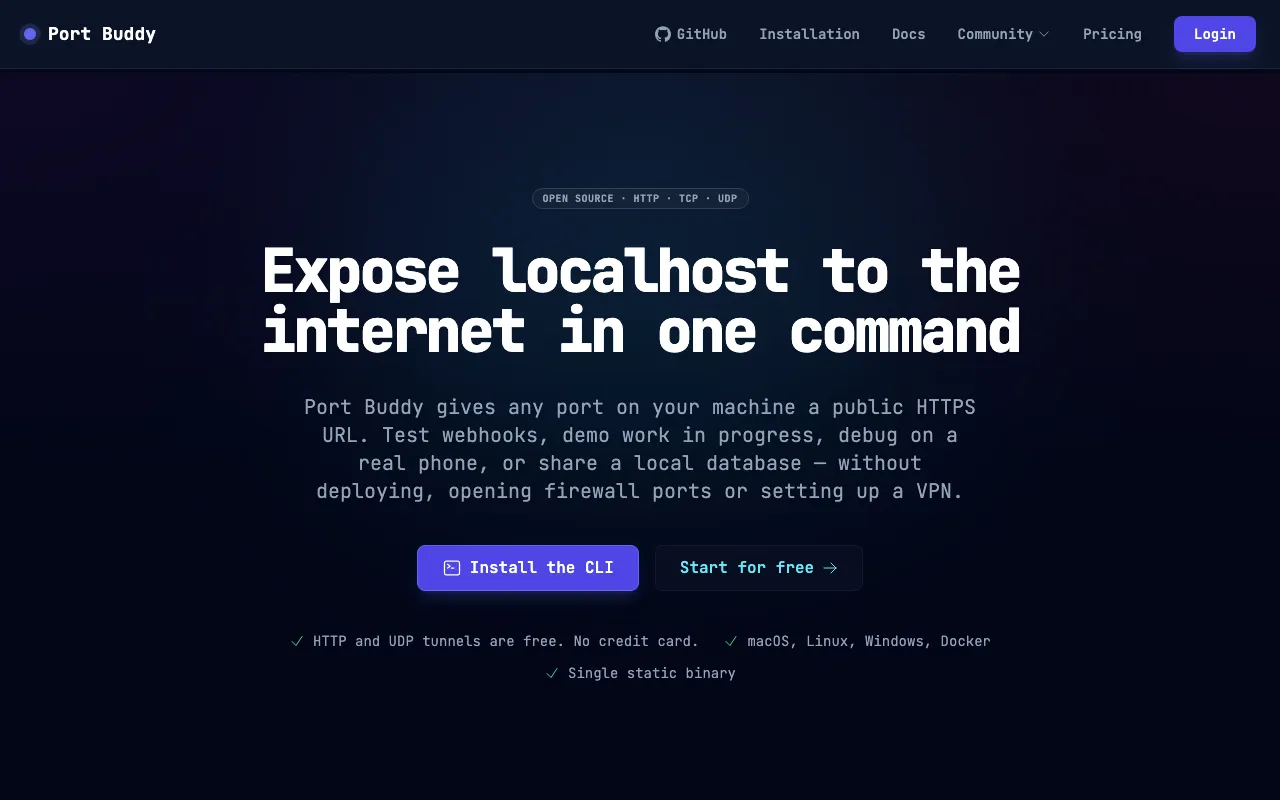
Port Buddy is a command-line tool that gives local services public URLs for HTTP, HTTPS, raw TCP, and UDP, with TLS, static subdomains, WebSockets, and optional Docker use.
Overview
Port Buddy forwards traffic from the public internet to ports on your machine through encrypted tunnels. A single CLI command can expose a web app, database, SSH session, game server, or other TCP or UDP service without router port forwarding.
HTTP tunnels ship with automatic TLS certificates. You can reserve static subdomains, attach custom domains, and protect tunnels with basic auth or IP allowlists. WebSockets and server-sent events pass through unchanged.
The client connects outbound to Port Buddy’s edge; visitors and webhooks reach your laptop through that link. Install options include macOS, Linux, Windows, and Docker.
Key features
- HTTP and HTTPS tunnels
- Raw TCP port forwarding
- Native UDP tunneling
- Static and custom domains
- WebSocket and SSE support
- Background daemon mode
- Private tunnels with access controls
- Single static CLI binary
Use cases
- Receive webhooks on localhost
- Share a dev server for review
- Test on phones over HTTPS
- Expose Postgres or Redis temporarily
- Debug UDP game or VoIP services
Open-source alternative to
Nngrok“Port Buddy is a lightweight, high-performance ngrok alternative designed to instantly expose your local development servers to the public internet.” source